
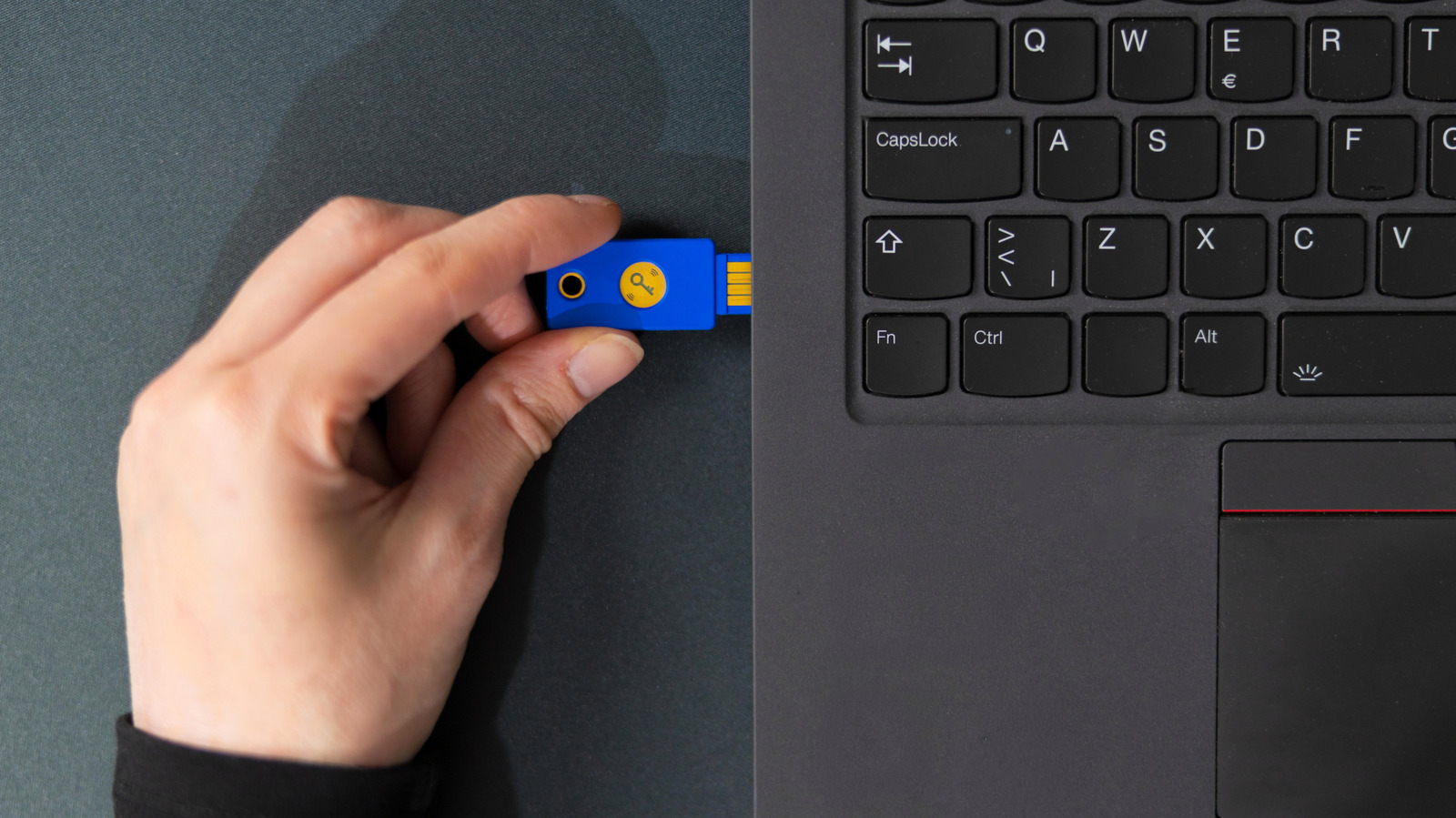
If your USB device keeps cutting out, the problem may be the port, the cable, or your computer's power settings. A device that doesn't stay connected is of little use, since nearly all USB peripherals depend on a steady link. Mice stutter, keyboards drop inputs, cameras cut out, and file transfers to external drives fail to finish. Before digging deeper, restart your computer, since this clears temporary bugs that don't warrant extended troubleshooting.
Next, isolate the problem. Try the same device in another USB port, then try a different device in the same port. If one accessory fails in every port, the device or computer is likely at fault. If several accessories only fail in one port, the port itself is the suspect. Inspect the connector for looseness or bent pins, and check the cable for tears or extreme bends. Damaged cables are a common cause of frequent dropouts, so replace any removable cable that looks worn. Shine a light into the port for debris, and clean it gently with a wooden toothpick or short bursts of canned air. Warped internal pins usually call for professional repair.
If you use a USB hub, connect the device directly to the computer to see if the problem disappears. Hubs add another point of failure, especially when high-power devices draw from a basic model that depends on USB power. A powered hub that plugs into the wall gives better results. On desktops, connect long-term devices to the rear ports, which are wired directly to the motherboard and avoid the extension cables used by front ports.
On Windows, power-saving features can shut off USB ports that are idle and interrupt active devices. Open Device Manager, expand Universal Serial Bus controllers, and uncheck "Allow the computer to turn off this device to save power" for each item. Then, in the advanced power settings, set USB selective suspend to Disabled. Microsoft strongly recommends keeping this setting enabled, so re-enable it if it doesn't help. Outdated or corrupted USB drivers are also possible culprits.
Source: Engadget · Summarized by HeadlinesBriefing