
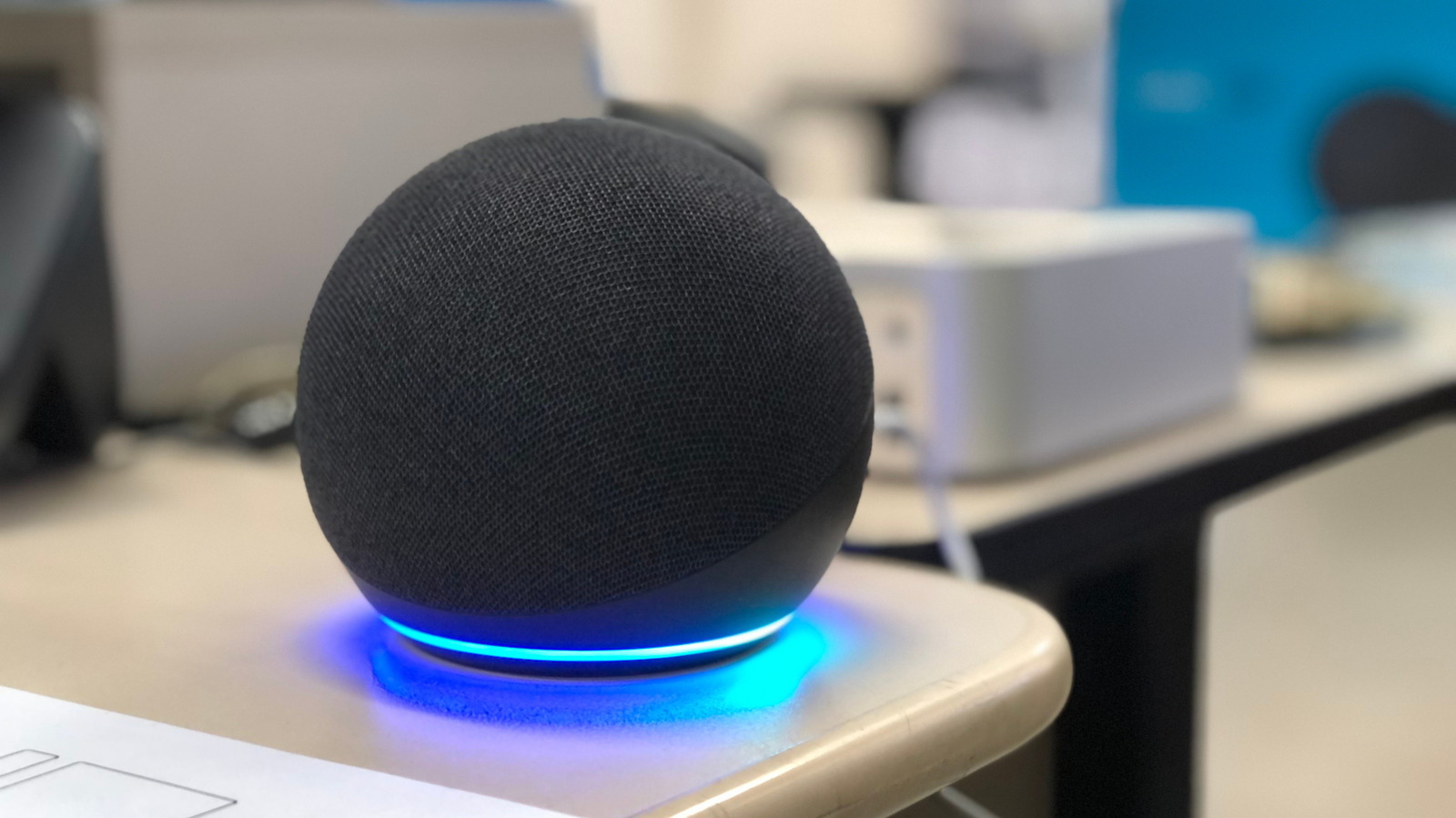
Smart speakers like Amazon Echo, Google Home, and Apple HomePod often misunderstand commands due to placement, background noise, or unclear speech. Universal fixes include cleaning the device with a dry cloth, moving it at least one foot from walls, avoiding proximity to fans or other speakers, and lowering wake-word sensitivity in the app. Using unique names for smart home devices and clear room labels in the companion app also prevents confusion.
If issues persist, enable voice recognition tailored to each platform. For Alexa, set up Voice ID via the Alexa app under Account Management. For Google Assistant, configure Voice Match in the Google Home app (supports up to six voices). For Siri on HomePod, turn on "Recognize My Voice" in the Home app and ensure Siri is enabled in iCloud settings.
As a last resort, restart the speaker by unplugging it for a minute. If problems continue, a factory reset may be necessary — though this erases all custom settings. Speaking clearly and confirming the speaker supports the requested command also helps improve accuracy.
Source: Engadget · Summarized by HeadlinesBriefing