
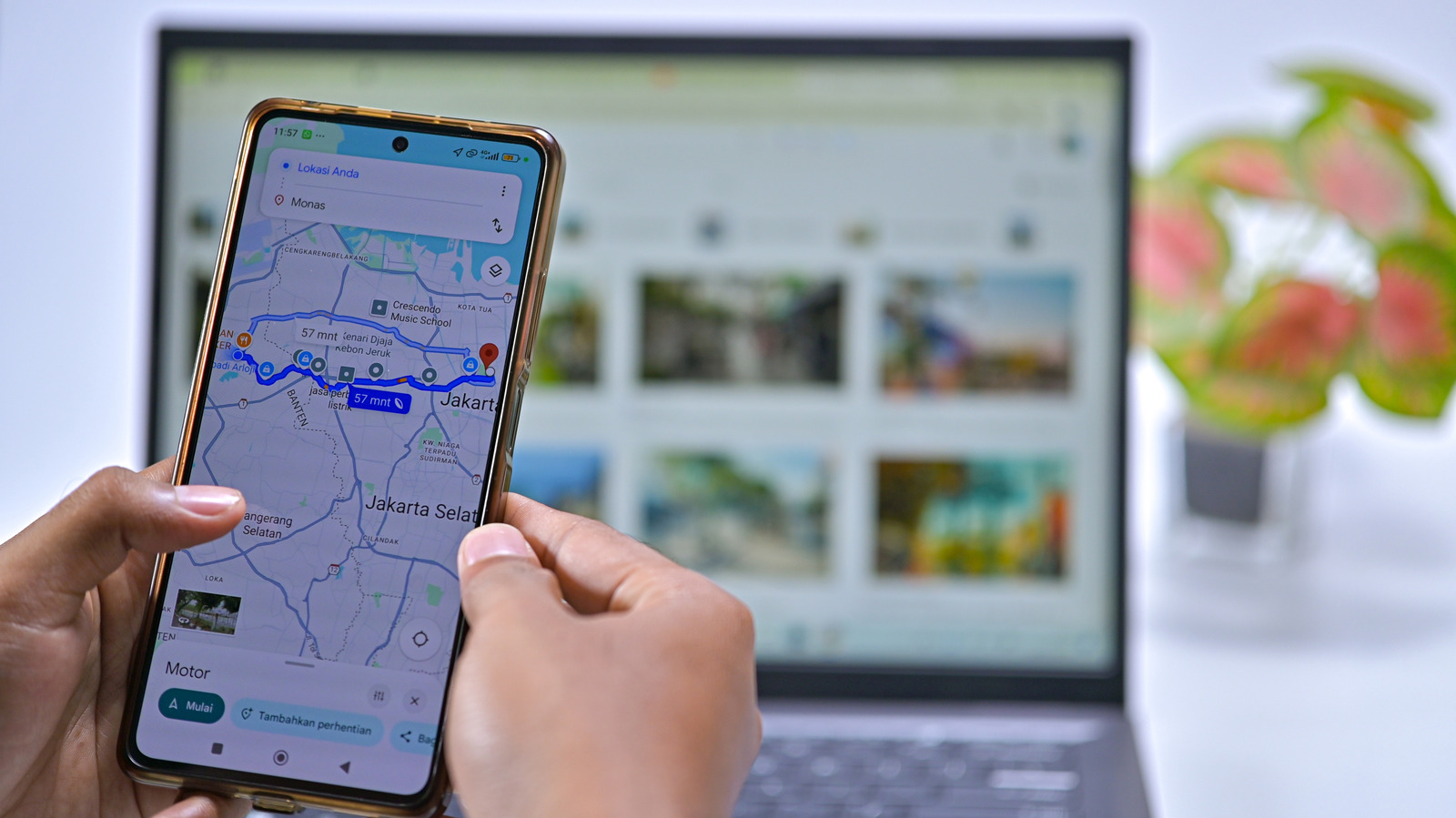
Google Maps offers dedicated shortcuts for your home and work addresses to save time during navigation. If you have recently moved or have never configured this setting, you can update it via the web browser or mobile app. Before saving your address, consider the security implications: storing your exact home location on your device could expose it if your phone is stolen or accessed by others. For added privacy, users are advised to save a nearby public place, such as a grocery store or restaurant, instead of their actual residence. This provides close enough navigation to guide you home without revealing your private address.
To set your home address on the web, sign in to Google Maps and click inside the search box to find the Home and Work entries at the top. Select Edit to change them, or manage your Google Account settings if the entries are not visible. Alternatively, in the mobile app, tap your profile icon, select the Labeled list, and use the Edit function next to the Home entry to input a new address or choose a location on the map. The app also allows you to change the icon for your home label, offering fun options like a treehouse or submarine for easy identification. Beyond home and work, users can create custom labels for frequently visited locations, such as a gym or a specific campsite, which can be searched or used for voice commands to improve the Android Auto experience.
Source: Engadget · Summarized by HeadlinesBriefing