
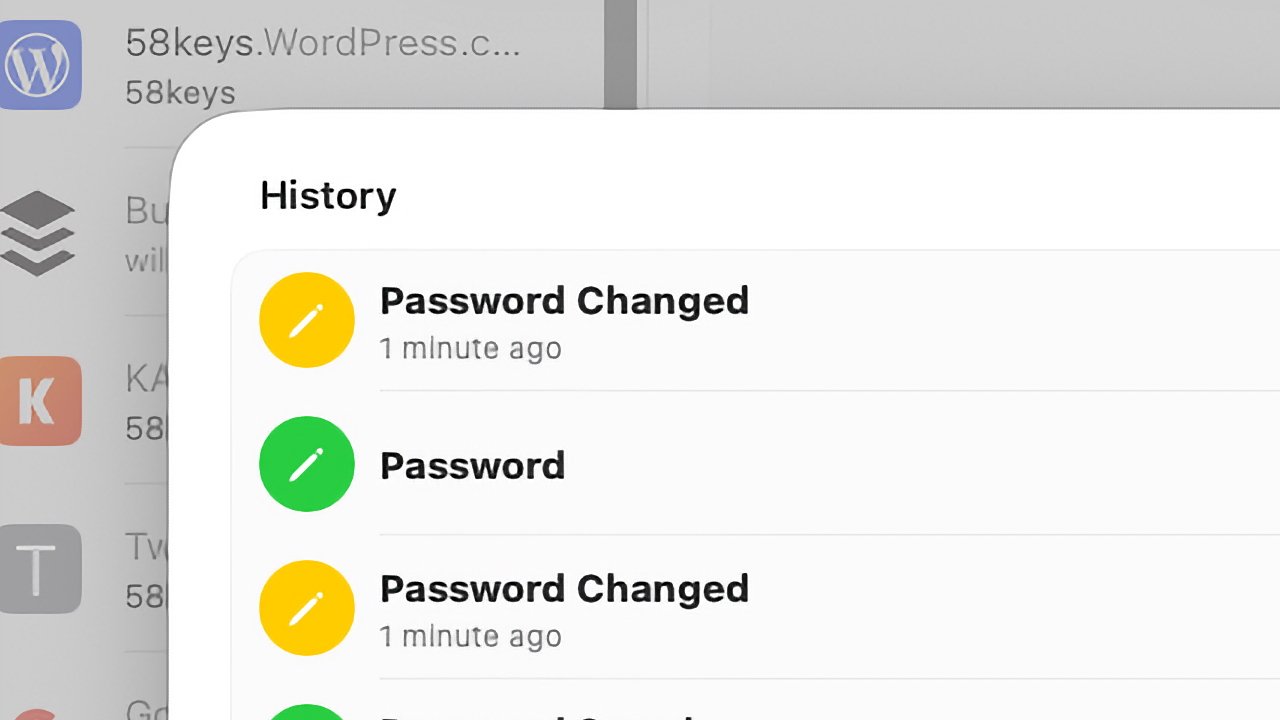
Apple's macOS Tahoe introduces a Password History feature within its Passwords app, addressing a common frustration. Users can now view previous passwords after an accidental overwrite or reset. This versioning system logs every password saved or changed, providing a clear timeline for each login entry and helping users recover access without repeated resets.
The update arrives as Apple continues expanding its 2024-launched Passwords app to compete with dedicated managers like 1Password. For consumers, this reduces the security risks of reused or forgotten credentials. For the industry, it signals Apple's push to make its built-in tools more robust, closing a key gap with third-party alternatives.
To access the history, users select a login and click View History—a button that only appears if a password has been changed. Each entry shows a timestamp, from Password Saved to subsequent Password Changed logs. While Apple hasn't announced a timeline for iOS or iPadOS, this feature is currently exclusive to macOS Tahoe.
Source: AppleInsider News · Summarized by HeadlinesBriefing