
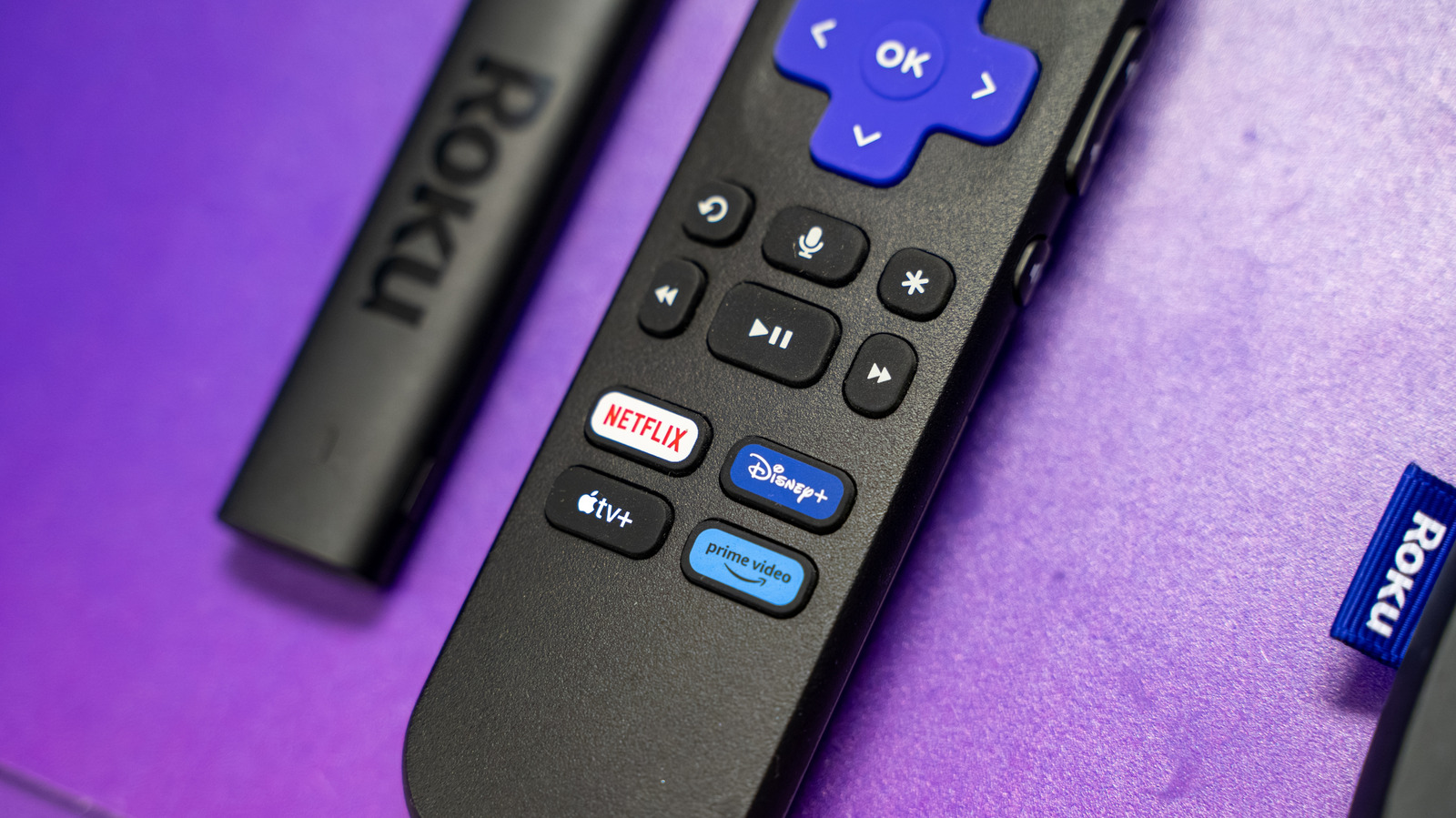
Roku devices are known for their simplicity, but apps and the OS can still crash, disrupting streaming. Common causes include outdated software, insufficient storage, and conflicting background processes. The most immediate fix is checking for system updates via Settings > System > Software update > Check Now. If updates fail, a system restart under Settings > System > Power > System restart clears the cache and resets background processes. Regular housekeeping, such as deleting unused apps, is also recommended due to limited storage, even on premium models like the 2024 Roku Ultra with only 4GB. For persistent issues, a factory reset via System > Advanced system settings > Factory reset wipes the device completely. However, if the device is many years old, hardware limitations may prevent it from supporting newer software and graphics, necessitating a hardware upgrade. Streaming services may also cut off older app versions for security reasons. Keeping apps updated is the best defense against compatibility issues.
Why your Roku apps might be crashing, and how to fix it
One possibility is that an app or the OS is buggy in some form. Although all parties try to squash as many bugs as possible, testing is never perfect, especially with so many potential hardware and software combinations out there. Normally, Roku devices update automatically whenever you do a cold boot, or leave your device on for at least 24 to 36 hours. If you want to speed things up, use your remote to navigate to Settings > System > Software update > Check Now. Keep in mind that it can take days or weeks for a patch to be developed. If updates don't accomplish anything, try restarting your Roku via Settings > System > Power > System restart (the Power menu might be skipped on your device). This gives background processes and the system cache a fresh start, which might be all you need to deal with less severe glitches. In fact, you should be doing this periodically anyway to keep your device running as smoothly as possible. It might also be time for general housekeeping, by which we mean deleting unused apps. Although Roku apps aren't exactly huge, even the 2024 Roku Ultra only has 4GB of storage, and older or cheaper devices may have less. You could be bumping into the swap space the OS needs, and there's no sense risking that for an app you may never open again. When extreme measures are called for, your last-ditch option may be performing a factory reset. This wipes the slate completely clean, reverting your device to the state it was in out of the box — hence the name. This should be avoided whenever possible, since you'll not only have to redownload apps, but reconfigure settings and log back into your accounts. If you're sure you want to try this, head to System > Advanced system settings > Factory reset. Roku also offers hardware-based reset commands if the OS has become totally unusable. If your device is many years old, an unfortunate possibility is that it may no longer be able to keep up with the latest software. While the company maintains surprisingly extensive update support, newer features and graphics can push the limits of RAM and processor power. You may be bumping up against these barriers, and have no choice but to buy new streaming gear. There's only so much you can do to hold onto older software releases, unfortunately. Even when Roku has your back, streaming services may decide to cut off older app versions for the sake of security or other plans. You might as well keep updating apps as long as possible.
Source: Engadget · Summarized by HeadlinesBriefing