
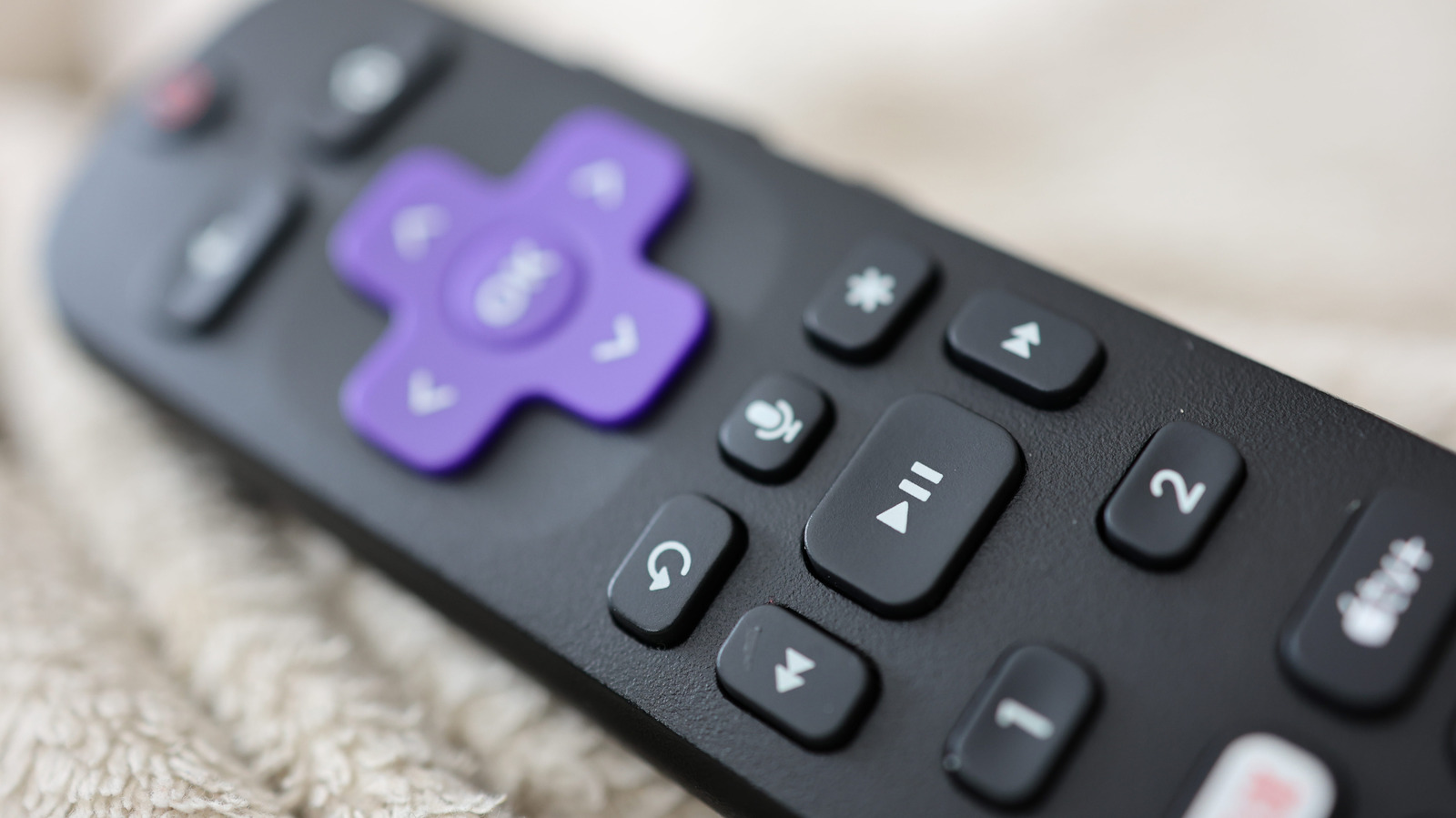
Roku's remote is straightforward, except for its multi-purpose star button. Its usage is contextual depending on when you press it, serving as a mix of an 'options' button and accessibility shortcut. On the home screen, pressing the star button while an app is highlighted shows its version and build number, allows repositioning or removal, and provides options to rate, give feedback, or check for updates.
On a Roku TV, highlighting an external device like a video game console offers the option to rename it. While actively streaming video, the star button opens a sidebar with viewing options, including image quality adjustments, sleep timer, closed captioning, and volume mode changes. The specific options vary slightly from app to app.
Additionally, the star button acts as an accessibility shortcut, allowing users to toggle the text-to-speech screen reader by pressing it four times in a row. This feature is currently only available in the United States and is supported on various Roku devices, including Roku TV, Roku Streambar, Roku Smart Soundbar, Roku Express, Roku Streaming Stick, Roku Premiere, and Roku Ultra.
Source: Engadget · Summarized by HeadlinesBriefing