
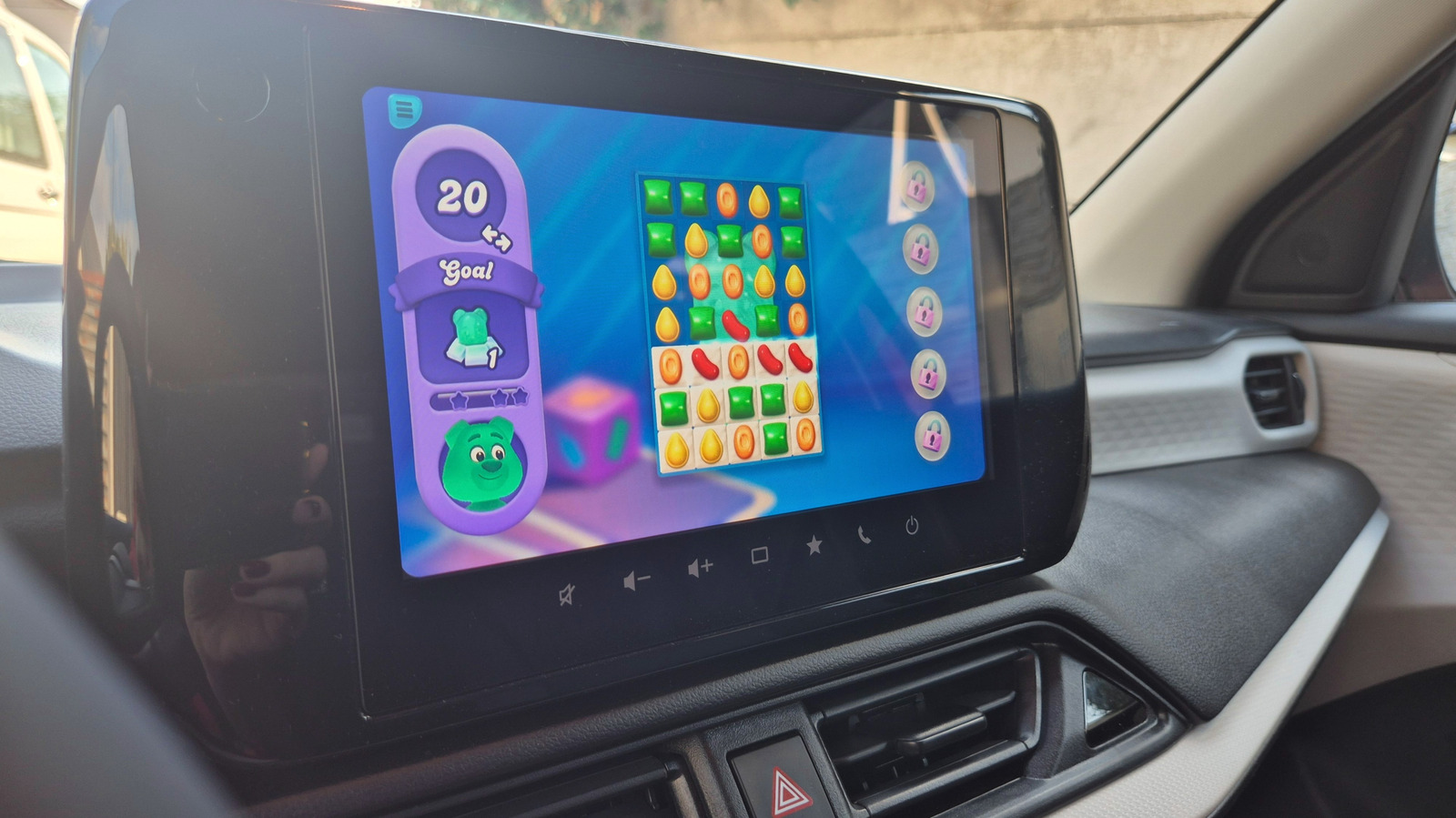
Android Auto now supports gaming officially, letting you play on your car's large display while parked. Over 35 games are available, including Angry Birds 2, Candy Crush Soda Saga, and Beach Buggy Racing, with more expected soon. Games only work when your car is stationary and automatically close when you shift into gear. Full phone mirroring isn't supported, but compatible titles work with controllers for a console-like feel. To set up, install Android Auto-compatible games from the Play Store, connect your phone via USB or wirelessly, and enable them in the Android Auto launcher under Settings > Connected Devices. Game Snacks is also available as a built-in option for quick entertainment.
Perfect for downtime during soccer practice, EV charging, or long trips, this feature aims to make waiting more enjoyable. While titles like Hearthstone and Call of Duty aren't yet supported, the library is growing. Parents will find kid-friendly options like My Talking Tom Friends and educational games for coloring and basic math. Just remember: no gaming at stop lights or in traffic—safety first.
Source: Engadget · Summarized by HeadlinesBriefing