
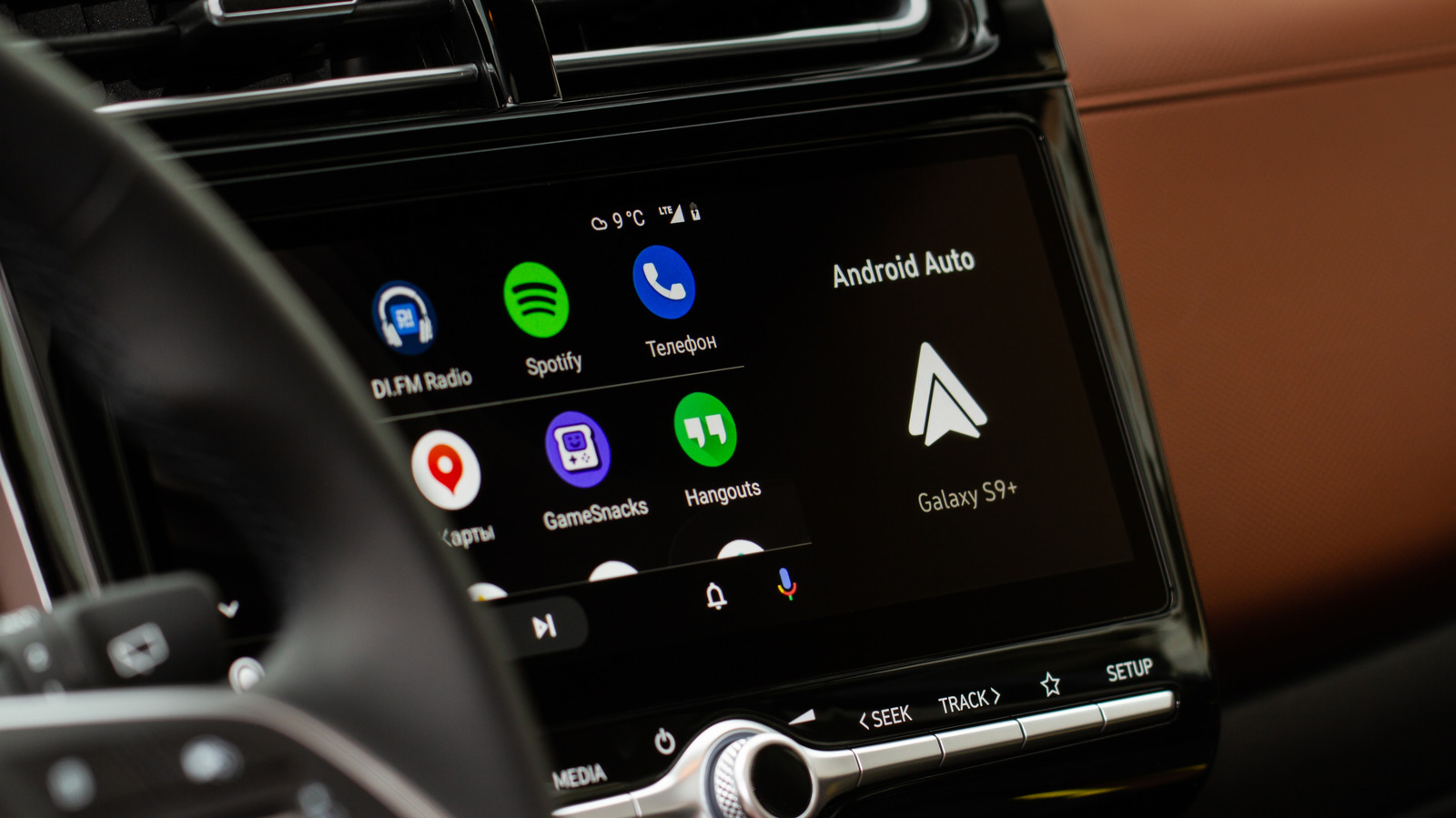
Android Auto's autoplay feature can be frustrating when your car stereo blasts music the moment you start your engine. This convenience often backfires, especially during morning commutes or when driving children to school. The good news is that disabling this feature is now straightforward, typically requiring just a single toggle in your phone's settings.
To stop auto-play, navigate to Settings > Connected devices > Android Auto and look under the Startup section. Here, you will find the toggle for "Start music automatically." Switching this off prevents Android Auto from resuming playback upon connecting to your vehicle. This simple fix is the first recommendation on Spotify's support forums and resolves the issue for many drivers.
If the toggle does not work, the problem may stem from Bluetooth interactions rather than Android Auto itself. Try removing your phone from the car's Bluetooth memory and reconnecting via USB only, if your setup allows. Some vehicles may still trigger playback due to how their systems interact with your phone's Bluetooth API.
For Spotify users specifically, the app may still auto-play if a connected Bluetooth device sends a "play" command upon reconnection. This behavior depends on how the device interacts with Spotify's API, and there is no universal fix. Keeping your phone, app, and car firmware updated can help, but results vary. If all else fails, consider removing Spotify from Android Auto entirely, though this means losing access to the app on your car's display.
Source: Engadget · Summarized by HeadlinesBriefing