
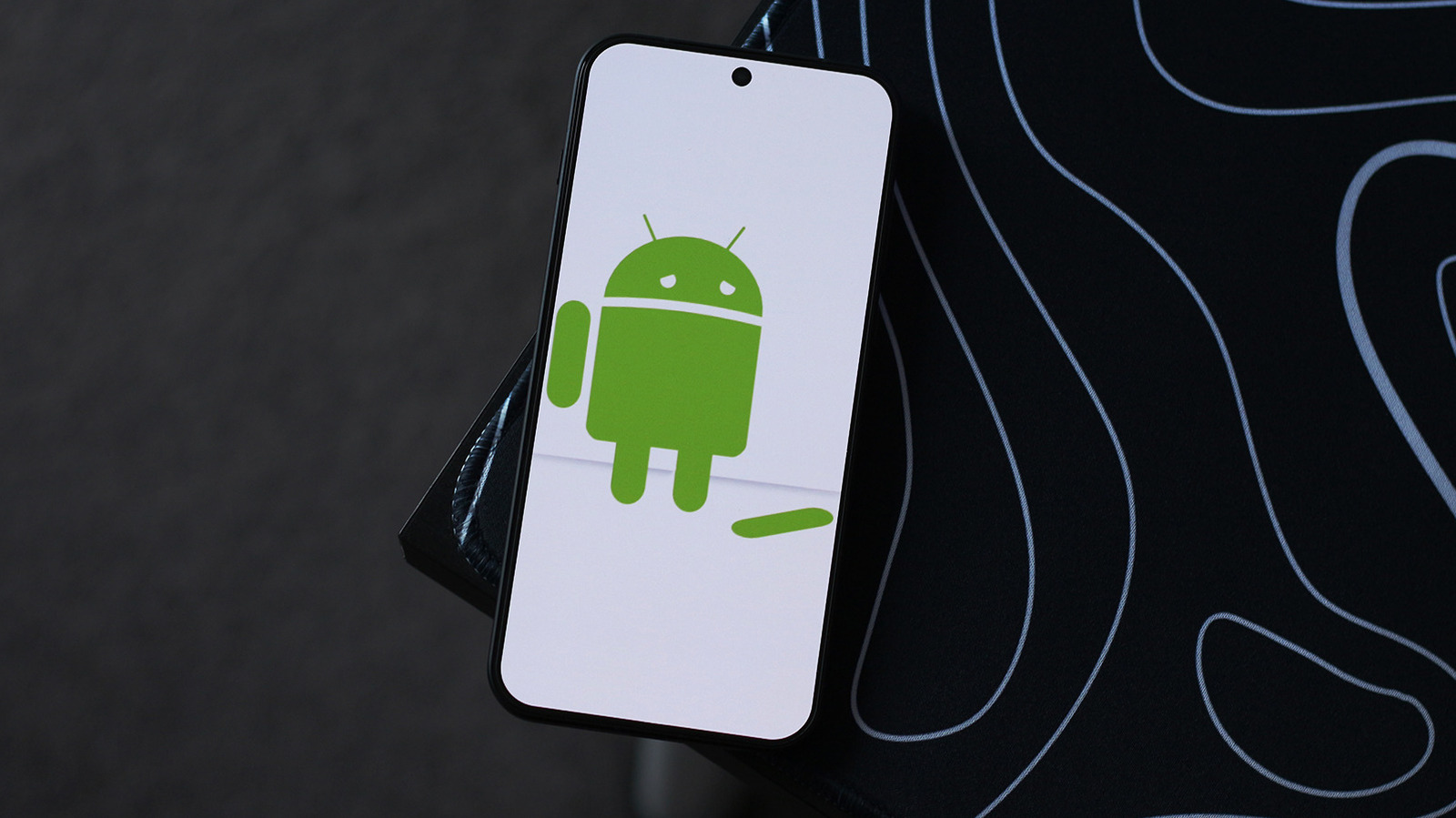
If an Android app keeps crashing, start by checking the Google Play Store for updates. Tap your profile picture, select Manage apps and device, and look under the Updates available section. If no updates exist, go to the app's info page via long-press or Settings > Apps, then tap Storage & cache > Clear cache, followed by Force stop.
This removes corrupted temporary files. If issues persist, clear the app's data or uninstall and reinstall from the Play Store — note this wipes local data unless cloud backup is enabled. Restarting your phone can also resolve system-level glitches; force restart by holding the power button (and volume keys on some models).
Check for system updates at Settings > System > Software update. For advanced users, sideloading an older app version is possible by enabling Developer options (tap Build Number seven times), waiting 24 hours, then allowing unknown sources — though Google has tightened sideloading security.
Source: Engadget · Summarized by HeadlinesBriefing