
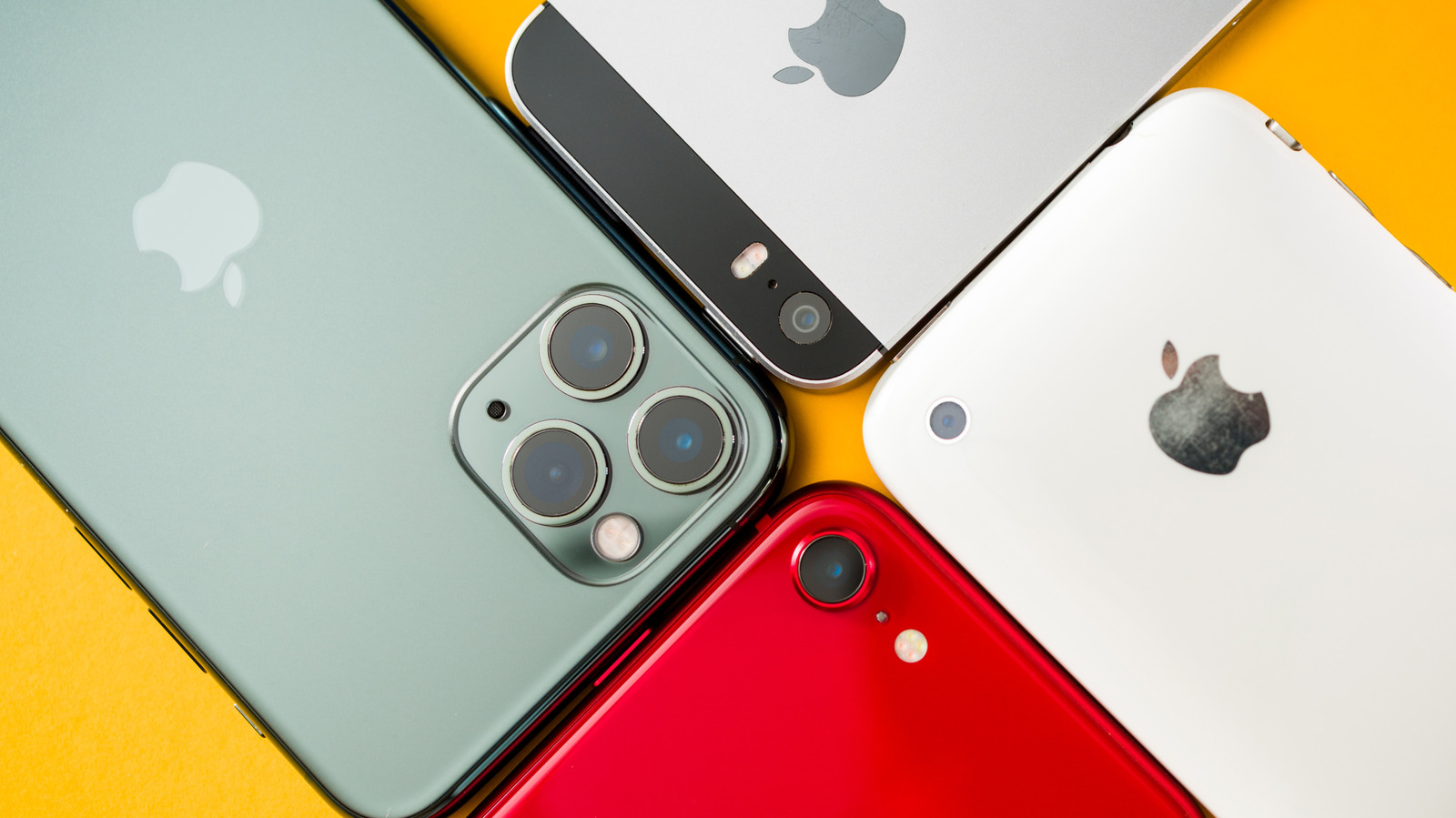
An iPhone is built to last, and many people keep using the same phone for years before upgrading. Over time, though, your iPhone may start to feel slower once its hardware can no longer keep up with the latest software features. Before giving up on your current device, there are a few tweaks worth trying that could make it feel faster.
Running out of storage is a common cause of a slow iPhone. iOS needs free space for cache, temporary files and updates, and experts recommend keeping at least 10 percent of total storage available. Open Settings, go to General > iPhone Storage to see what is taking up space. Photos, videos and messages are often the main culprits, and media apps like Spotify or Netflix can store large offline downloads. Delete what you no longer need, or move older data to a computer or external drive. If you use iCloud, enable Optimize iPhone Storage for iCloud Photos so old media is offloaded while a low-resolution copy stays on the device. You can also clear Safari history and website data under Settings > Apps > Safari.
Many people also forget about apps they no longer use. The Storage settings page shows when you last opened each app, making unused ones easy to find. If you want to keep an app's data, choose Offload App instead, which removes the app while preserving its data and settings. Your iPhone can also offload unused apps automatically through the App Store settings.
Background App Refresh is another factor. It lets apps silently fetch new content and update in the background, which is convenient but adds strain on older hardware. You can turn it off entirely or for specific apps under Settings > General > Background App Refresh.
Source: Engadget · Summarized by HeadlinesBriefing