
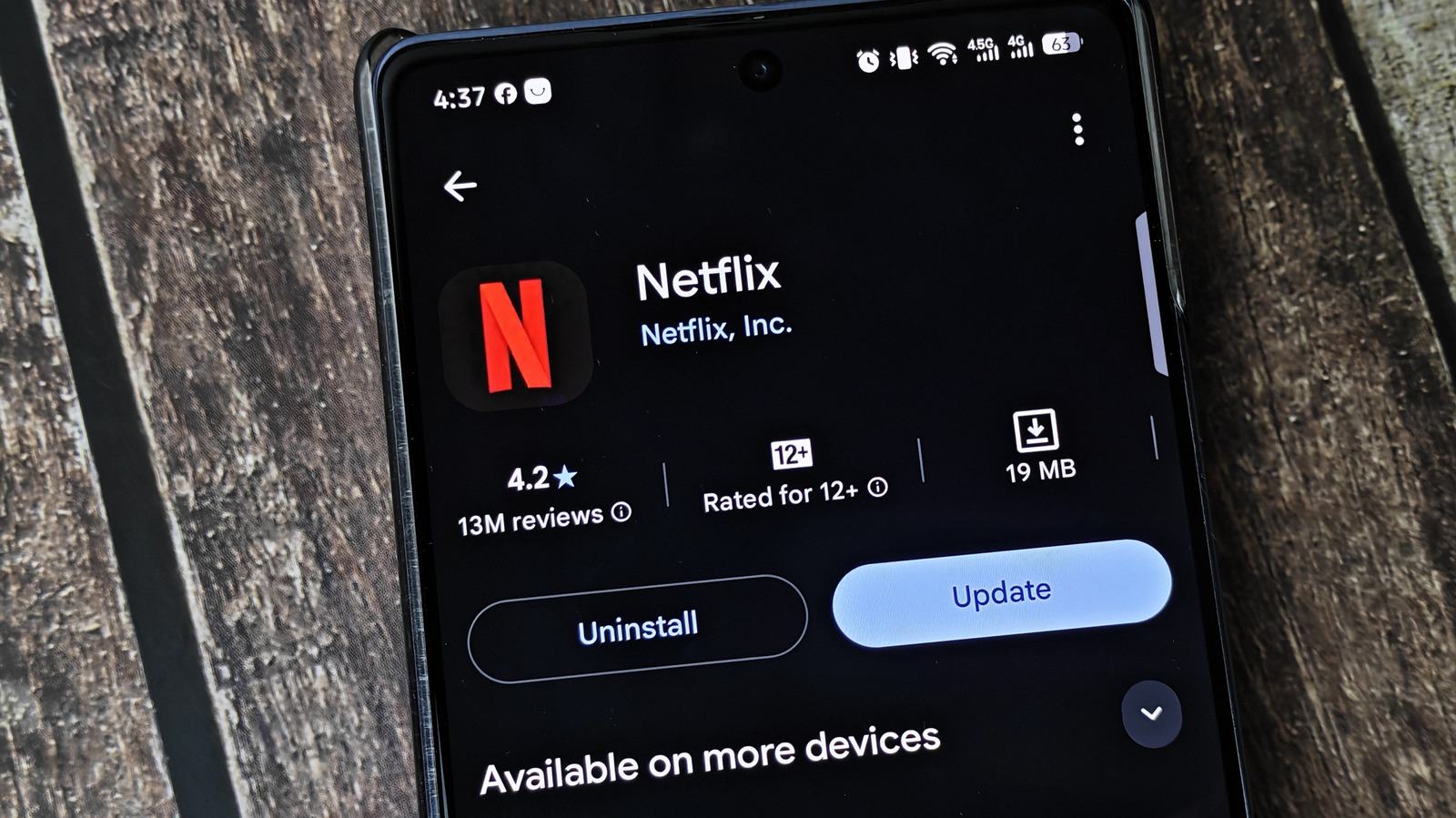
Those update alerts aren’t just there to annoy you. You're likely nagged to update something every day, whether it's an OS, browser, console game or anything else with an internet connection. Apps on your phone might seem like a minor update in the grand scheme, but you shouldn't let them sit forever. Updating apps has lots of benefits, and delaying them for too long can cause problems. Thankfully, this isn't as much of an issue since automatic updates are a quick toggle in the App Store or Google Play Store. But you shouldn't fully rely on them, either. Updates can get stuck or fail, and they don't necessarily reach your device as soon as they're available. It's best to pair auto-updates with manual checks every so often.
New features are the most obvious change when you update an app: buttons moved, features added or libraries expanded. If you skip updates, you'll miss new tools like leaving notes on Spotify songs, smarter playback options in a podcast app, new courses in Duolingo and fresh tracks in the Nintendo Music app. However, app updates can take functionality away or break what once worked fine. Developers of active apps should be quick to fix widespread issues, and you'll acclimate again.
Patching security vulnerabilities is the biggest reason to update apps even when you don't feel like it. Security flaws in apps could potentially open up your device or information within the app to attack. This is more of a concern on Android than iPhone, since iOS isolates apps more strictly. However, there have historically been attacks that abuse iPhone apps, and earlier in 2026, an exploit was discovered in Zoom's apps. The longer a security issue is known about, the more time attackers have to craft an exploit plan.
Aside from brand-new functionality, updates can bring performance enhancements. Developers might simplify the codebase to streamline performance, fix bugs that caused crashes or make the app easier on battery. OS compatibility is also a reason for app updates. When a new version of Android or iOS is coming, developers need to make sure their app runs on it properly.
Source: Engadget · Summarized by HeadlinesBriefing