
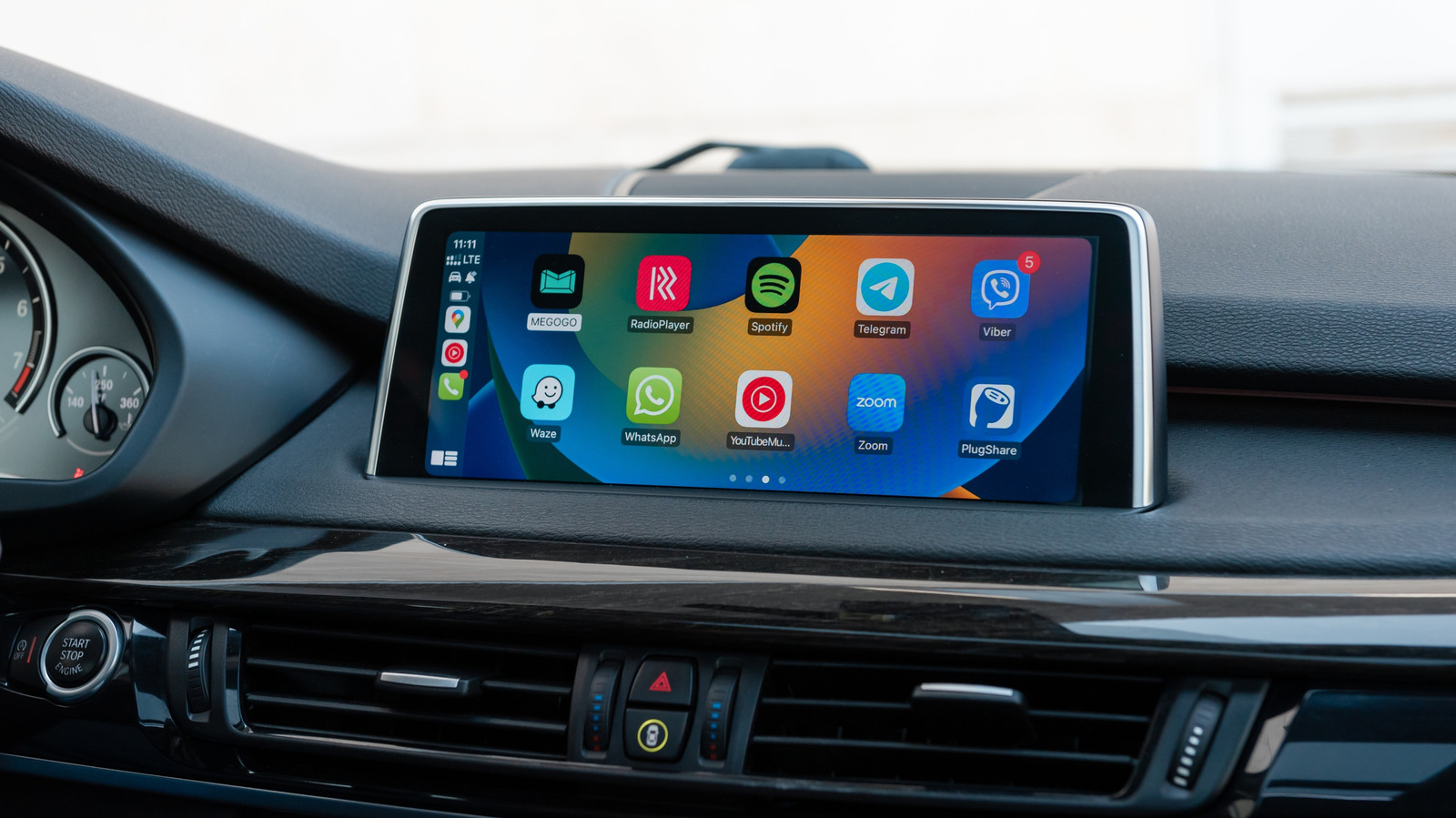
Apple's CarPlay uses a bell icon to signal that Siri is automatically announcing incoming messages from first- and third-party apps. This feature can be useful for staying updated without checking your phone, but it can also be distracting during noisy group chats or when it interrupts music and podcasts. To adjust these settings, go to Settings > Notifications > Announce Notifications > Car Play on your iPhone. The default option is Remember Previous Setting, but you can choose to always Announce or Silence messages. It's recommended to limit announcements to apps without group chats, such as messaging apps for family members, while disabling notifications from shopping or food apps that aren't urgent.
For better management of alerts while driving, setting up a Focus mode for driving is advised. This can be configured under Settings > Focus, selecting or adding a Driving mode. Once active, you can customize it to allow only calls and notifications from specific contacts, set up auto-replies, and enable an Intelligent Breakthrough & Silencing toggle for important notifications.
To integrate this with CarPlay, scroll down on the Driving Focus page and tap While Driving, then toggle Activate With CarPlay. This will automatically switch the Focus mode on and off when CarPlay is connected. Experimenting with different combinations of Focus settings and message announcements can help find the best balance for safe driving.
Source: Engadget · Summarized by HeadlinesBriefing