
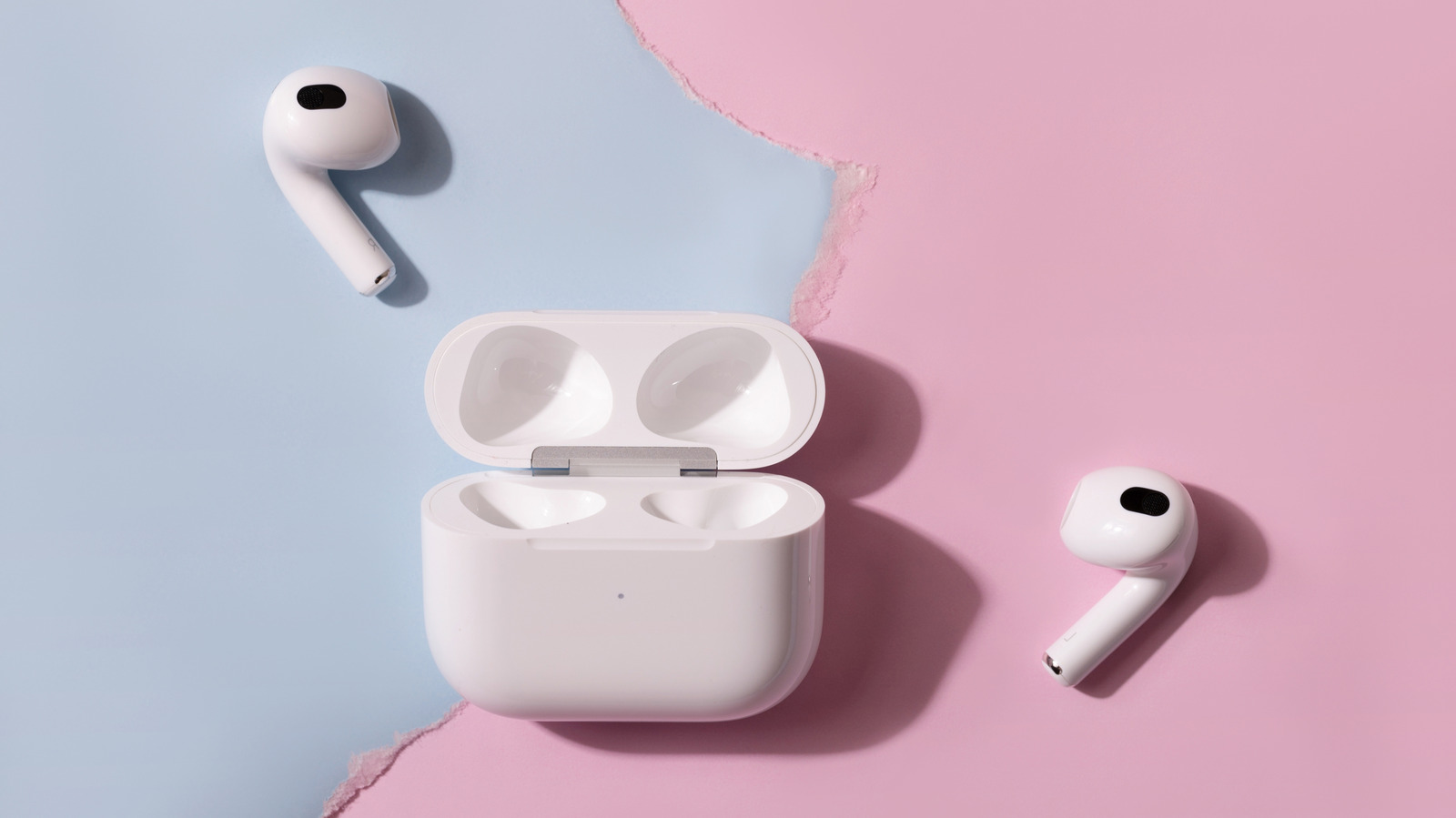
AirPods pair with Android like any other Bluetooth device, but most of their smarts stay behind on the iPhone. Flip open an AirPods case next to an iPhone and up pops a card showing your earbuds and their battery levels, ready to connect with one tap. Do the same next to a Samsung Galaxy, and you'll get nothing. Instead, you'll need to double-tap the front of the case on AirPods 4, AirPods 5 or AirPods Pro 3 (or hold the button on the back of older models) until the light flashes white, then connect them manually through Bluetooth settings.
But seamless connectivity isn't the only feature you lose when using your AirPods outside the Apple ecosystem. Apple warns that "you can't use Siri, but you can listen and talk," but that's underselling it. Automatic device switching, ear detection, Spatial Audio head tracking, the Ear Tip Fit Test, Live Translation, hearing health tools and the heart rate sensor on AirPods Pro 3 all depend on an iPhone, iPad or Mac. So too do firmware updates and Find My.
Some apps can claw back a few of these features, but at $249, AirPods Pro 3 cost the same as Samsung's Galaxy Buds 4 Pro. Unsurprisingly, Samsung says these reach their "full potential" with a Galaxy phone. AirPods do retain some functionality when paired with a non-Apple device, though. Pressing the stem while connected to a Galaxy still plays, pauses and skips tracks, according to Sound Guys — though you can't customize those controls. The site also found noise cancellation on AirPods Pro 2 is about the same on Android as on iOS.
Firmware updates and Find My require an Apple device. Apple's solution is to book an appointment at an Apple Store or with an Apple Authorized Service Provider to get them updated. Find My works from any browser at iCloud.com/find, but you must pair your AirPods with an iPhone or iPad signed into your Apple Account before they'll show up.
Source: Engadget · Summarized by HeadlinesBriefing