
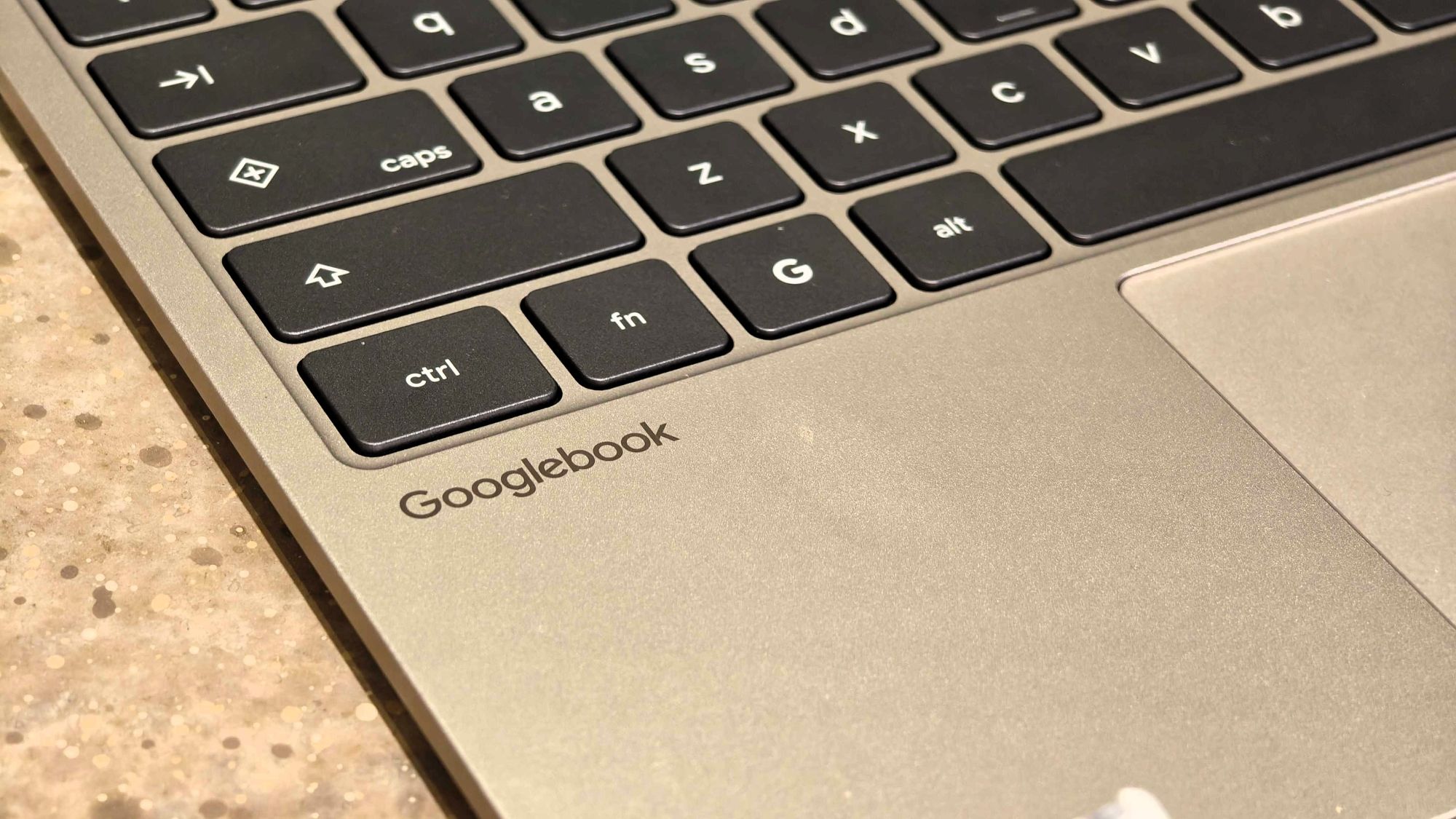
Samsung phones running One UI 9.0 based on Android 17 can now access Googlebook’s Better Together features, including Continue On, Cast My Apps, Quick Access, and Notification Sync. The rollout follows a Google Play services update that fixes a pairing bug leaving the QR code onscreen after connection. Google is addressing one of the biggest launch issues with Googlebook by extending support to Samsung Galaxy phones, making initial setup less frustrating.
Users can stream mobile apps to laptops, sync notifications, access phone files, and use Continue On to resume activities across devices. Samsung users were initially excluded at launch despite being a major Android ecosystem player, though Google had promised support within weeks. The update, revealed by Mishaal Rahman on Reddit, primarily resolves a pairing bug but requires correct software versions for full functionality.
To enable features sooner, users should ensure Google Play services is version 26.37 or newer and Cross-device services is version 1.0.1346 or newer. Both devices must use the same Google account with Bluetooth and Wi-Fi active, and a private home network is recommended to avoid blocks on public Wi-Fi. Early feedback shows improved app casting on devices like the Galaxy S26 Ultra, though some users await compatibility.
The update fixes launch shortcomings but highlights that core features weren’t ready for a broad Android audience at release.
Source: Android Central · Summarized by HeadlinesBriefing