
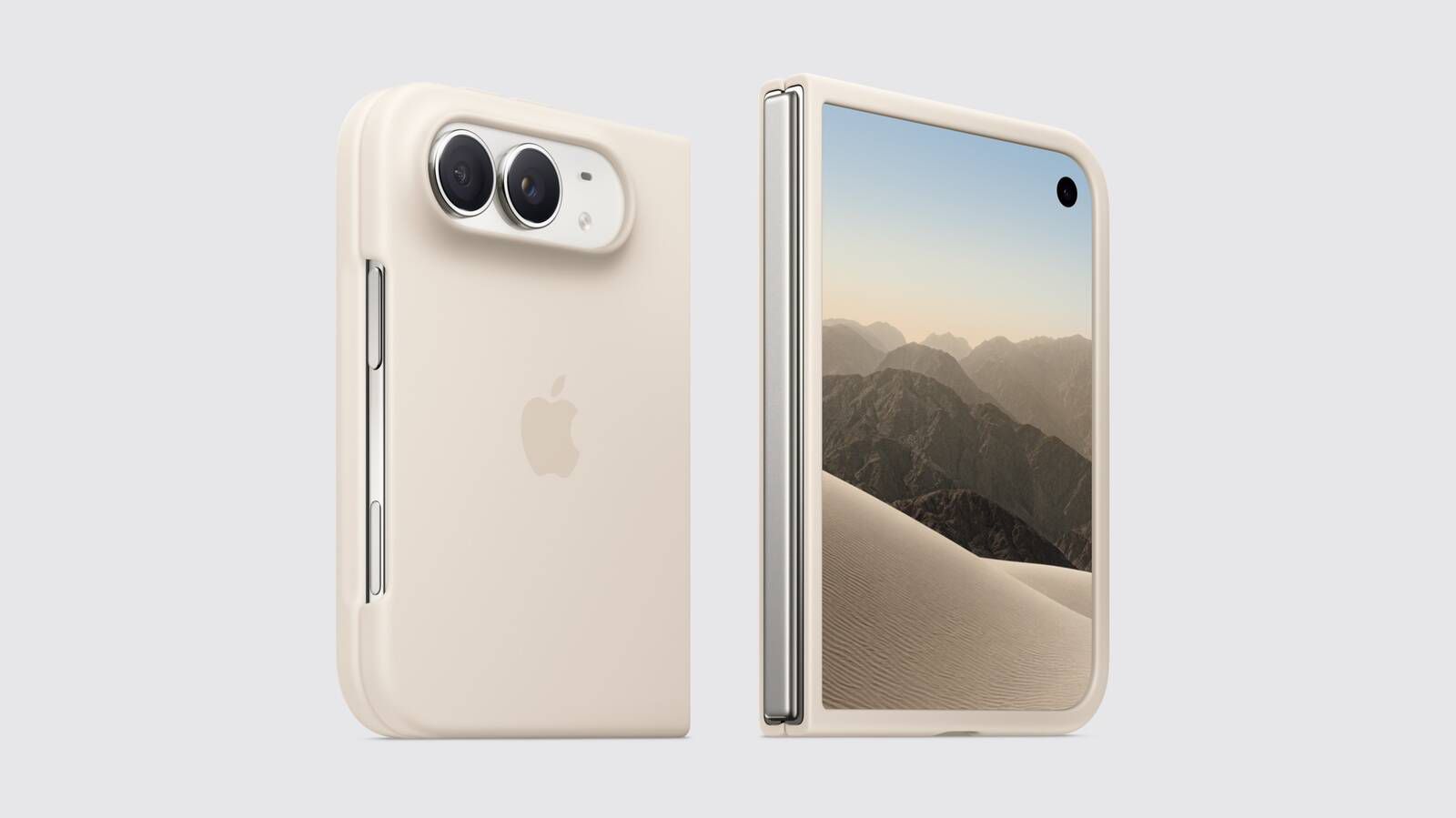
Apple's iPhone Duo includes a Shift Left Edge setting to prevent case occlusion on the outer display. When using Apple's official iPhone Duo Case, a prompt automatically guides users to enable this feature. It can also be manually activated for third-party cases via Settings > Display & Brightness.
Enabling the setting requires a brief restart, not a full reboot. Once active, a narrow black border appears on the left edge of the front screen to accommodate the case, ensuring no content is hidden. Apple offers two official accessories: the iPhone Duo Case and the Folio with Kickstand, the latter of which does not obstruct the display.
Source: MacRumors · Summarized by HeadlinesBriefing