
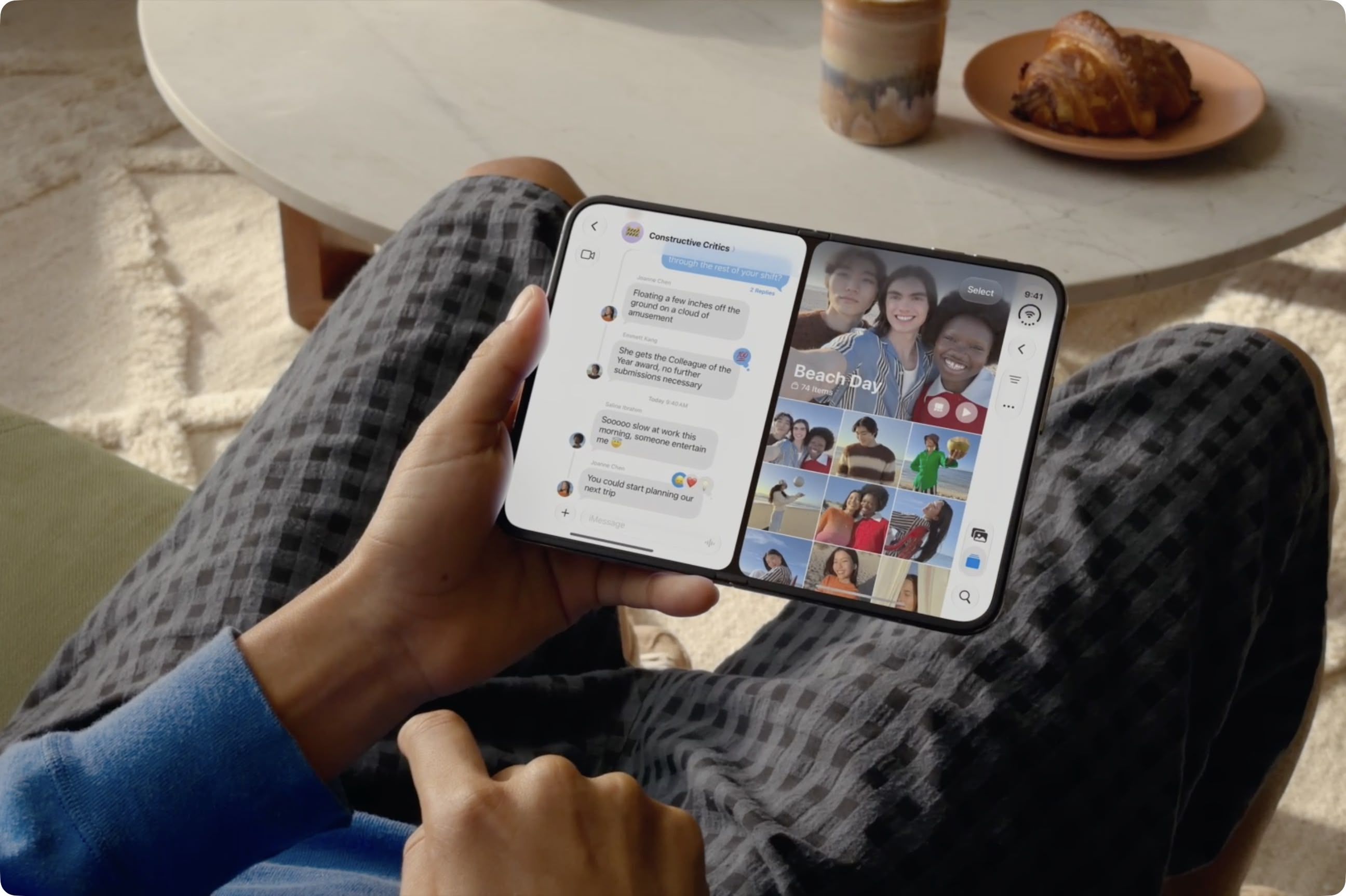
iPhone Duo is the first iPhone that can run two apps on the screen at the same time. Unfold the phone in landscape orientation, and Split View puts two apps side by side on the 7.6-inch inner display. It's especially handy for things like keeping Messages open next to Maps, or Safari next to Notes. Indeed, if there's an app combination that you use often, you can lock two together as an app pair, and they will always launch together.
To open two apps in Split View, swipe up from the bottom of the screen, pause in the center, then keep dragging the app toward the left or right edge. The app will settle into that half of the screen, and the Home Screen will appear on the other half. Now select the second app you want to open.
Alternatively, touch and hold an app icon from the Home Screen or App Library, then tap Open in Split View, then select the second app. Apps that support multiple windows include Safari, Mail, Notes and Files.
To lock two apps as an app pair, tap the divider between them in Split View. The next time you open either one, the other will open automatically. To unpair them, drag the divider all the way to the left or right edge.
Source: MacRumors · Summarized by HeadlinesBriefing