
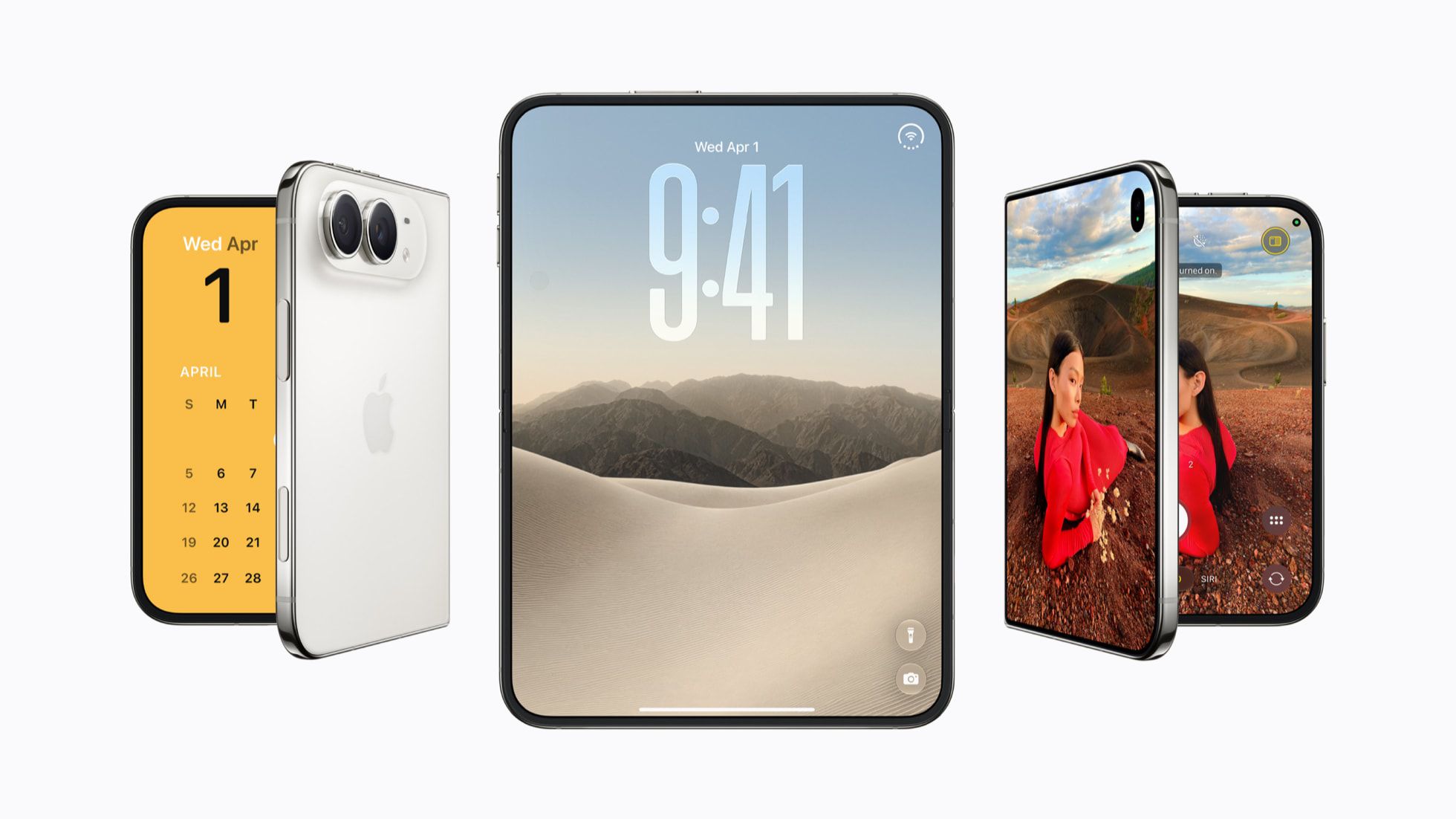
With just three days until the iPhone Duo launches, Apple has begun posting screenshots of its built-in apps running on the device in the App Store. Some of these apps appeared in marketing materials, but the new images show how the iPhone Duo will feel to use day to day.
Many apps appear in landscape orientation with an iPad-like interface, using part of the screen for sidebar navigation. Others use the full display for more viewing space. Some apps go further with a dual view. In Contacts, a list of names sits beside a panel for editing information. The Siri app has no traditional sidebar and no full split either. Its left side shows a tiled view of conversations, while the full conversation appears on the right.
The iPhone Duo uses a vertical dock and vertical navigation bars on the right side of the display in both open and closed views. The exception is when the device is held vertically in an open state, similar to an iPad in portrait orientation. Navigation bars then stay at the bottom. Apple says this mode is ideal for apps that use the keyboard or for browsing in Safari. Apps such as Preview combine bottom tool palettes with sidebars or navigation bars, and Markup offers a preview of drawing and photo editing apps with a large canvas paired with a bottom toolbar.
The Home Screen places the Today view with widgets on the left and app icons on the right. Because the FaceTime camera sits under the inner screen and there is no Face ID, the inner display lacks an always-visible Dynamic Island. Apple still uses the Dynamic Island for Live Activities and alerts on the inner display, while the outer display has a small vertical version that includes the camera cutout. Apps can switch quickly between open, closed and other positions, and Apple has kept navigation buttons in consistent places across each mode.
Source: MacRumors · Summarized by HeadlinesBriefing