
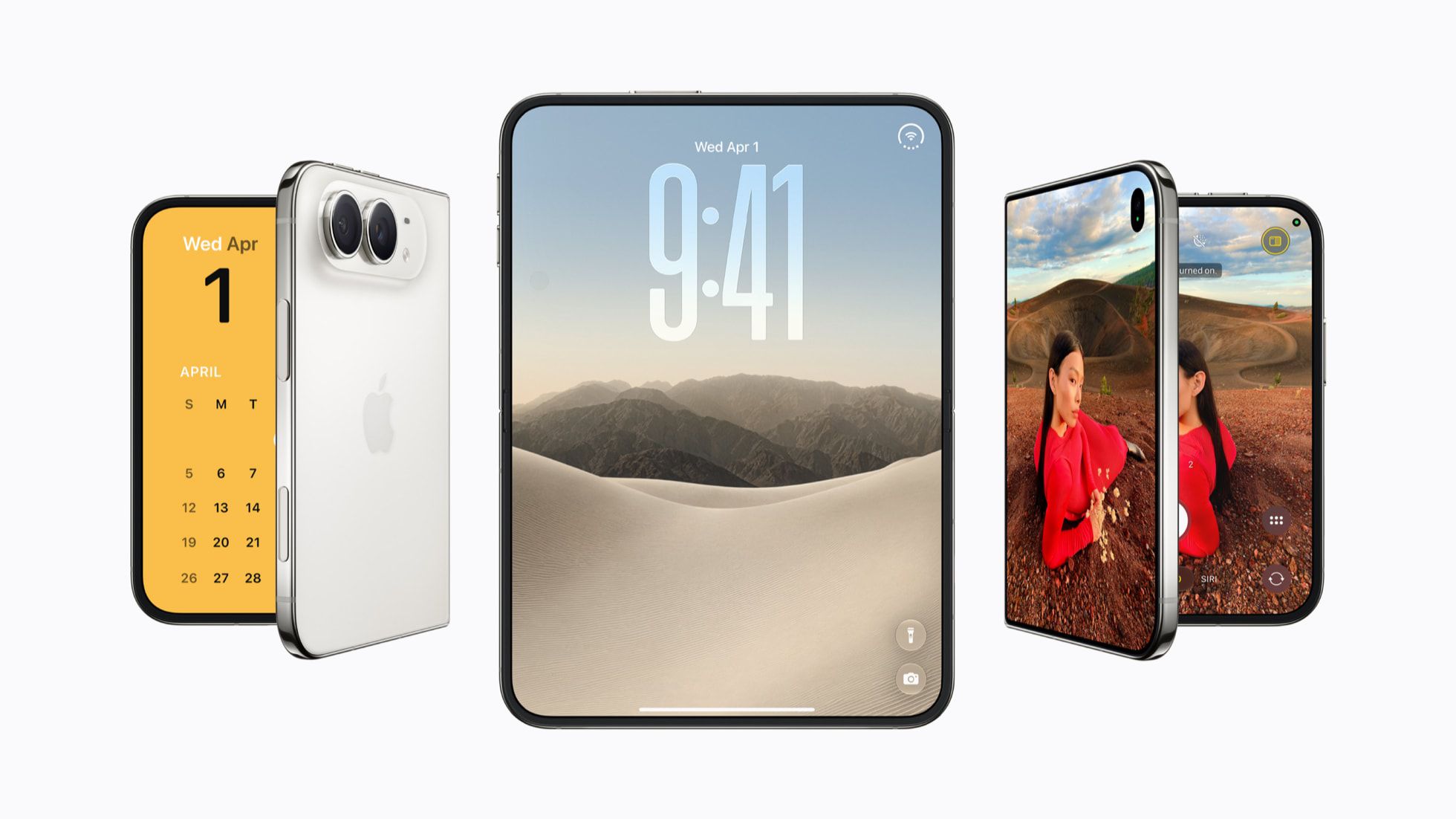
Apple's iPhone Duo uses traditional Touch ID authentication instead of Face ID, with the sensor built into the side button, iPad-style. By default, you authenticate with your finger to unlock the device, then swipe up to dismiss the Lock Screen. However, there's a setting that removes the latter step.
To skip the swipe, enable "Rest Finger to Open" in Settings. The toggle appears in two places: Settings Touch ID & Passcode and Settings Accessibility Side Button. In both instances, Apple's description reads: "Open iPhone with Touch ID by resting your finger on the side button," confirming they are the same setting. If you navigate to the first menu, you'll need to enter your passcode before accessing it.
If you decide the quicker Touch ID unlocking mechanism isn't for you, simply turn the switch off. Afterward, you'll need to swipe up from the bottom of the Lock Screen after fingerprint authentication to fully open your iPhone Duo.
Source: MacRumors · Summarized by HeadlinesBriefing