
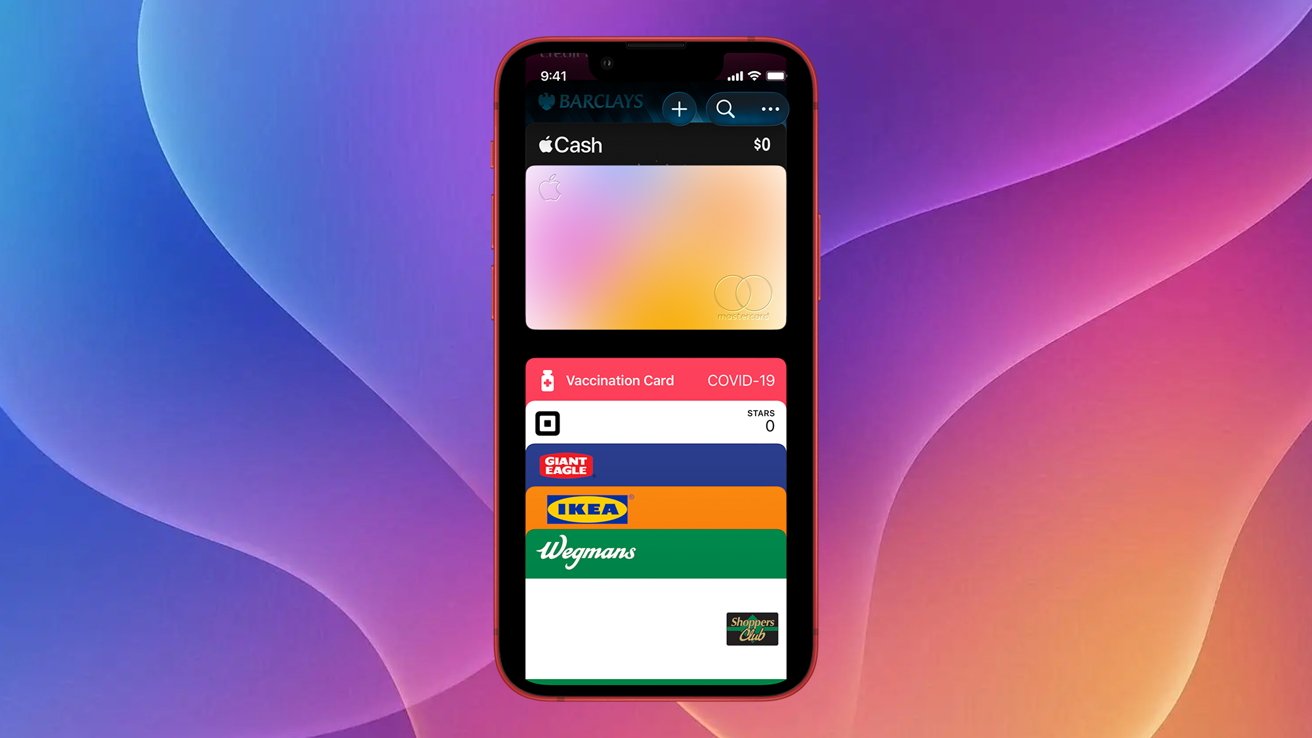
Apple Wallet in iOS 26 now supports adding third-party rewards and membership cards via the Pass2U app, though a $2.99 in-app purchase unlocks full features. Users can digitize cards like store loyalty programs or gift cards, reducing physical clutter. The process involves scanning barcodes and filling templates, but not all cards are compatible. Pass2U's free version has limitations, including watermarks, while the paid tier removes ads and allows advanced customization.
To add cards, download Pass2U, search for a template, scan your card, and input details. This method works for rewards, boarding passes, and store cards but not official IDs. Apple hasn't natively expanded Wallet support for unsupported cards, leaving third-party solutions like Pass2U as the primary workaround. The app's simplicity makes it ideal for frequent iPhone users who prioritize digital access over physical cards.
While iOS 26 improves Wallet functionality, reliance on external apps raises privacy concerns. Pass2U stores card data locally, but users should verify security practices. Competing apps exist, but Pass2U stands out for its template library and barcode scanner. This update matters for consumers seeking convenience without sacrificing organization, especially as digital payments grow.
Key takeaway: Pass2U bridges the gap for unsupported cards in Apple Wallet, but iOS 26 still lacks native integration for these features. For now, it's a practical tool for managing scattered cards digitally.
Source: AppleInsider · Summarized by HeadlinesBriefing