
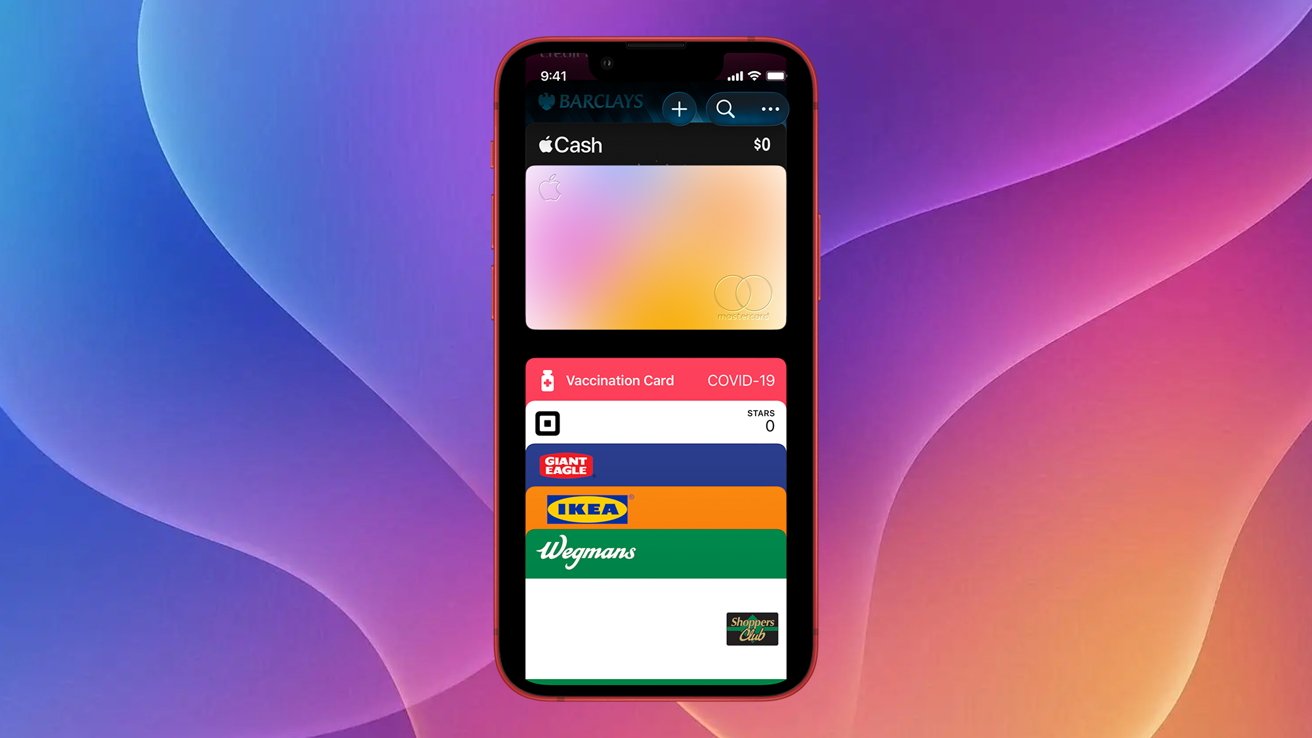
Apple Wallet already handles credit and debit cards, but iOS 26 lets users stash unsupported rewards and membership cards as well. The trick relies on third‑party apps that generate PassKit passes compatible with Wallet. One popular option, Pass2U, offers a free tier and a one‑time $2.99 upgrade for extra templates, barcode types, and ad removal today anywhere.
To add a card, install Pass2U, open the Pass Store, search the retailer’s name, pick a template, then scan the physical barcode. After filling required fields, tap Done and the pass appears in Apple Wallet ready for NFC or QR use at checkout. The app warns against storing official IDs like driver’s licenses. It works on any iPhone with iOS 26.
Storing rewards digitally reduces the chance of misplacing cards and keeps the iPhone as the primary checkout device. Because many merchants still lack native Wallet support, Pass2U’s template system fills a gap, extending Apple’s ecosystem into loyalty programs. Users can now tap or scan directly from the lock screen, streamlining everyday purchases ever without fumbling through physical wallets today again.
Source: AppleInsider · Summarized by HeadlinesBriefing