
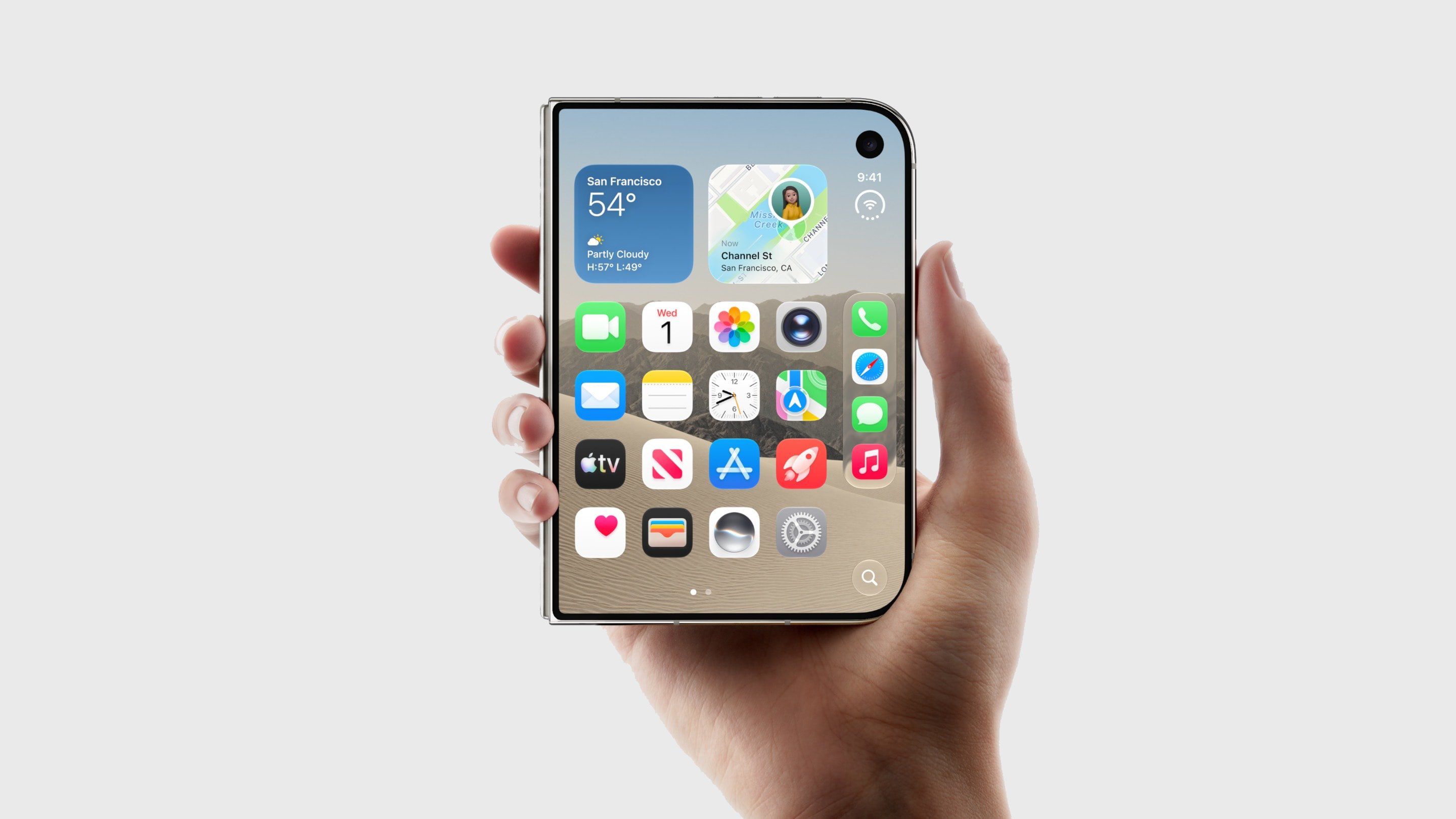
The new iPhone Duo removes the physical Ring/Silent switch and Action button, leaving no hardware mute control. However, users can quickly silence the device via Control Center. With the phone unlocked, tap the circular status bar icon to open Control Center, then tap the bell icon to activate Silent Mode.
A status bar indicator appears, but can be hidden under Settings > Sounds & Haptics > Show in Status Bar. If the control isn’t visible, add it manually by tapping the plus icon in Control Center, selecting “Add a Control,” and choosing Silent Mode from the Sounds section. Note that Silent Mode mutes calls and alerts but not alarms or media audio.
For scheduled quiet periods, use a Focus mode instead.
Source: MacRumors · Summarized by HeadlinesBriefing