
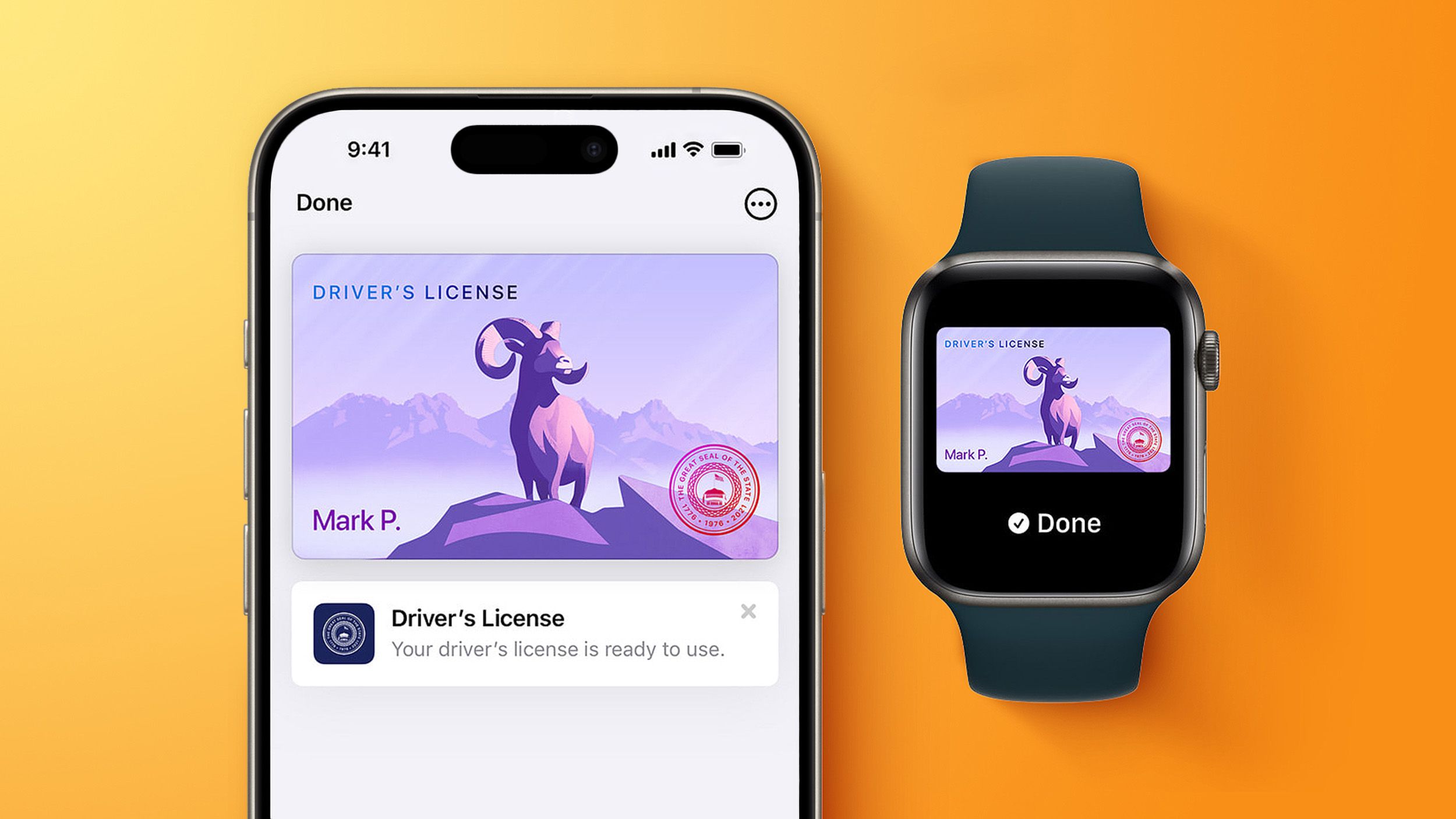
Residents in select U.S. states can add their driver’s license or state ID to Apple Wallet on iPhone and Apple Watch, then use it to prove identity or age at participating airports, businesses, and apps. A recent code review shows the service will expand to four more states, with North Carolina’s DMV planning a mobile ID rollout later this year, followed by Oklahoma, Utah and Virginia.
To add a license, open the Wallet app, tap the plus sign, choose Driver’s License and ID Cards, select your state, and follow the on‑screen steps. Once set up, you can present the ID by tapping your iPhone or Apple Watch on a reader; Face ID or Touch ID authorizes the release of information without unlocking or handing over the device, preserving privacy.
Apple Wallet IDs are not accepted by law enforcement, so a physical card remains required for traffic stops, and business acceptance is still limited. The four new states join 14 existing ones—Arizona, Maryland, Colorado, Georgia, Ohio, Hawaii, California, Iowa, New Mexico, Montana, North Dakota, West Virginia, Illinois and Arkansas—plus Puerto Rico. TSA accepts the IDs at more than 250 U.S. airports, including Charlotte Douglas and Raleigh‑Durham.
Source: MacRumors · Summarized by HeadlinesBriefing