
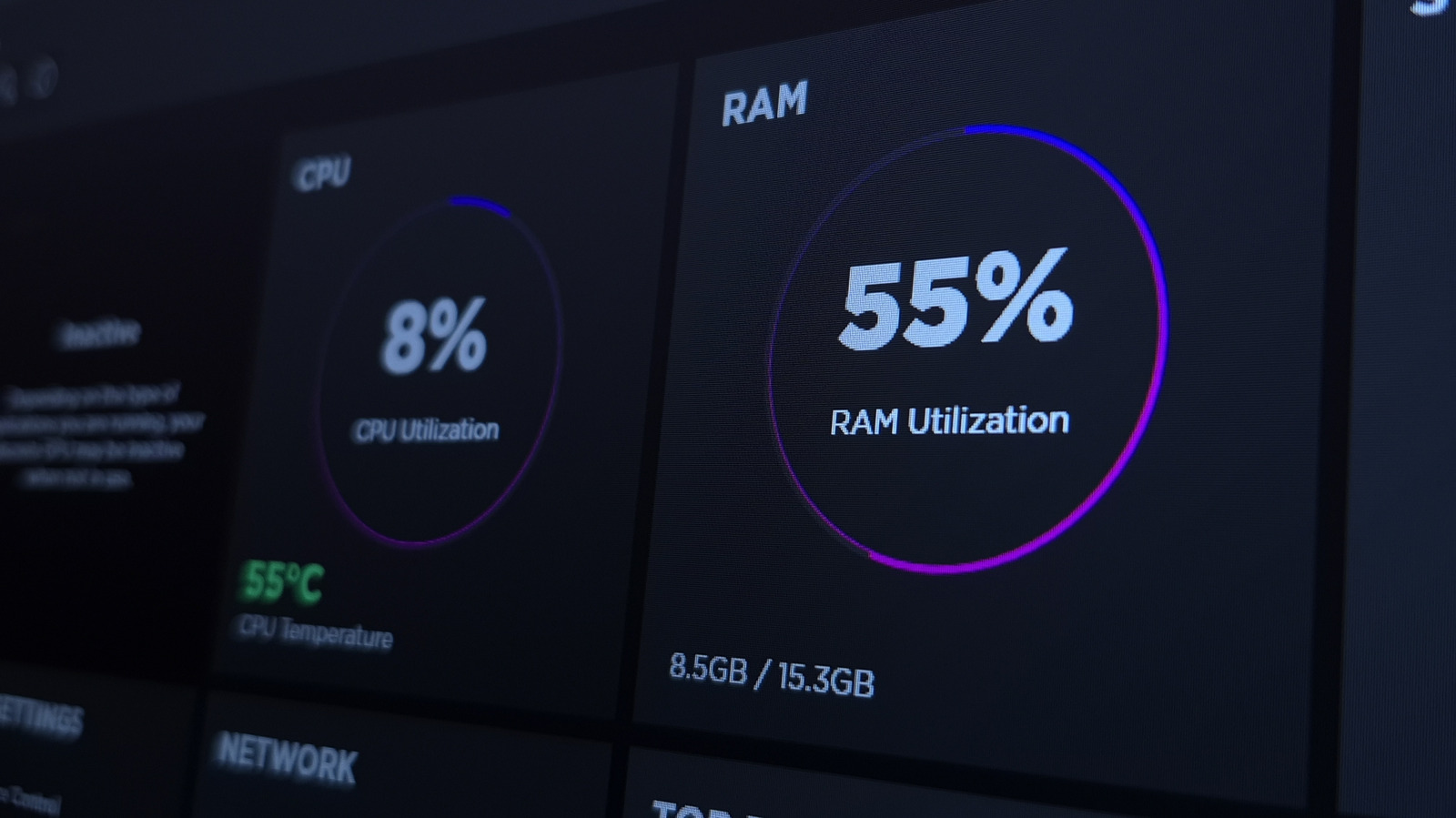
PC gaming performance can suffer due to background Windows services consuming CPU, RAM, and network resources. While hardware upgrades offer the biggest gains, disabling unnecessary services like Xbox Game Bar, Windows Search indexing, OneDrive sync, and Sys Main can free up resources for smoother gameplay. Xbox Game Bar, though useful for recording and launching games, adds overhead that Steam already handles. Windows Search’s Enhanced indexing scans your entire PC, hurting performance and battery life; reverting to Classic limits it to key folders. OneDrive sync can cause CPU and network spikes during online games—pausing it for 2, 8, or 24 hours is advisable. Sys Main, designed to prefetch apps, may mispredict gaming needs and should be disabled. Most other services have negligible impact and disabling them risks breaking critical functions. Always research before toggling services and avoid over-disabling.
For best results, combine service tweaks with GPU optimization. The effects are subtle but can help in resource-constrained systems. Avoid disabling services like the print spooler unless you never print, and always keep third-party software in check. The goal is not to strip Windows bare, but to trim excess without breaking functionality.
Source: Engadget · Summarized by HeadlinesBriefing