
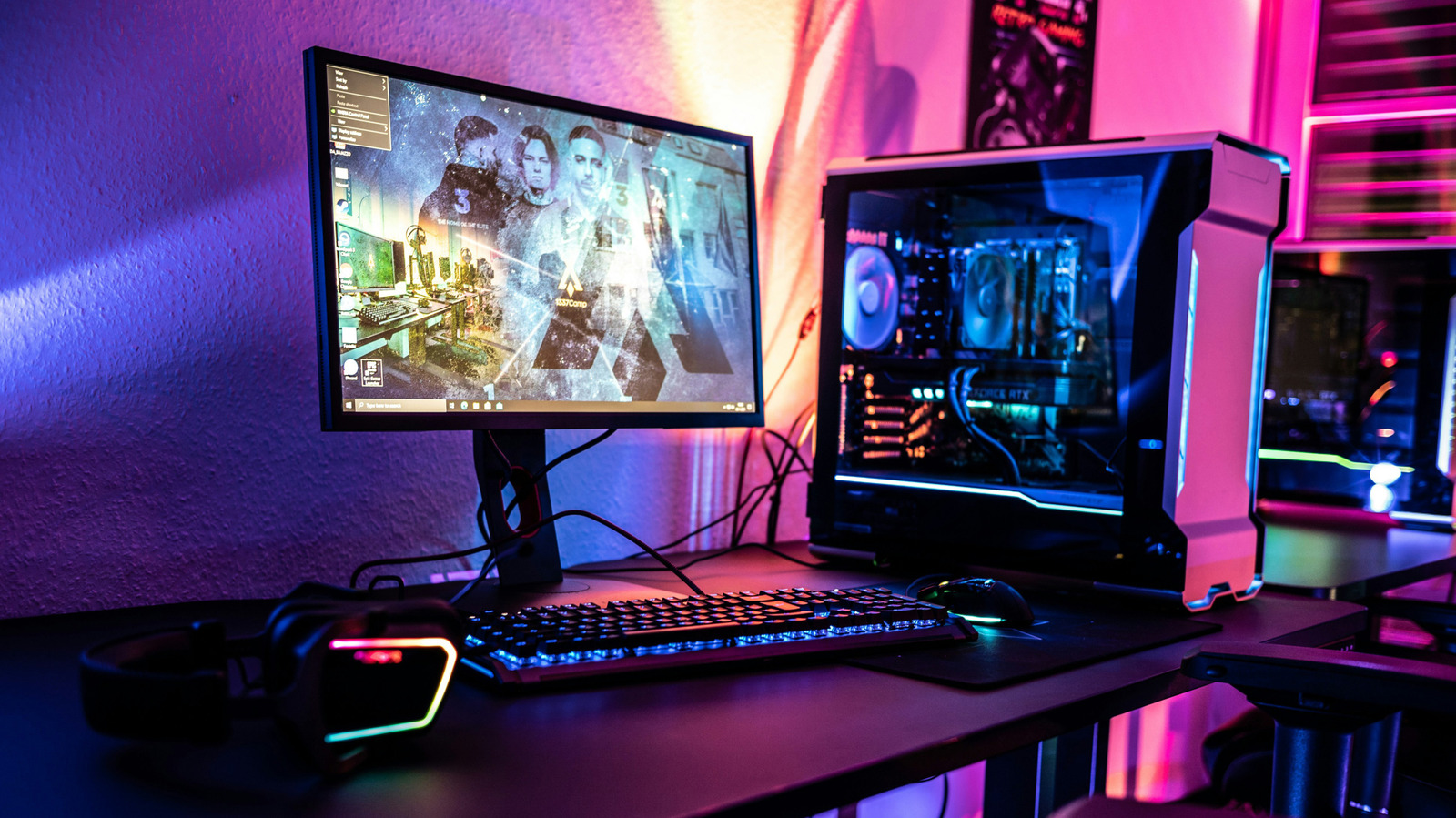
If you've ever fiddled with graphics settings, you've probably come across VSync. Short for vertical synchronization, it can help eliminate screen tearing, which is when the display shows pieces of two different frames at once. Although turning VSync on can stabilize your frame rate, it can lead to other issues.
VSync tries to fix screen tearing by making the GPU wait for the monitor's refresh cycle before firing the next frame. So, on a 60Hz display, the game would typically render around 60 frames per second. As a bonus, that can mean your GPU isn't working as hard, which could reduce power consumption and heat.
Eliminating screen tearing can have unwanted side effects. One case is when the GPU's frames can't keep up with the monitor's refresh rate. Another common VSync problem is input lag. In a competitive shooter that delay can make everything feel heavy and sluggish.
AMD and Nvidia both offer variable refresh rate technologies that are often a better place to start. AMD's is called Free Sync, and Nvidia's is called G-Sync. If your monitor supports either adaptive sync technology, try turning it on in your graphics card's control panel. The biggest downside to Free Sync and G-Sync is that your monitor needs to support them out of the box.
Source: Engadget · Summarized by HeadlinesBriefing