
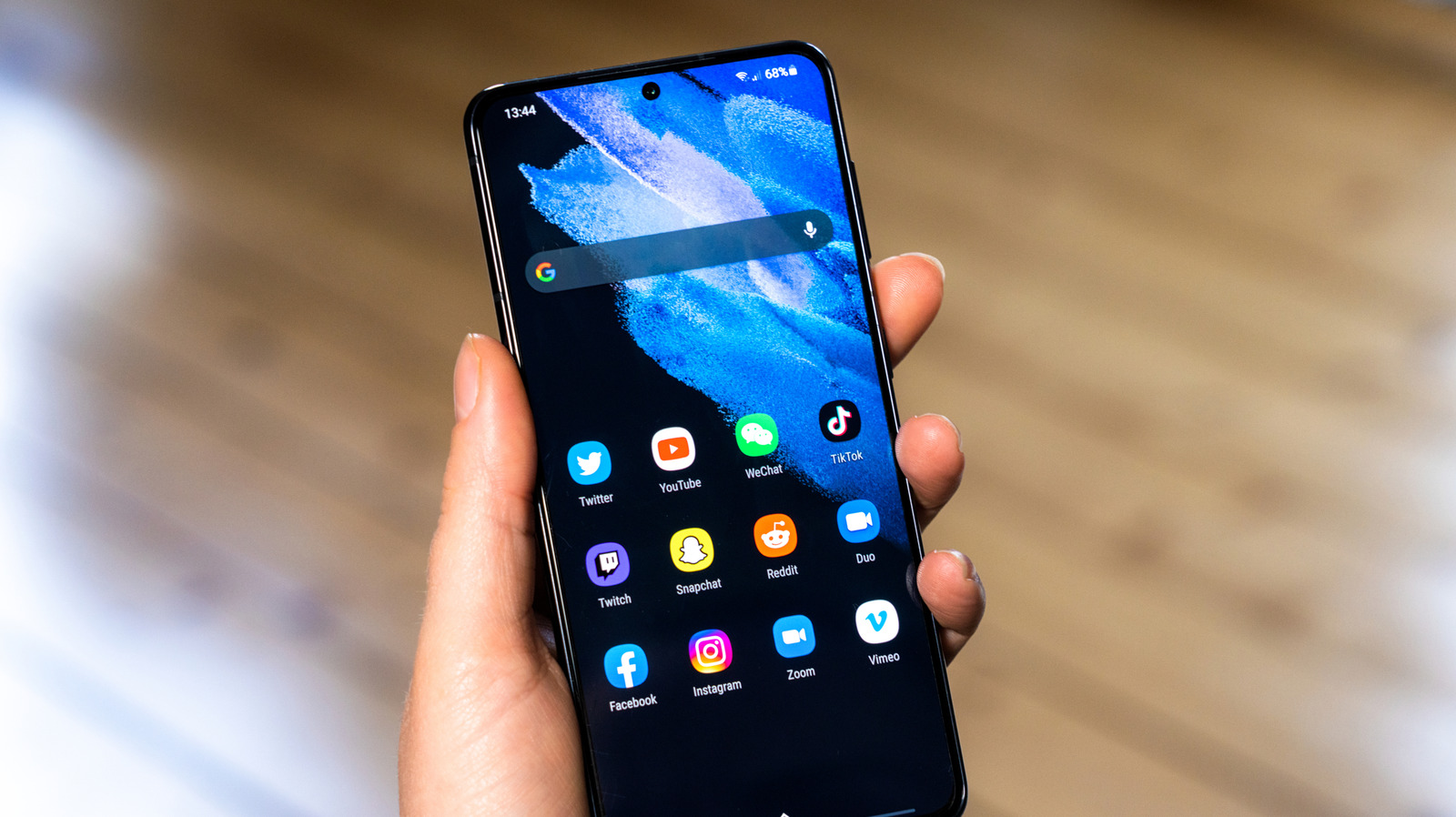
Now more than ever, your Samsung device can be tailored to your liking, all thanks to One UI 9. The most eye-catching among them have been new toys, such as Samsung's new My Fancam feature. However, some of the best parts are the updates to the UI and customizability, granting users far more control over the look and feel of their Samsung phones.
To properly get started, make sure you have Samsung's official Good Lock suite and its associated Home Up application. One notable new tool is the Favorites Background, which can add blur and shadow effects, change the image and color, and completely remodel the look of the background. You can access similar options for the Edge Panel by tapping Edge Panel in Home Up.
Users have been messing with new multi-finger gestures in the Gesture settings, which allow you to assign swipes or pinches with a certain number of fingers to certain actions. You can get incredibly granular here, with a suite of motions and actions to associate with them for two-, three-, four-, and five-finger gestures.
Customization goes further in the Quick Panel. Now, you can tap the Edit icon to access a lot of customization options, including dragging elements, resizing them, or deleting them entirely. Sizing caps have been removed entirely, so you can resize individual elements as much as you like.
Source: Engadget · Summarized by HeadlinesBriefing