
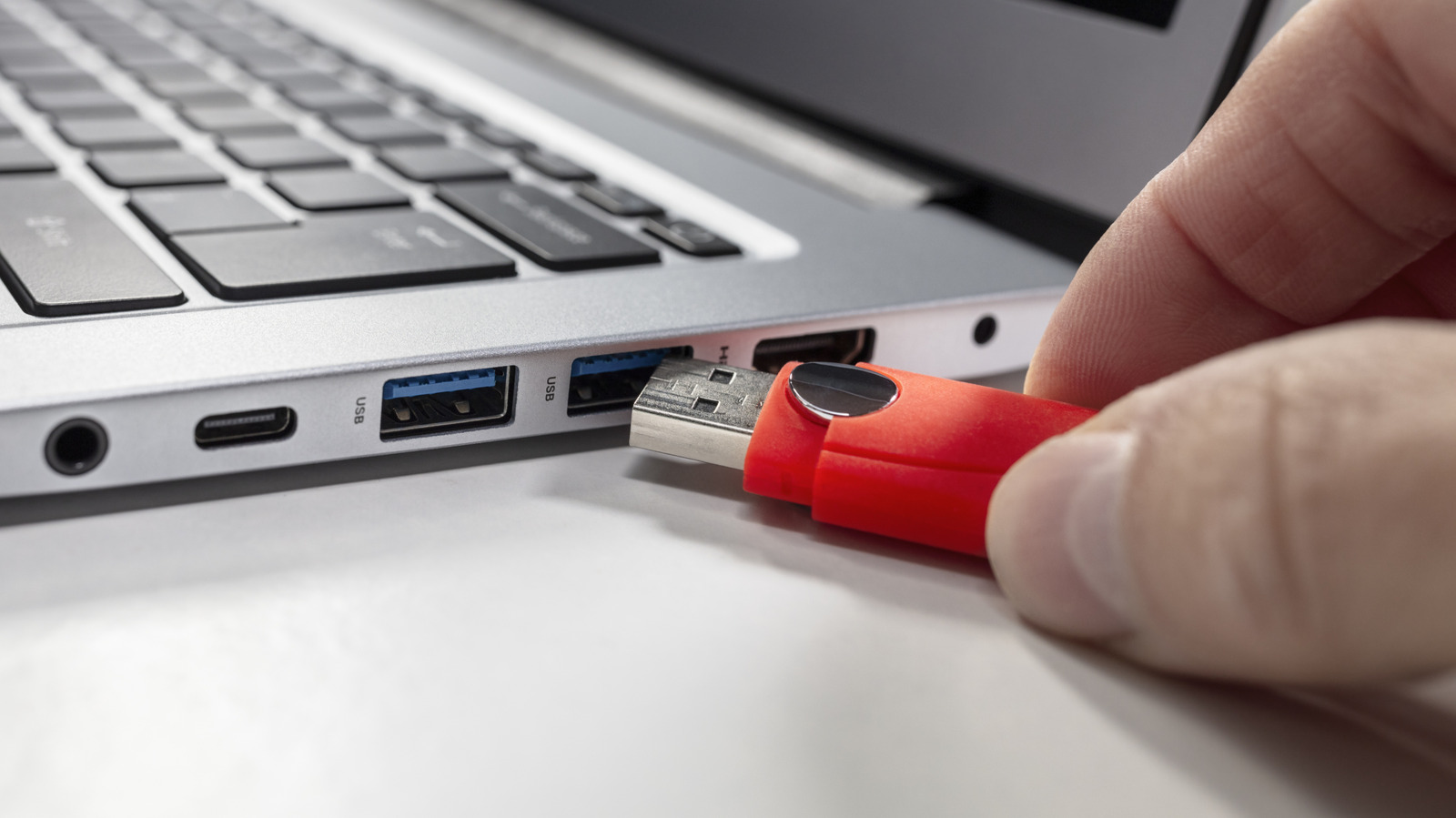
You probably don't give much thought to cleaning your USB ports, but dirty connections can lead to unstable charges or dropped connections. If you spot visible residue like dust or lint, or experience charging problems, it's time to clean. Before starting, power down your device and unplug desktops.
A plastic or wooden toothpick is ideal for gently removing lint—use delicate thrusts, not excessive force. Compressed air helps dislodge stubborn dirt, but use short blasts to avoid damaging connector pins. Clean ports only when necessary: if your phone won't charge, laptop doesn't detect accessories, or wired peripherals feel loose. After beach visits, check for sand.
Never use WD-40—it permanently damages electronics and leaves residue that attracts more dirt. Also avoid household cleaning sprays, bleach, Q-tips (cotton fibers can lodge in ports), and metallic tools like paper clips or safety pins, which can short circuits or bend delicate pins.
Source: Engadget · Summarized by HeadlinesBriefing