
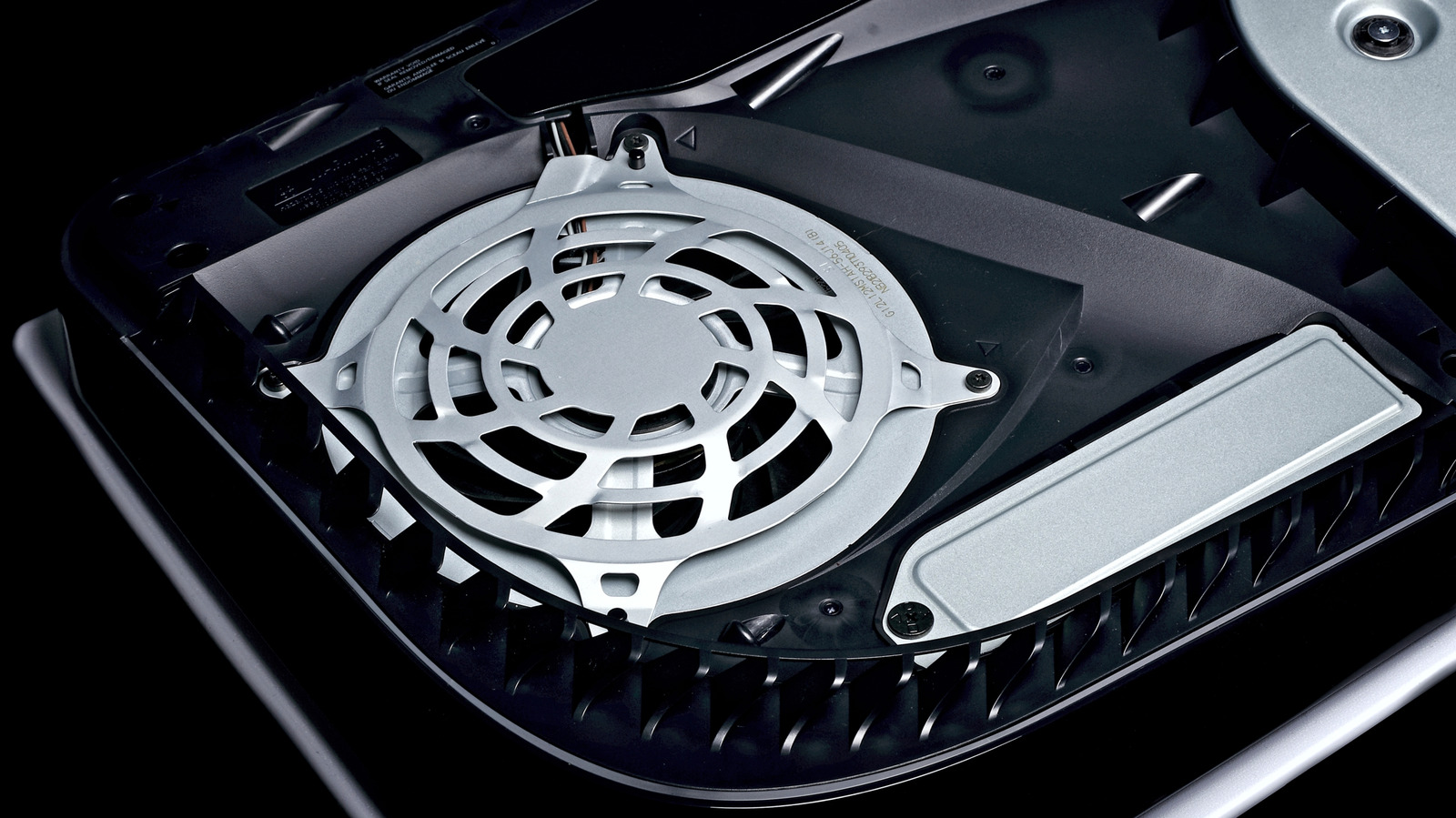
Keeping your PlayStation 5 clean is essential as dust buildup can restrict airflow and overheat the system. Start by powering down, unplugging cables, and letting the console cool. Wipe the exterior with a soft, clean cloth—avoid bleach, alcohol, or harsh chemicals, as the ABS, polycarbonate, and PC‑ABS components can be damaged.
For vents, use a handheld vacuum or compressed air, and a cotton swab or soft brush to catch stubborn dust. If you need deeper access, remove the covers carefully (methods differ for original, Slim, and Pro models) and clean visible areas with the same tools, being cautious not to spin the fan. Avoid industrial vacuums and never spin the fan, as this can generate damaging static.
Reinstall the covers correctly to maintain proper airflow, and always use the stand whether you place the console vertically or horizontally. Proper maintenance helps avoid costly repairs and extends the life of your PS5.
Source: Engadget · Summarized by HeadlinesBriefing