
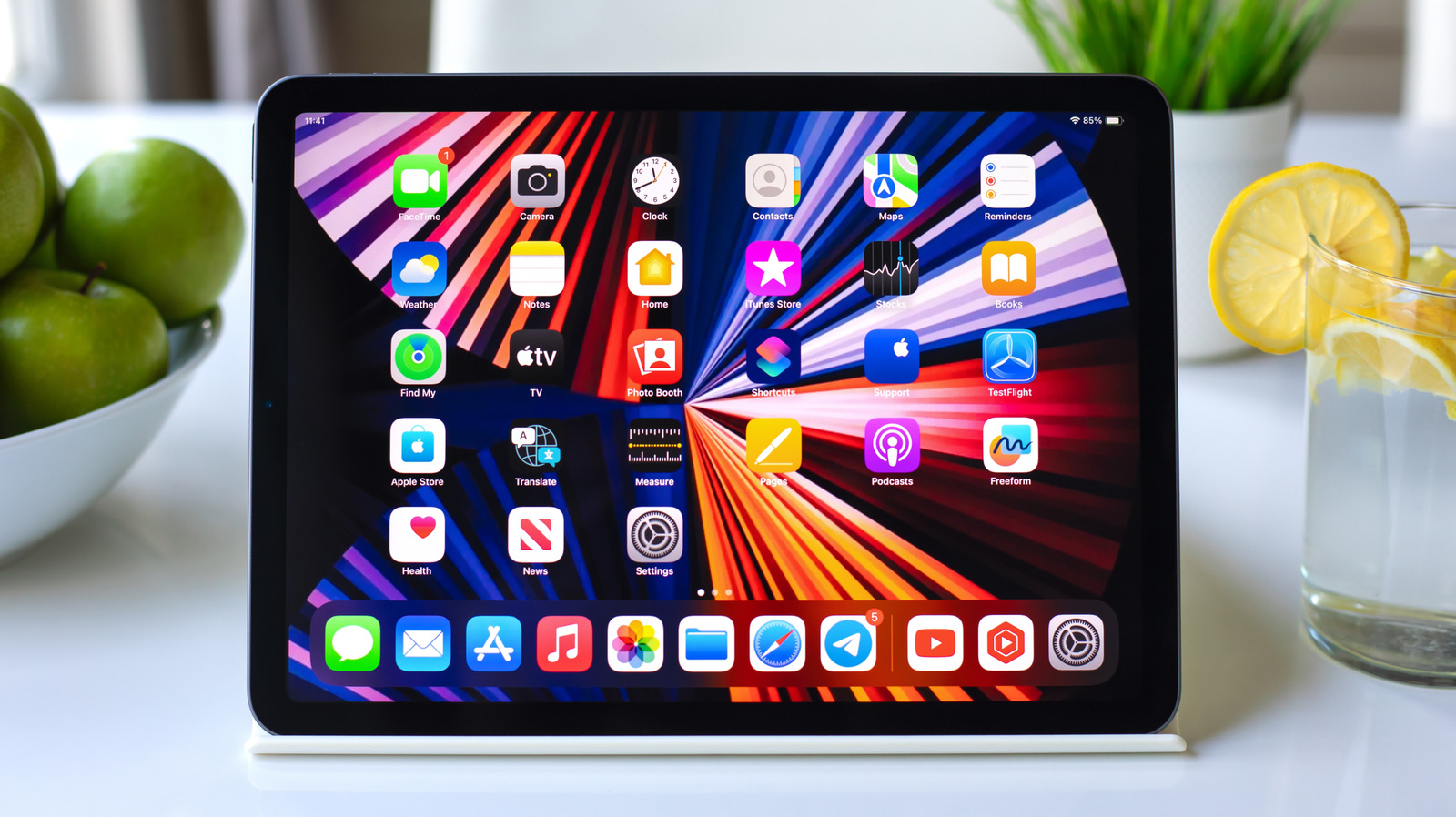
Many iPad users stick to basic widgets like Weather and Calendar, but iPadOS 27 unlocks a world of powerful, lesser-known tools. From tracking packages to controlling smart home devices, these widgets offer quick, actionable insights without opening apps. Discover how to convert app icons into widgets and explore third-party options that enhance productivity. Whether you're a new owner or a power user, there's a widget to simplify your daily routine.
Parcel simplifies package tracking with support for over 300 delivery services, including UPS, FedEx, and Amazon Logistics. Its map widget shows real-time locations, and Amazon orders sync automatically. The free version limits tracking to three deliveries; Premium costs $6.99/year for unlimited access and push notifications.
Apple's built-in Home widget enables one-tap control of smart accessories like lights, garage doors, and plugs. It's interactive, allowing on/off actions without opening the app. Customize which scenes or devices appear, though adjustments like brightness still require the full app.
(Not Boring) Weather stands out with its 3D, game-like visuals and interactive design. It displays temperature, precipitation, UV index, and wind, plus severe weather alerts. Available on both Lock Screen and Home Screen, it pulls data from Apple, AccuWeather, and the National Weather Service. The playful interface makes checking the forecast engaging, with a free tier and a $14.99/year Premium option for advanced features.
Source: Engadget · Summarized by HeadlinesBriefing