
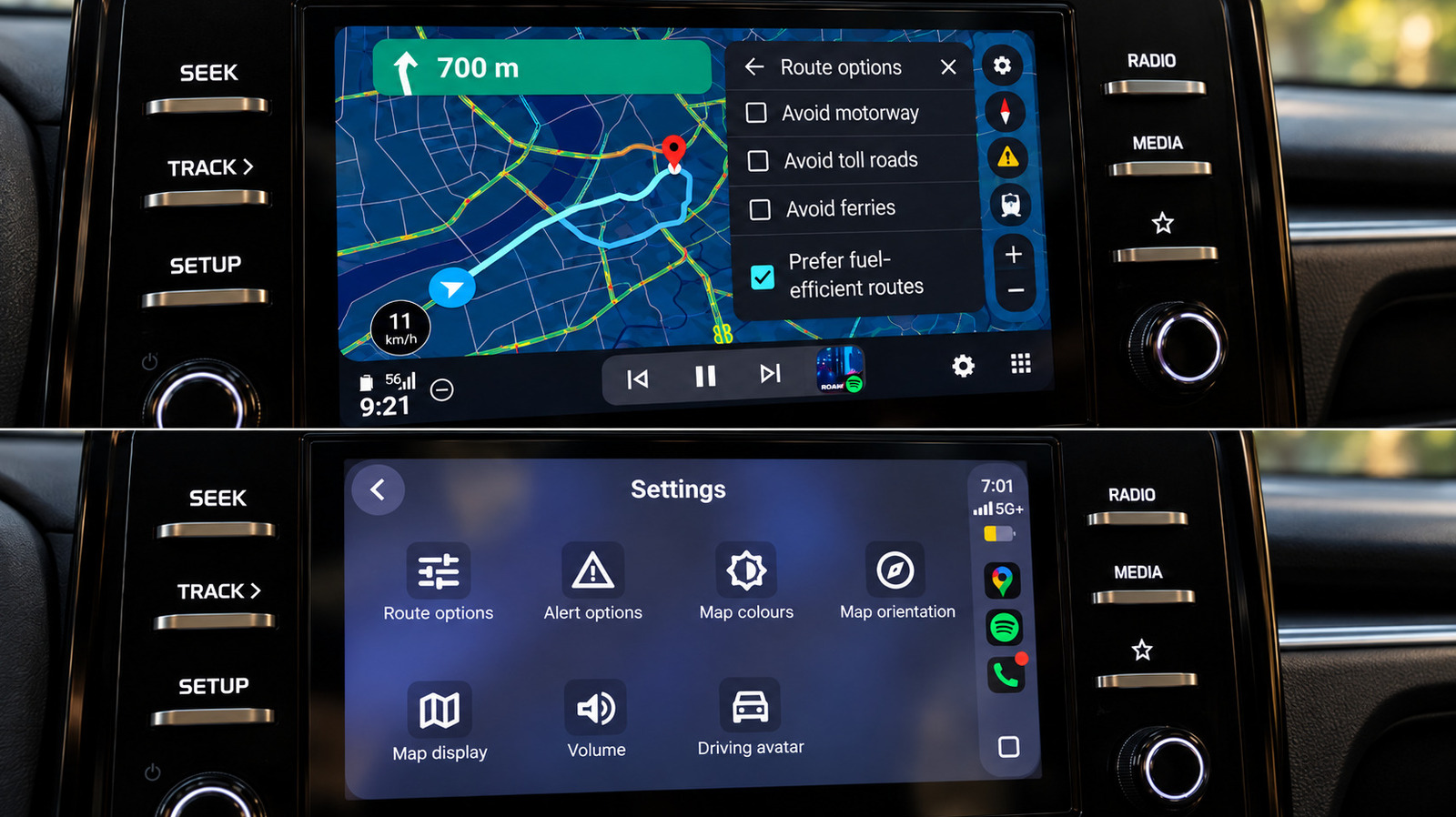
Google Maps functions differently on Android Auto versus Apple CarPlay, even within the same vehicle. Testing both systems revealed that Android Auto offers a more seamless and intuitive experience for several key navigation tasks. While both platforms provide essential features like speedometers, lane guidance, and incident reporting, the differences become apparent during more complex interactions. Android Auto generally feels more integrated with Google's ecosystem, offering quicker access to advanced features and more fluid navigation controls.
One of the most significant advantages is the integration of Gemini, Google's AI assistant. On Android Auto, Gemini can be activated hands-free, allowing for voice-activated searches and route changes without touching the screen. This feature is more cumbersome on CarPlay, where users must tap a button to initiate interactions, and hands-free activation is not supported. Additionally, Android Auto handles route modifications more efficiently, displaying multiple options and alternatives with greater ease.
Another notable difference is the interface for exploring points of interest along a route. Android Auto presents a comparative view of options, including ratings and estimated time additions, while CarPlay displays results sequentially, requiring more effort to evaluate choices. Furthermore, Android Auto supports direct map gestures like pinch-to-zoom, whereas CarPlay requires entering a separate map-control mode. These distinctions make Android Auto the preferred choice for users seeking a more dynamic and less obstructed navigation experience.
Source: Engadget · Summarized by HeadlinesBriefing