
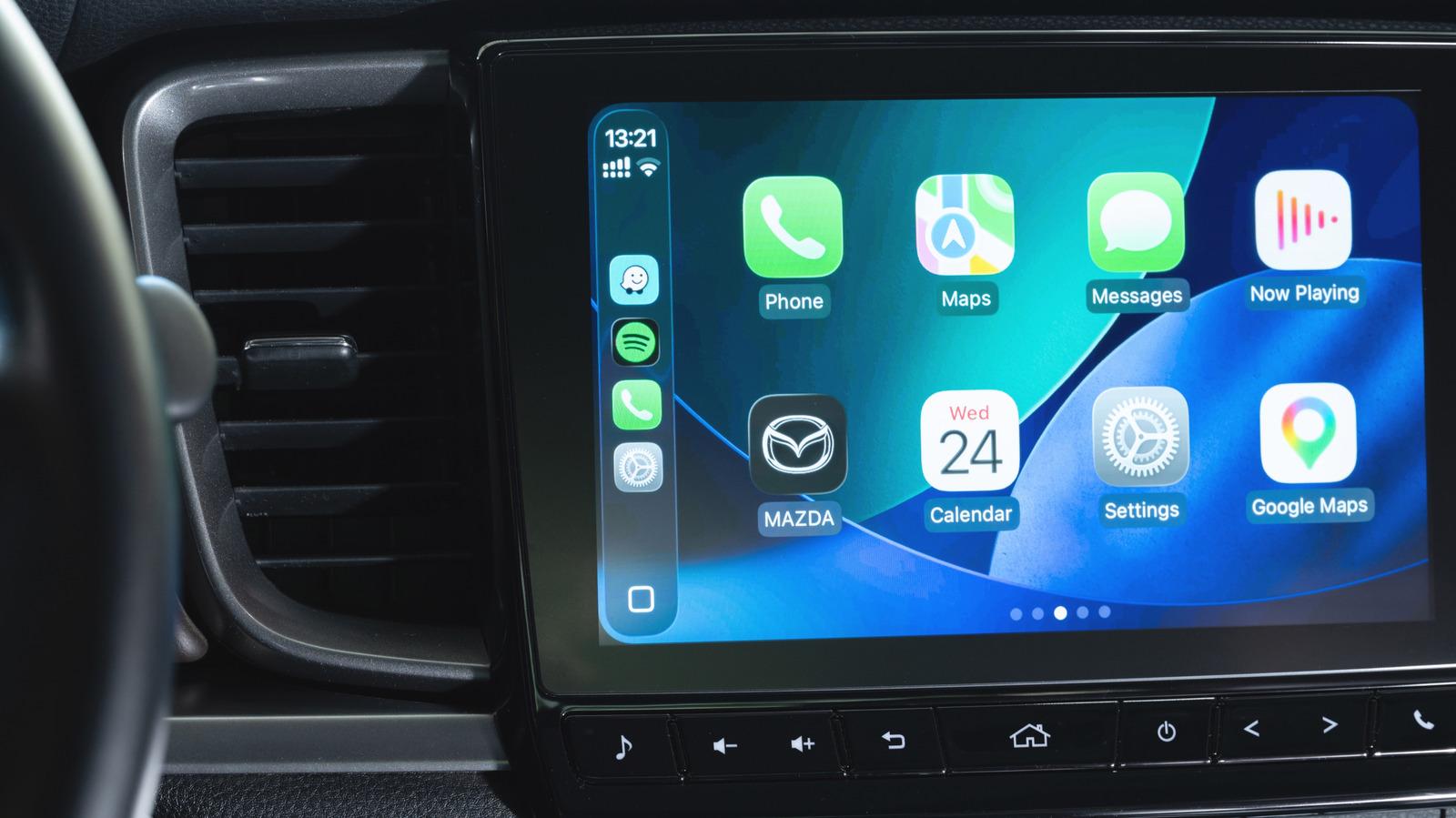
CarPlay and Android Auto do a great job of projecting your phone onto your vehicle's dash. Phone projection gives you high-performing apps in any compatible vehicle, even rentals, and is far more usable than a small phone screen or slow built-in car apps. However, both platforms can suffer from cut-outs at specific locations, which may be linked to electromagnetic interference, and your phone can struggle under certain stresses.
Overheating is a common problem. Environmental conditions play a role: a phone left in bright sun for hours will soak up heat, and a windshield mount in the Texas Hill Country in July or a vent mount during a frigid Chicago winter with the heater on full blast can both cause trouble. More often, it is a combination of factors. Wireless charging generates more waste heat than USB charging, and navigation is especially demanding, since Apple Maps or Google Maps transfers data over 4G or 5G while rendering 3D terrain and matching it to your GPS location. Music, podcasts and background tasks add to the load.
Wireless CarPlay and Android Auto also use Bluetooth, Wi-Fi and cellular radios at the same time. Bluetooth handles the initial handshake, cellular connects to the internet, and Wi-Fi links apps to the car's dash. This drains the battery quickly, which is why long trips without charging are a risk.
To keep heat under control, avoid charging mid-drive on shorter trips unless your battery is already low. When you do need to charge, choose USB over wireless if possible. Pay attention to your car's AC and heating levels, and think about where you rest your phone, since sunlight and vent placement both matter.
Source: Engadget · Summarized by HeadlinesBriefing