
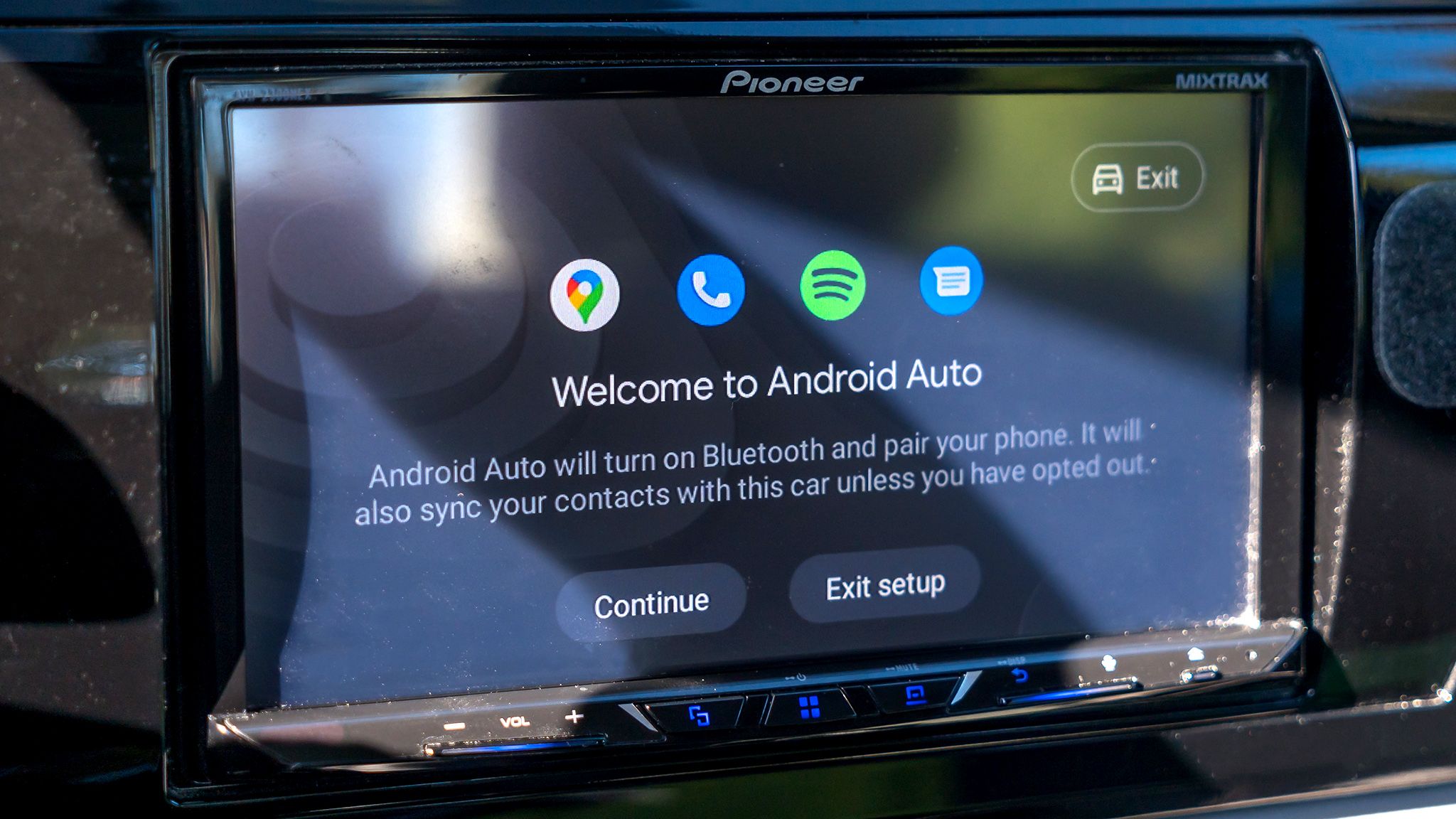
Android Auto has been around for more than a decade, offering drivers a safer way to use their phones while on the road. While it works great out of the box, there are several settings that can significantly improve your driving experience. These simple tweaks can make Android Auto more intuitive and less distracting during daily commutes.
One of the most annoying default settings is music auto-playing when your phone connects to your car. This can be jarring, especially at night or when passengers are present. You can disable this by going to Settings, searching for Android Auto, and turning off 'Start music automatically' in the Start-up menu. Another useful change is minimizing notification distractions by disabling message chimes and alerts in the Messaging sub-menu.
You can also prevent Android Auto from automatically starting up when you turn on your car by disabling 'Start Android Auto while locked.' This saves battery when using wireless connections and gives you more control over when the system activates. Creating shortcuts for frequent tasks like calling contacts or finding nearby gas stations can make voice commands more reliable when Assistant struggles with background noise. Enabling quick controls through the taskbar widgets allows you to control music playback even when other apps are open in full screen.
Source: Android Central · Summarized by HeadlinesBriefing