
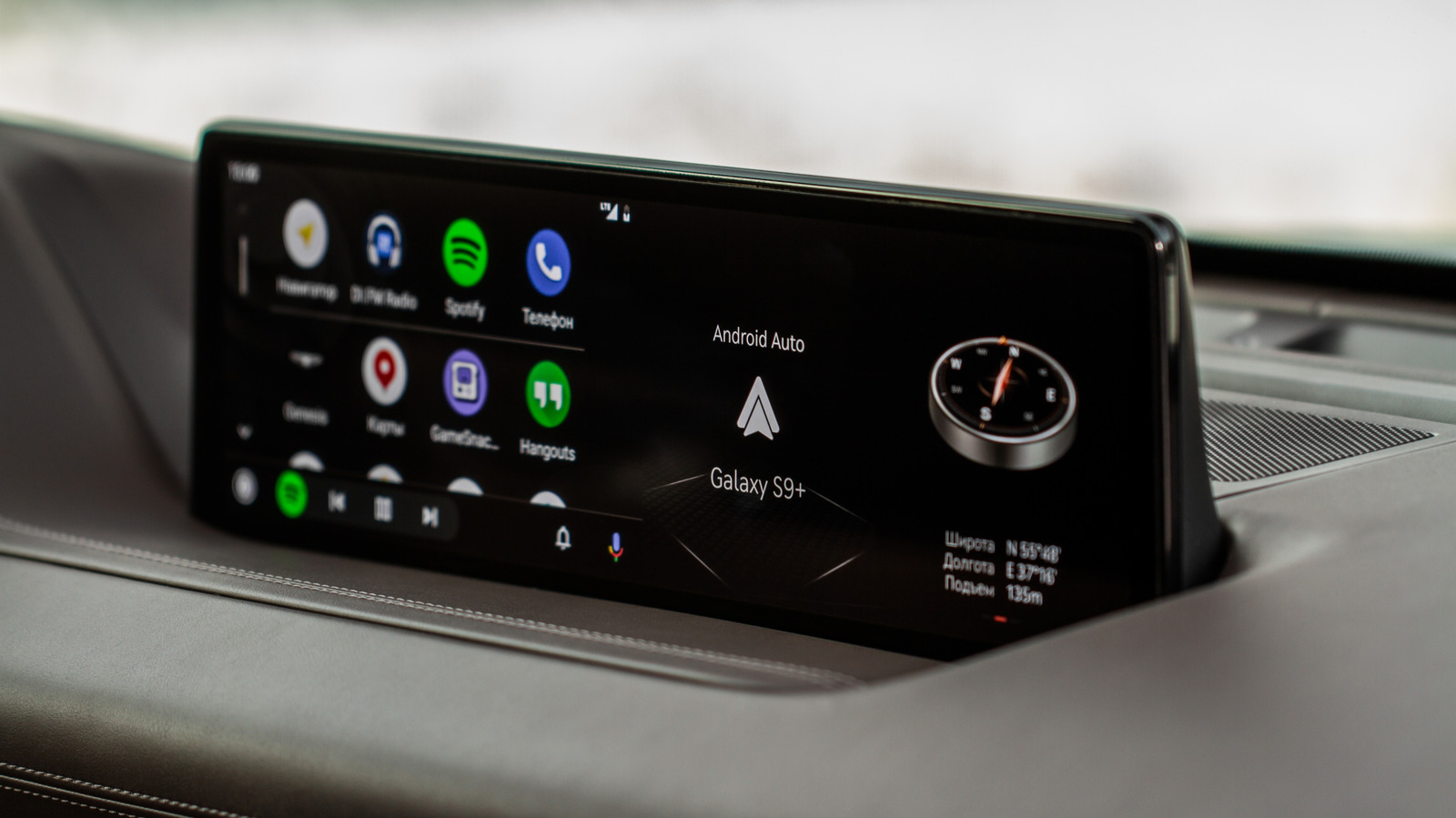
Android Auto and Apple CarPlay both extend phone functionality to cars but differ in customization and features. Android Auto offers deeper personalization, allowing users to adjust layouts, use custom wallpapers, and access sideloaded apps. Its developer menu enables tweaking settings like video resolution and wireless connectivity. Apple CarPlay, while improving with features like split-screen views, restricts wallpapers and app flexibility. Gemini AI in Android Auto provides advanced natural language understanding, outperforming Apple's Siri in tests. CarPlay Ultra, tested by brands like Aston Martin, aims to close the gap, but Android Auto currently leads in power-user features.
App availability highlights another divide. Android Auto supports non-Play Store apps via sideloading, while CarPlay enforces strict guidelines. This makes Android Auto more versatile for niche or third-party tools. Apple's ecosystem, however, prioritizes seamless integration over customization. Both services aim to minimize driver distraction, but Android Auto's multi-window design offers more control over app placement and resource allocation.
AI integration further differentiates the two. Gemini's ability to process complex commands reduces errors compared to Siri's occasional missteps. Apple plans to enhance Siri with iOS 27, but Android Auto's AI advantages are evident now. Future updates, like CarPlay Ultra, may narrow the divide, but Android Auto remains a stronger choice for users prioritizing flexibility and advanced features.
The choice hinges on user priorities. Power users favor Android Auto's customization and app ecosystem, while others may prefer CarPlay's simplicity. As both platforms evolve, the gap could shrink, but Android Auto's current capabilities make it a robust option for tech-savvy drivers.
Source: Engadget · Summarized by HeadlinesBriefing