
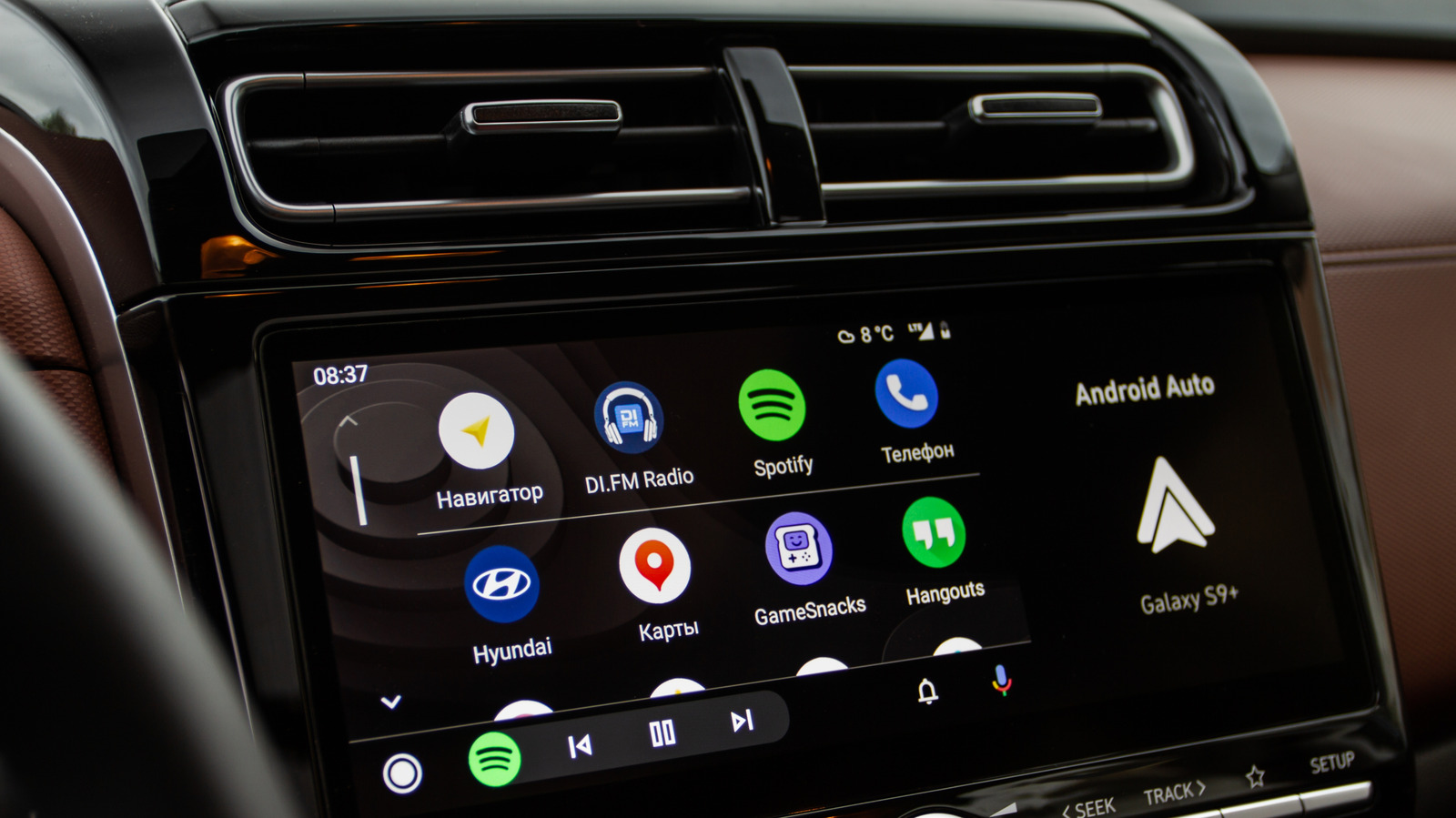
Cutting the cord in your car is a simple upgrade. Roman Vyshnikov/Shutterstock Every morning, you have the same routine: get in the car, dig out your phone, plug in the cable and wait for Android Auto to load. It works just fine, but we're living in a wireless world now. The good news is that a tiny wireless adapter that can fit in the palm of your hand can help cut the cord.
Most modern cars come with Android Auto (and often Apple's Car Play as well), but not all of them offer the wireless version. These tiny adapters will plug into your car and turn your car's infotainment system into a wire‑free experience. Can I convert my Android Auto to wireless? It's simple to convert your car's Android Auto connection to wireless.
Your phone finds the adapter via Bluetooth, authenticates, and shares credentials for a localized 5GHz Wi‑Fi Direct network that streams navigation, audio and screen data. The result is a seamless automatic connection that happens every time you get in the car—no more fumbling with cables.
There are downsides: the connection isn't as fast as a direct link and battery drain increases. On long trips, use a charging cable. Quality adapters—like those from Carlinkit, AAWireless, Ottocast, and Motorola—avoid 2.4GHz Wi‑Fi and use detachable USB cables for better fit.
Source: Engadget · Summarized by HeadlinesBriefing