
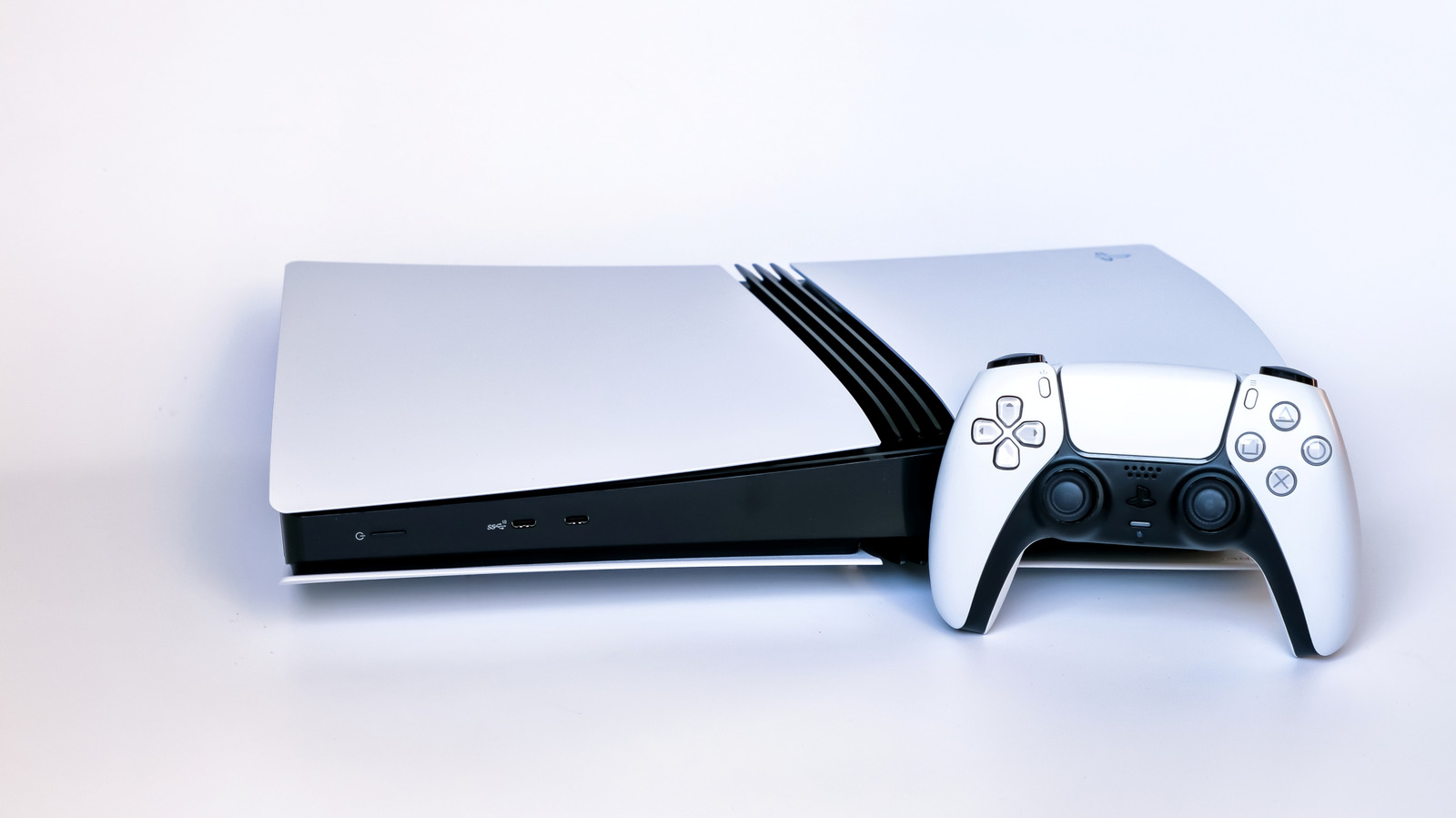
The orange light on your PlayStation 5 is not a warning sign. Orange lights often signal trouble, such as check engine lights in cars or faulty power supplies on older consoles, but on a PS5 it simply means the console has entered Rest Mode. Rest Mode saves power while still letting the console perform basic tasks, like charging controllers and downloading games while consuming only a few watts. An unrelated orange light on the controller below the PS button means the microphone is muted; press that button to unmute.
Rest Mode is enabled by default after a period of inactivity, but you can adjust or disable it. To enter Rest Mode manually, press the power button on the front of the console for a moment, or press the PS button on your controller, go to Power, and select Enter Rest Mode. Never unplug the PS5 while the orange light is on, since it is not fully powered off. To shut down completely, select Turn Off PS5 from the Power menu and wait for the system lights to go out before unplugging it.
To change the timer, go to Settings, then System, then Power Saving, and select Set Time Until PS5 Enters Rest Mode. You can set separate times for media playback and gaming, or choose to never enter Rest Mode. The Features Available in Rest Mode option controls what the console does while resting, including powering USB ports, updating games, uploading saves and enabling remote play.
Other warning signs deserve more attention. Overheating is among the most common PS5 problems, showing up as unexpected shutdowns, hot or loud airflow, or on-screen temperature warnings. Cleaning dust and improving ventilation can help, but persistent overheating may require professional thermal paste replacement. GPU failure, which causes screen flickering, static or multicolored lines, is another frequent issue.
Source: Engadget · Summarized by HeadlinesBriefing