
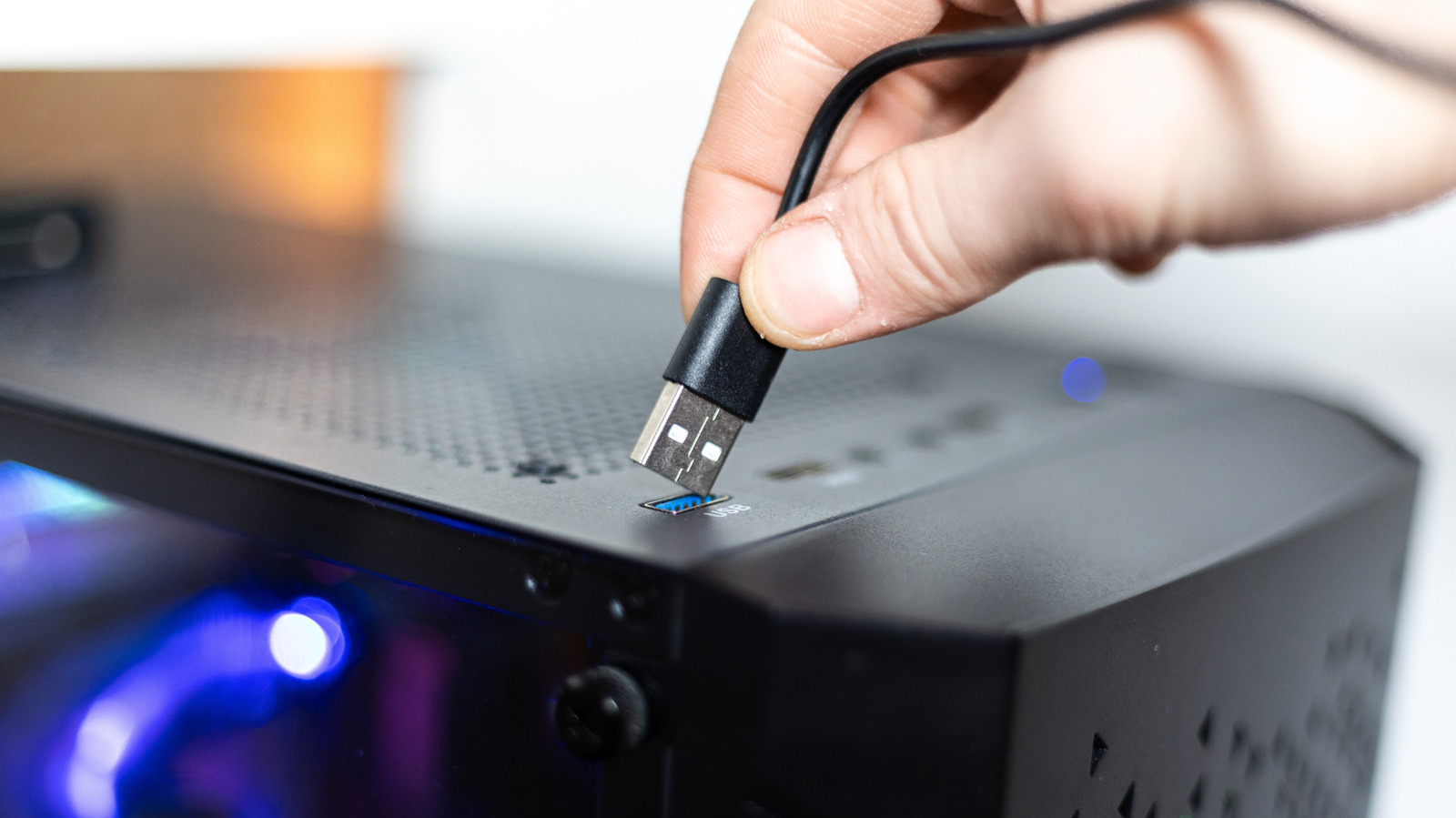
Front USB ports on desktops offer convenience but often deliver slower speeds and less power than rear ports. This is due to longer cable paths, shared bandwidth, and lower-tier USB standards used by manufacturers. Signal loss from extension cables and shared connectors splits available speed among devices. For example, ASUS ROG Maximus Z790 Hero rear ports include Thunderbolt 4 (40 Gbps) and USB 3.2 Gen 2 (10 Gbps), while front ports are limited to USB 3.2 Gen 1 (5 Gbps) and shared across four ports. Even Apple’s Mac mini and Mac Studio have slower front USB-C ports (10 Gbps) compared to rear Thunderbolt 4 (40 Gbps). Common peripherals like mice, keyboards, and headphones work fine on front ports, but bandwidth-heavy devices like external SSDs, capture cards, and VR headsets should use rear ports for optimal performance. Always check your motherboard specs for exact port speeds.
Use front ports for low-power accessories and rear ports for high-speed, data-intensive devices. Symbols or colors on ports may help, but they are not always reliable indicators of speed.
Source: Engadget · Summarized by HeadlinesBriefing