
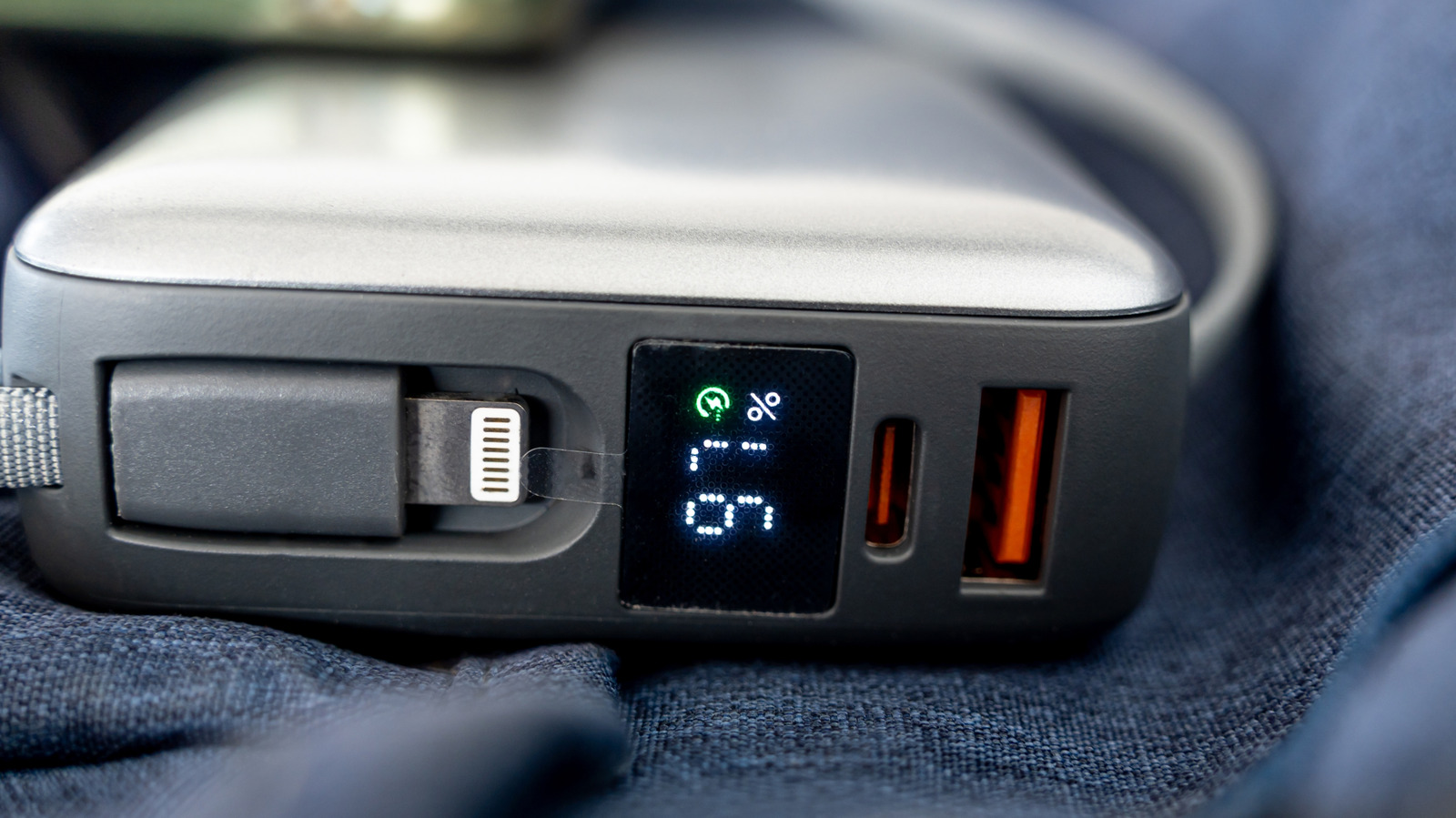
An orange USB port is a visual cue, not an industry standard. If you spot an orange USB-A port, it may indicate an "always-on" charging feature that delivers power even when the computer is off. However, since there's no universal rule defining orange as always-on charging, the meaning varies by manufacturer.
The color typically appears on the plastic insert inside a USB-A socket. Some manufacturers describe orange ports as "always-on," while others use them for different purposes. Orange ports are often associated with USB 3.0, offering up to 5 Gbps speeds, but this isn't guaranteed.
Intel uses orange ports for enhanced charging on some NUC PCs, delivering up to 1.5 amps compared to 900 milliamps from blue ports. Advantech uses orange ports as high-retention connectors requiring 50 percent greater withdrawal force than standard USB.
Both orange and blue USB ports commonly use USB 3.0 with 5.0 Gbps transfer rates. Orange primarily differs in always-on power delivery. Since colors aren't fully standardized, always check manufacturer specifications rather than relying on color alone.
Source: Engadget · Summarized by HeadlinesBriefing