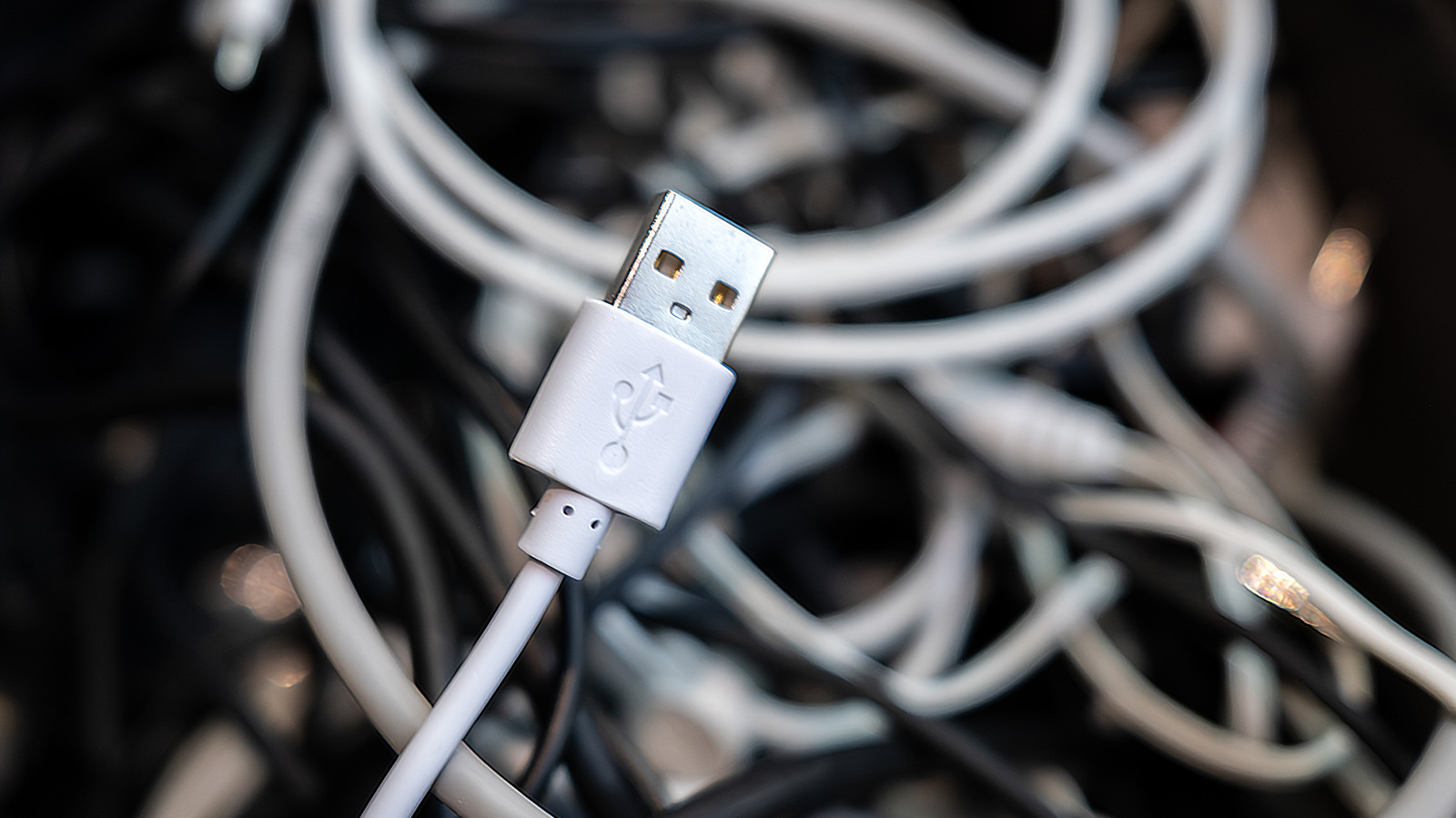
USB ports and cables have evolved significantly, making it tricky to identify their capabilities. The USB trident symbol has been used since the late 1990s. When seen alone, it usually denotes USB 2.0, which debuted in 2000 with 480Mbps bandwidth—slow by today's standards. USB 2.0 ports and cables are best for devices like mice and keyboards that don't require fast transfers.
The USB 3 generation brought faster speeds through several updates. USB 3.0 (5Gbps) launched in 2008, followed by USB 3.1 (10Gbps) in 2013, and USB 3.2 (20Gbps) in 2017. These versions used "SS" (Super Speed) labels with corresponding speed numbers. As of 2022, naming simplified to USB 5Gbps, USB 10Gbps, and USB 20Gbps.
Colors also help identify USB types. Black or white indicates USB 2.0, while blue typically signifies USB 5Gbps (originally USB 3.0). Red ports usually mean USB 10Gbps or 20Gbps and often provide power when the computer is off. Yellow ports can be USB 2.0 or 5Gbps with always-on power. The newest standard is USB4, supporting 20Gbps, 40Gbps, or 80Gbps (USB4 2.0) speeds, exclusively using USB-C connectors.
Additional symbols indicate special features. The Thunderbolt logo (lightning bolt with arrowhead) guarantees high-speed transfers, video output, and charging. A battery icon or "PD" text means Power Delivery support. Display Port Alt Mode enables video output through USB-C, marked by the Display Port logo. To understand a USB connection's capabilities, check its connector type, speed standard, and additional features—consulting the manual or spec sheet when labeling is unclear.