
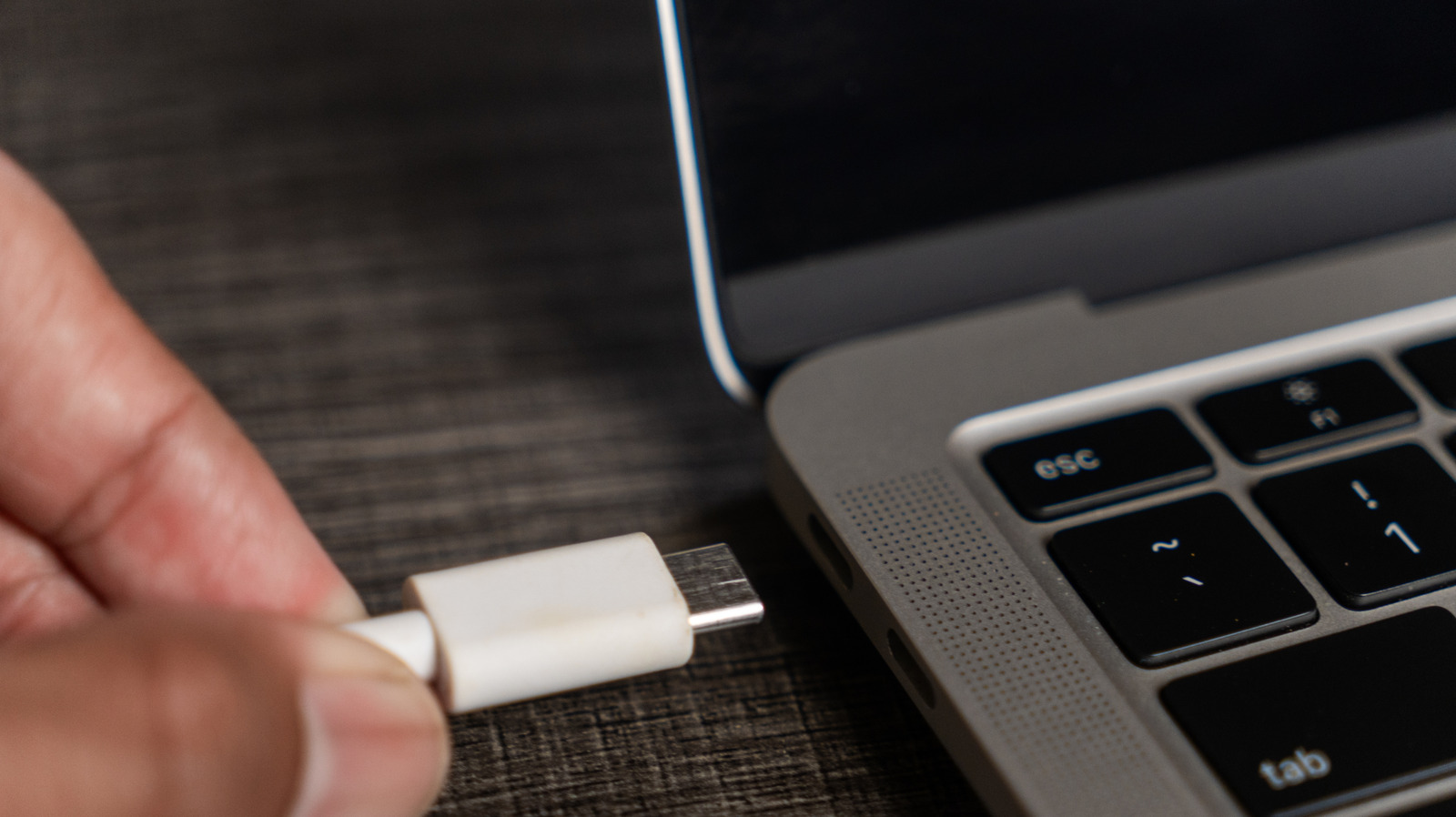
Not all USB-C ports are created equal. Since its introduction in 2014, USB-C has become the primary connection method for many devices. But some ports can carry video, while others only charge.
The key is Display Port Alternate Mode (DP Alt Mode), which allows a USB-C cable to carry video signals using the Display Port protocol. DP Alt Mode requires all three parts—device, display, and cable—to be compatible. Older USB standards like USB 3.1 and 3.2 may support it depending on the manufacturer.
Newer standards like USB4 mandate support. All Thunderbolt connections using USB-C (Thunderbolt 3 through 5) offer high-speed data and video transfers including DP Alt Mode. To check compatibility, look for the lightning icon or DP icon on ports, or check the manual or product specs online.
If your USB-C port doesn't support video, you can use an HDMI cable if your device has an HDMI port. For best results, opt for at least HDMI 2.0, or HDMI 2.1 or later. If no HDMI input, try an active adapter like the Star Tech USB-A 3.0 to Dual HDMI Adapter.
Source: Engadget · Summarized by HeadlinesBriefing