
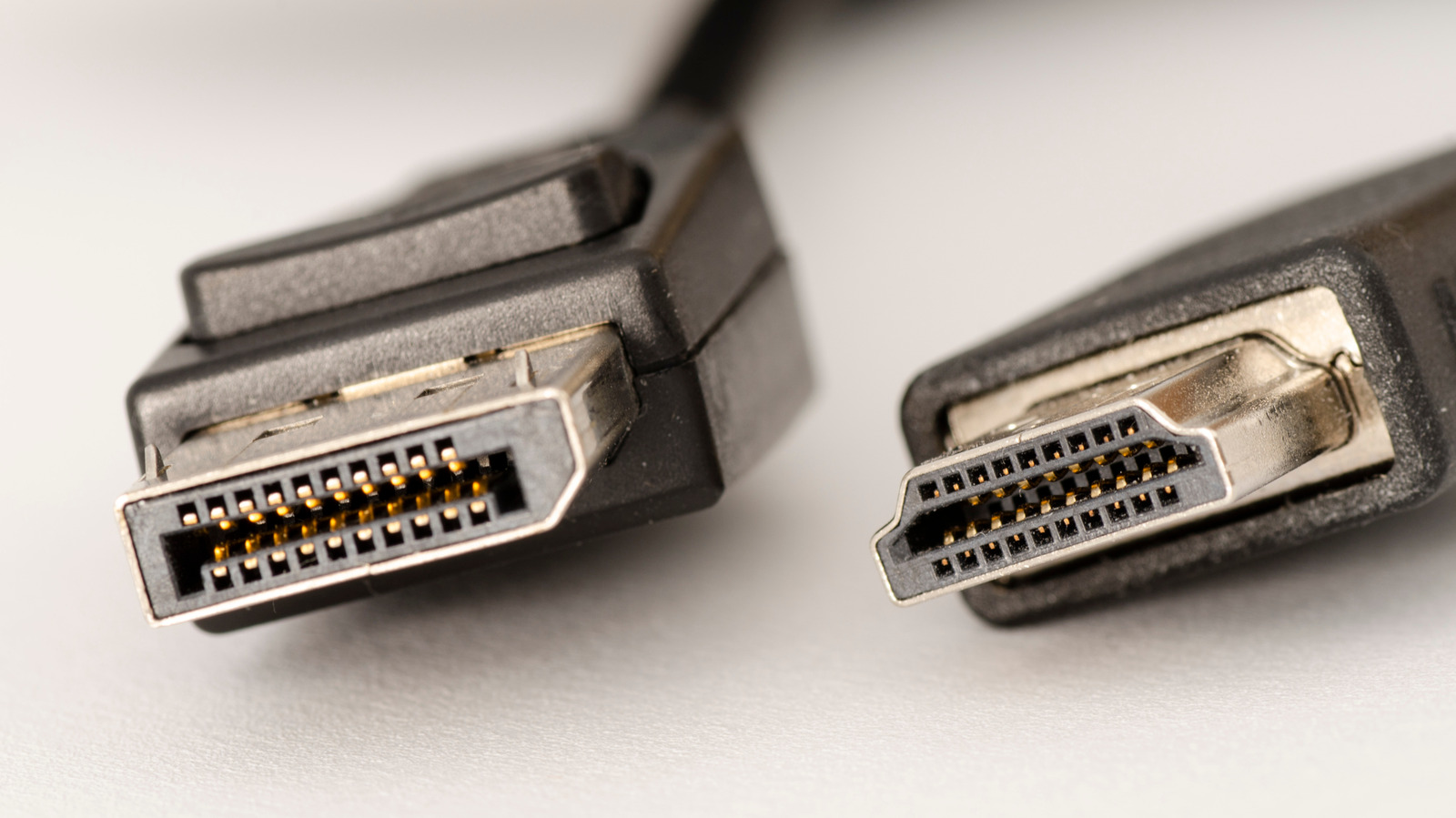
DisplayPort remains the top choice for PC gamers and multi-monitor setups due to its native support for variable refresh rate (VRR) technology and higher bandwidth. While HDMI 2.1 offers 48 Gbps bandwidth and broader consumer device compatibility, DisplayPort 2.1 delivers 80 Gbps, enabling smoother gaming experiences. USB-C complicates the landscape, as it can carry DisplayPort signals via Alternate Mode, but not all ports or cables support this feature. The decision hinges on specific use cases: HDMI excels for media consumption with its universal adoption and audio capabilities, while DisplayPort dominates in gaming and professional setups.
DisplayPort's advantage lies in its technical specifications. With VRR protocols like AMD Free Sync and Nvidia G-Sync integrated since inception, it eliminates screen tearing during dynamic gaming. Bandwidth also favors DisplayPort 2.1, which supports 80 Gbps compared to HDMI 2.1's 48 Gbps. This gap matters for 4K gaming at high refresh rates. USB-C adds flexibility but requires specific hardware support. Consumers must verify if their devices and cables enable DisplayPort over USB-C. Multi-monitor setups further tip the scales toward DisplayPort, which allows daisy-chaining monitors without extra ports on the computer.
HDMI's strength is in mainstream media and entertainment. Its widespread use in TVs, soundbars, and consoles makes it the default for home theaters. Features like eARC ensure high-quality audio transmission, including spatial formats like Dolby Atmos. HDMI also enforces DRM through HDCP, critical for streaming 4K content from services like Netflix. However, for PC-centric tasks, DisplayPort's technical edge outweighs HDMI's convenience. The choice isn't about one being universally better but aligning with your ecosystem. Those prioritizing gaming or multi-monitor setups should favor DisplayPort, while media-focused users will find HDMI sufficient.
Source: Engadget · Summarized by HeadlinesBriefing