
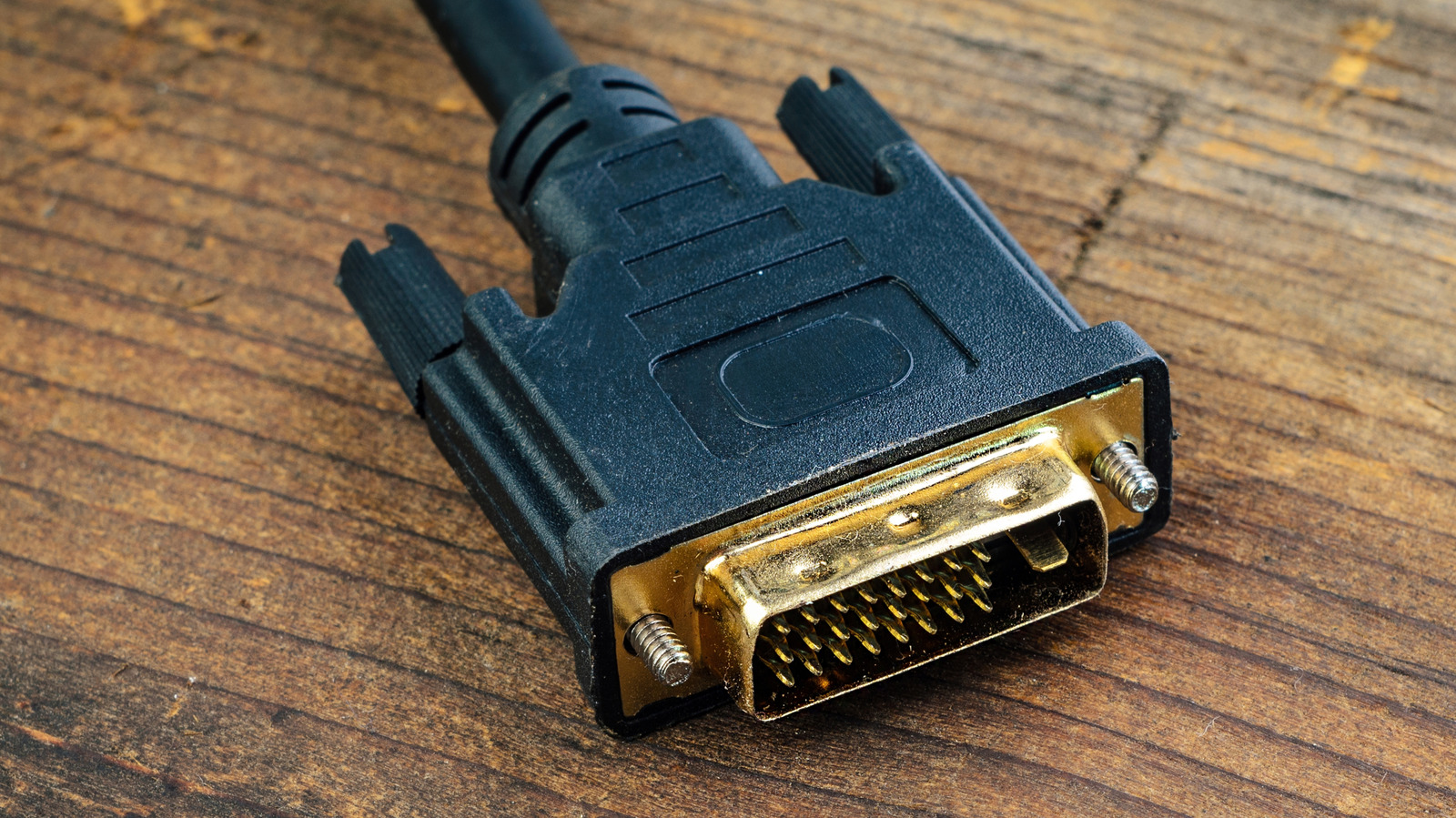
DVI to HDMI adapters offer a cheap and simple way to connect older hardware to modern displays. The Digital Visual Interface (DVI) standard was first implemented in products like Apple's Cinema Display in 1999 and remained the industry standard until HDMI and Display Port took over. If you're dealing with a DVI cable in 2026, it's good to know how it operates. Newer than the VGA format, DVI is still used in older PC setups or projectors in office spaces featuring a mix of legacy and modern equipment.
You can typically use a simple DVI-to-HDMI adapter to connect a DVI cable to an HDMI port since the two standards share the same digital video protocol. The adapter just reroutes the pins and doesn't need a conversion chip or external power. DVI-D (Digital) and DVI-I (Integrated) connections will both work with HDMI, with Dual Link versions supporting higher resolutions. DVI-A is the exception, requiring active conversion due to its analog nature.
DVI has drawbacks compared to HDMI and Display Port, including no audio support and limited resolution. At 60Hz, Dual Link DVI maxes out at 2,560 x 1,600 while single-link hits 1,920 x 1,200. The connection is also unwieldy with large screws. If DVI is your only option, a simple HDMI adapter should do the trick.
Source: Engadget · Summarized by HeadlinesBriefing