
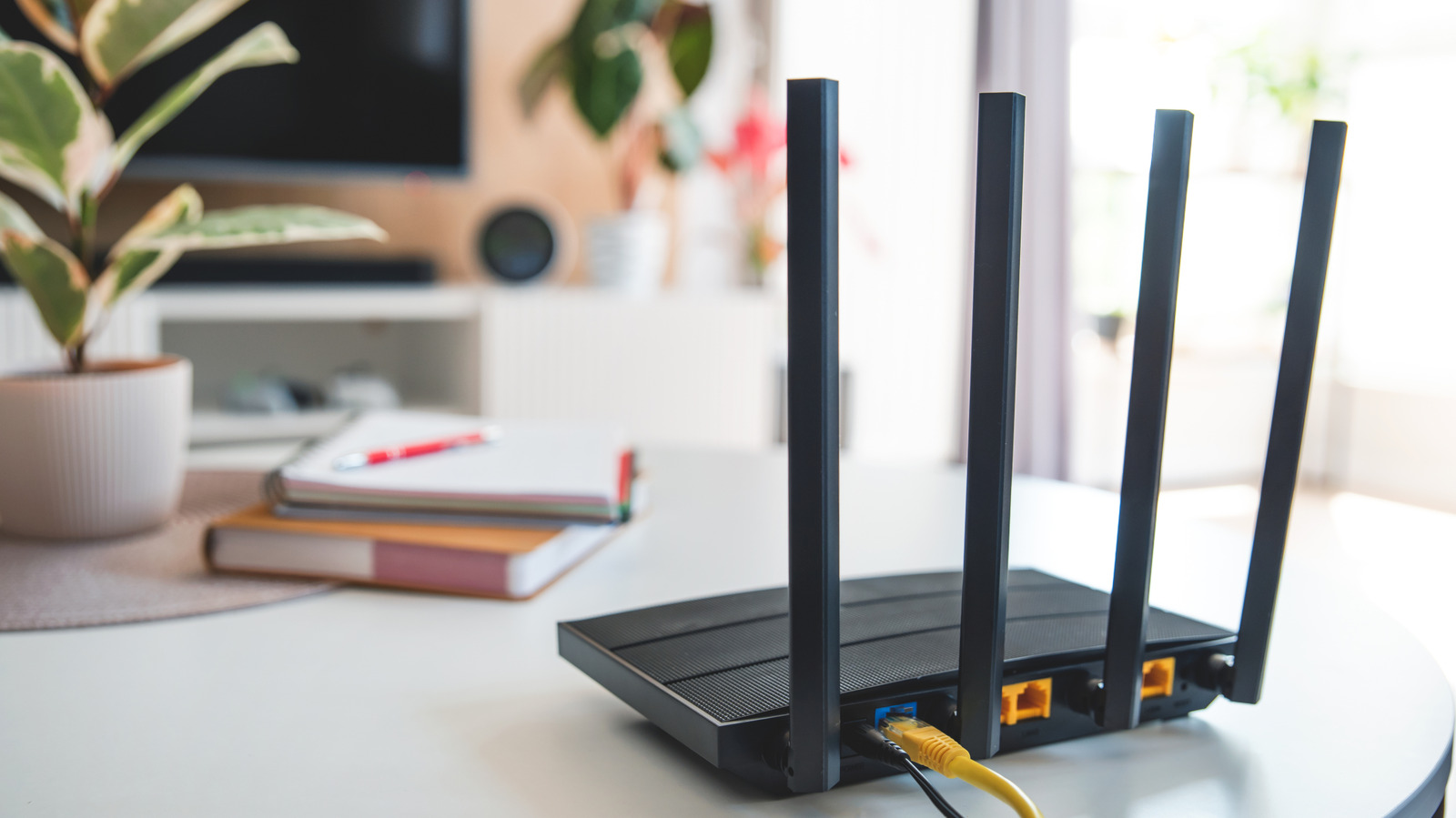
Home routers, like any electronic device, generate heat during normal operation. Modern routers use advanced System on a Chip (SoC) architectures, such as Broadcom's BCM6765, which integrate multiple components onto a single chip, increasing heat output under heavy data loads. If a router exceeds its safe operating temperature, it may experience connectivity drops, performance throttling, or automatic shutdowns. Prolonged overheating can permanently damage internal components. The most obvious sign is a device that feels uncomfortably hot to the touch, often accompanied by intermittent Wi-Fi disconnections, slow speeds, or reduced range.
To prevent overheating, ensure proper ventilation by placing the router in an open area away from direct sunlight, enclosed spaces, or heat-emitting devices like computers and consoles. Regularly clean dust from ventilation grilles to maintain airflow. Keeping the router’s firmware updated can resolve stability issues and thermal bugs. If overheating persists, check the power adapter—a faulty or mismatched unit can cause excess current draw and heat. Replacing it with a correctly rated adapter may help. If these steps fail, the router itself may be failing and require replacement.
Source: Engadget · Summarized by HeadlinesBriefing