
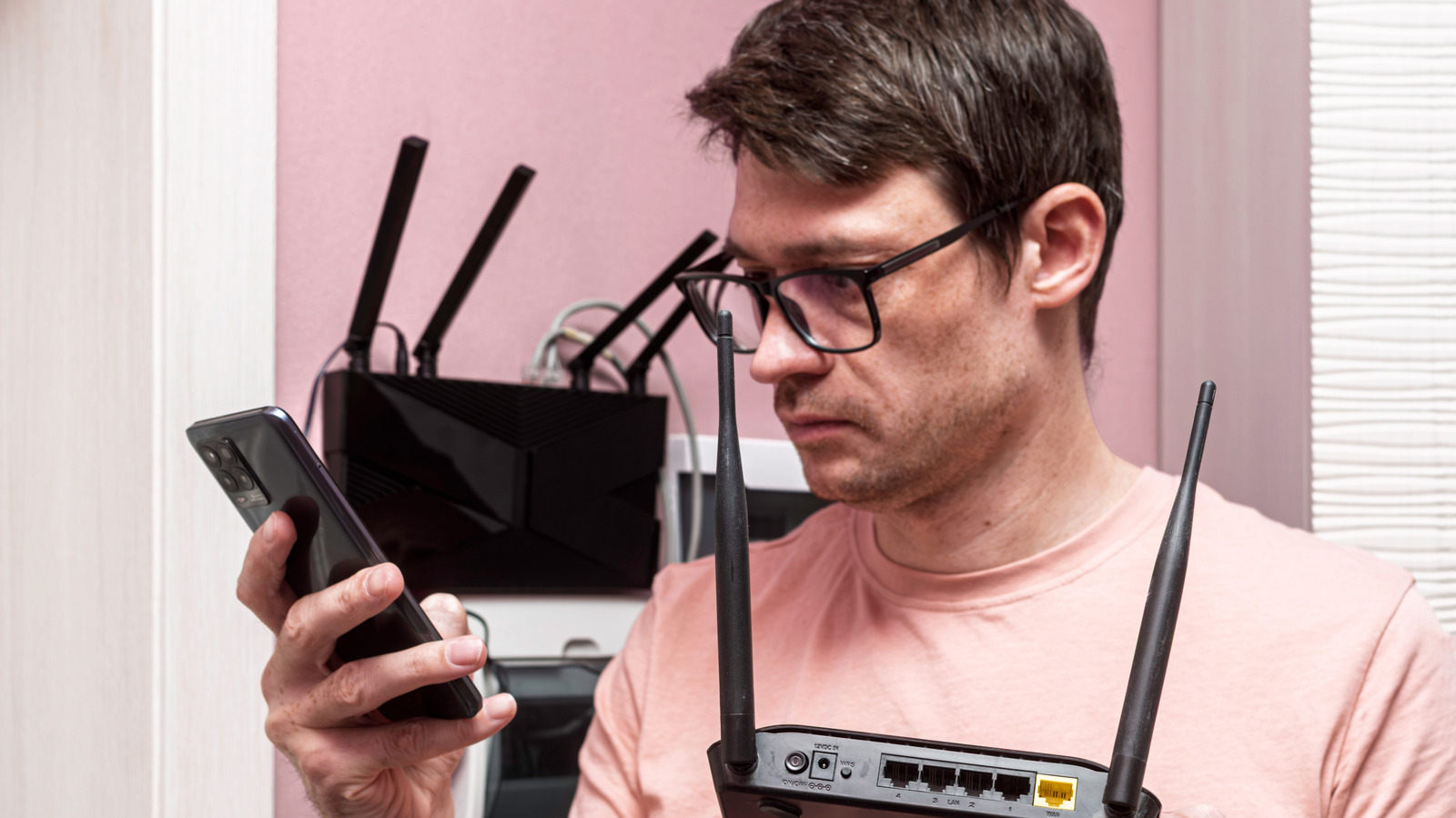
Speed is the main selling point for routers, with flagship models like Netgear's Nighthawk RS700S offering up to 19Gbps and priced over $500. However, for most households, a budget router under $100 from brands like Netgear or TP-Link is sufficient. A router cannot make your internet faster than your plan; it simply shares the connection your provider delivers. The FCC defines broadband as 100Mbps down and 20Mbps up, so a budget router can easily handle this load. Before purchasing, check your internet plan to ensure you are not overpaying for speeds you cannot use.
A good budget router only needs four key features: Gigabit Ethernet ports for reliable wired connections, parental controls for managing screen time, Wi-Fi 6 or better for handling multiple devices efficiently, and whole-home range coverage. In larger homes, a mesh system or second access point may be more effective than a pricier single router. Wi-Fi 7, the newest standard, offers 320MHz channels in the 6GHz band, doubling throughput compared to Wi-Fi 6. However, to benefit from these speeds, your devices must also support Wi-Fi 7, which is not yet common. Wi-Fi 7 routers work with older devices but do not increase their speed.
The right router depends on your household's needs. For one or two people, even an older Wi-Fi 5 router can handle phones, laptops, and TVs. For families of four to six, Wi-Fi 6 is ideal due to its ability to manage multiple devices simultaneously. Expensive Wi-Fi 7 routers are only necessary in large homes or offices with gigabit-plus fiber plans and multiple Wi-Fi 7 devices. In most cases, a budget router or mesh system is more than adequate. High-end routers are worth it only for specific use cases, such as wireless PC VR streaming, which requires a stable 5GHz connection.
Source: Engadget · Summarized by HeadlinesBriefing