
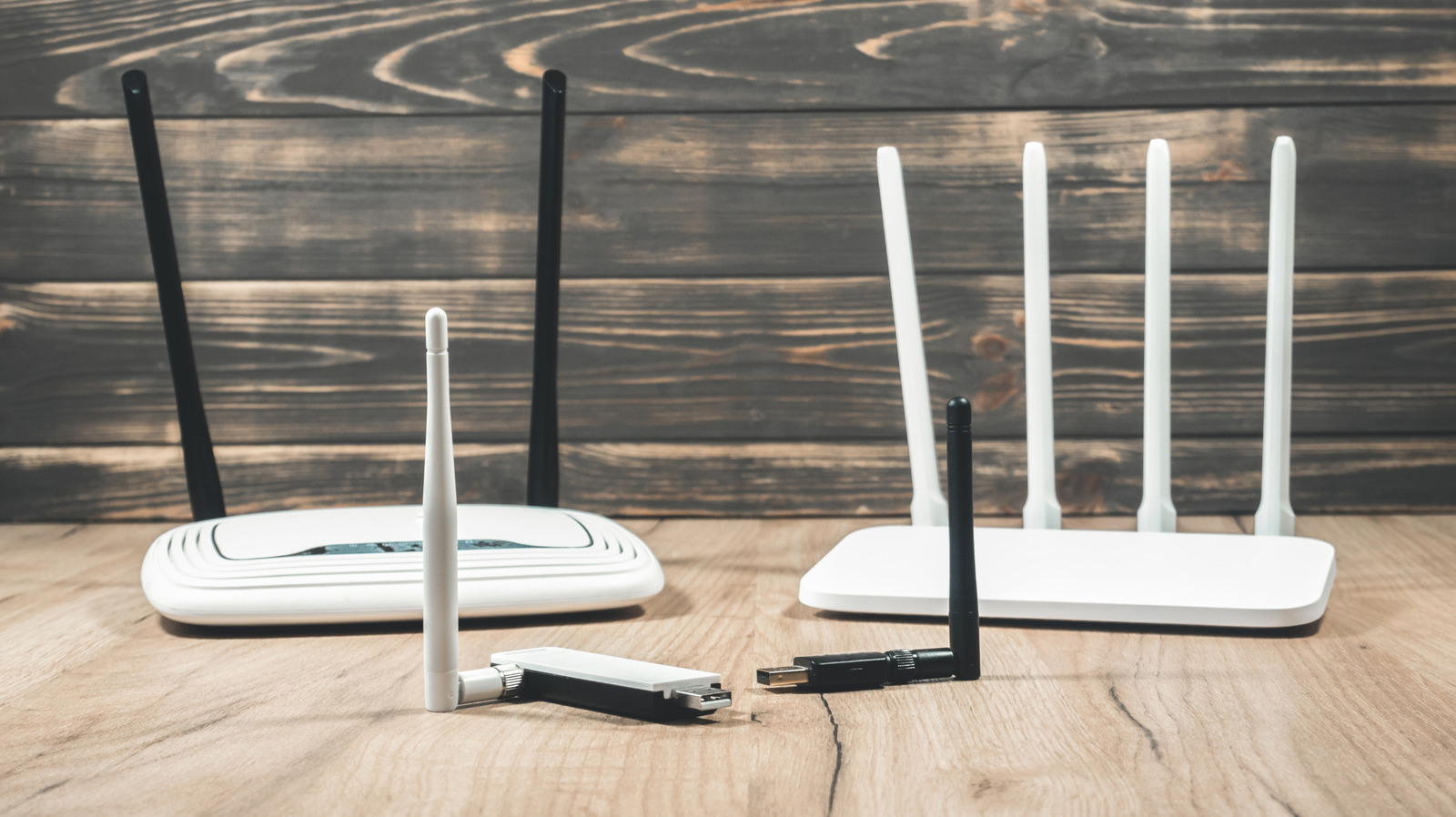
A router is rarely on anyone's upgrade list. Many people keep whatever their internet provider supplies and only start thinking about replacing it when problems appear, such as dropped video calls or slow downloads. Slow Wi-Fi alone isn't the only sign, though. Before deciding, it's worth checking whether the router is outdated enough to pose a security risk to every device on your network, and whether newer features and Wi-Fi standards would make a meaningful difference to the devices you own.
The most serious warning sign is a router that has stopped receiving firmware updates. Every internet-connected device should get security updates, and for a router, which acts as the gateway to your connection and everything on your network, they are essential. Once support ends, newly discovered vulnerabilities go unpatched. To check, look for the model number and hardware revision on the label, then search the manufacturer's website. Some brands, such as ASUS, publish end-of-life product lists. If no clear answer appears, review the date of the last firmware release. A gap of several years suggests the device may be out of date, though not always. Contacting the manufacturer directly can confirm update eligibility. Routers provided by an ISP are usually replaced before reaching this stage, so it is worth checking with the provider first.
Failing hardware often shows its own symptoms. Devices that normally hold a strong signal may begin to disconnect at random, and the router may periodically freeze until it is power-cycled. Eventually it may stop powering up altogether. Disconnections can stem from signal interference, which moving the router or changing channels may fix, or from a single faulty device on the network. Slow speeds are easier to diagnose, but persistent problems across several devices point toward the router itself.
If updates are available, install them promptly through the router's app or administration page, usually found under a system or firmware section. If the router is past support or showing repeated failures, replacement is the safer choice.
Source: Engadget · Summarized by HeadlinesBriefing