
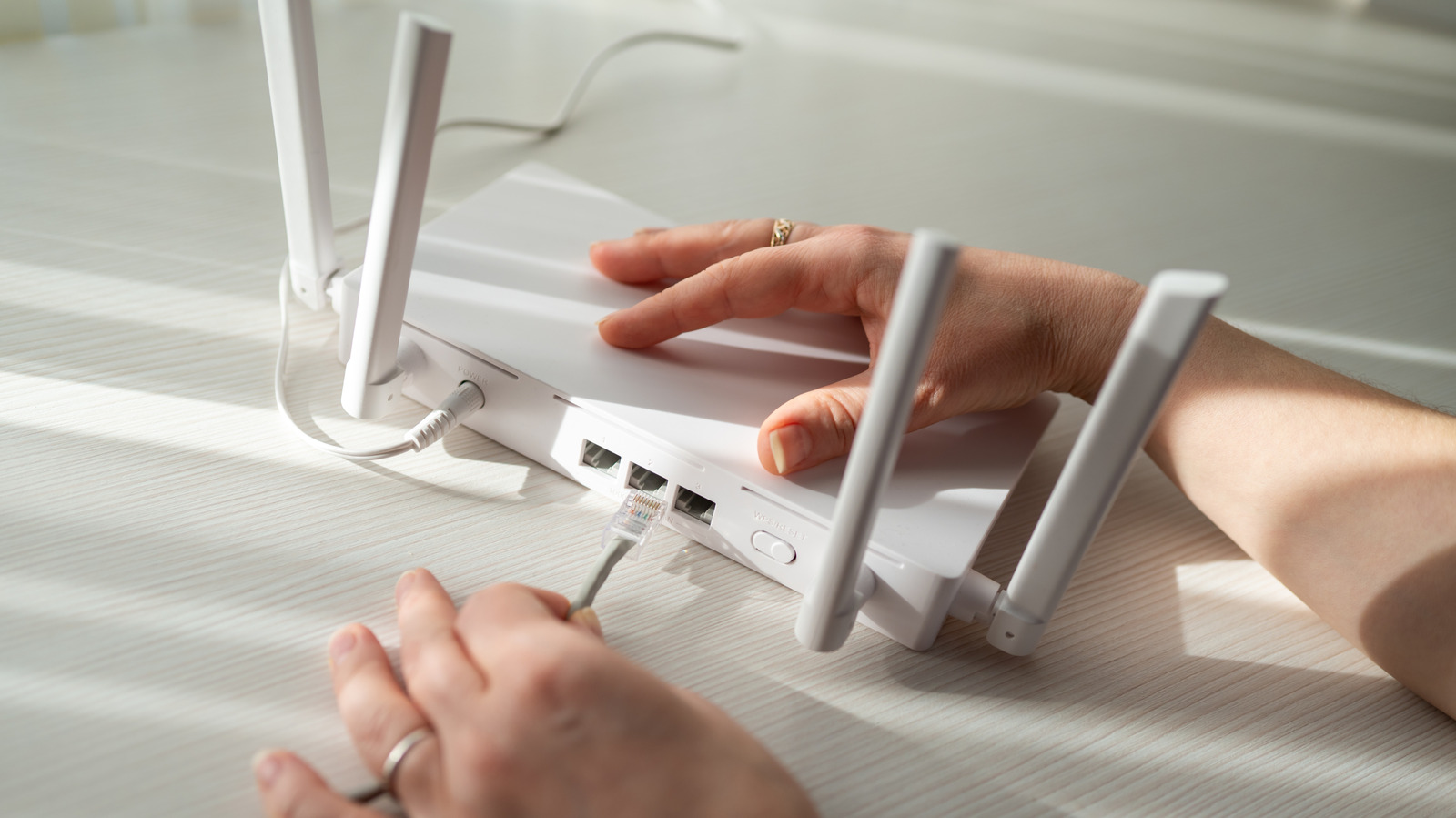
Taking shortcuts while setting up your home network can lead to buffering and connectivity issues down the road. One common error is poor router placement. While nobody wants a bulky router like TP-Link's in the middle of the living room, tucking it into a corner isn't ideal either. The router should be in a central location, away from nearby electronics such as microwaves, cordless phones, and baby monitors that can disrupt the Wi-Fi signal.
If your internet connection enters through a corner of the house, you don't have to set up everything there. You can extend coverage by running an Ethernet cable to another access point elsewhere in the home. When purchasing a router, match the equipment to your internet plan. A high-speed gaming router is overkill for rural DSL or satellite internet. Consider your home's layout and coverage needs. Larger or multi-story homes can benefit from a mesh system, but proper placement of each node is critical.
Relying solely on Wi-Fi when cables could help is another mistake. Wireless connections work for general use, but online gaming and high-demand applications benefit from Ethernet cables, which offer lower latency, faster speeds, and better security. Cat6a cables can support 10-gigabit connections over long distances. Before running cables, plan device placement and add equipment one piece at a time.
On the software side, using weak router security settings is a major risk. Enable WPA3 Personal when possible, or use WPA2/WPA3 transitional mode for older devices. Avoid outdated protocols like WEP and TKIP. Change default administrator credentials and Wi-Fi passwords, and keep router firmware updated to protect against known vulnerabilities.
Source: Engadget · Summarized by HeadlinesBriefing