
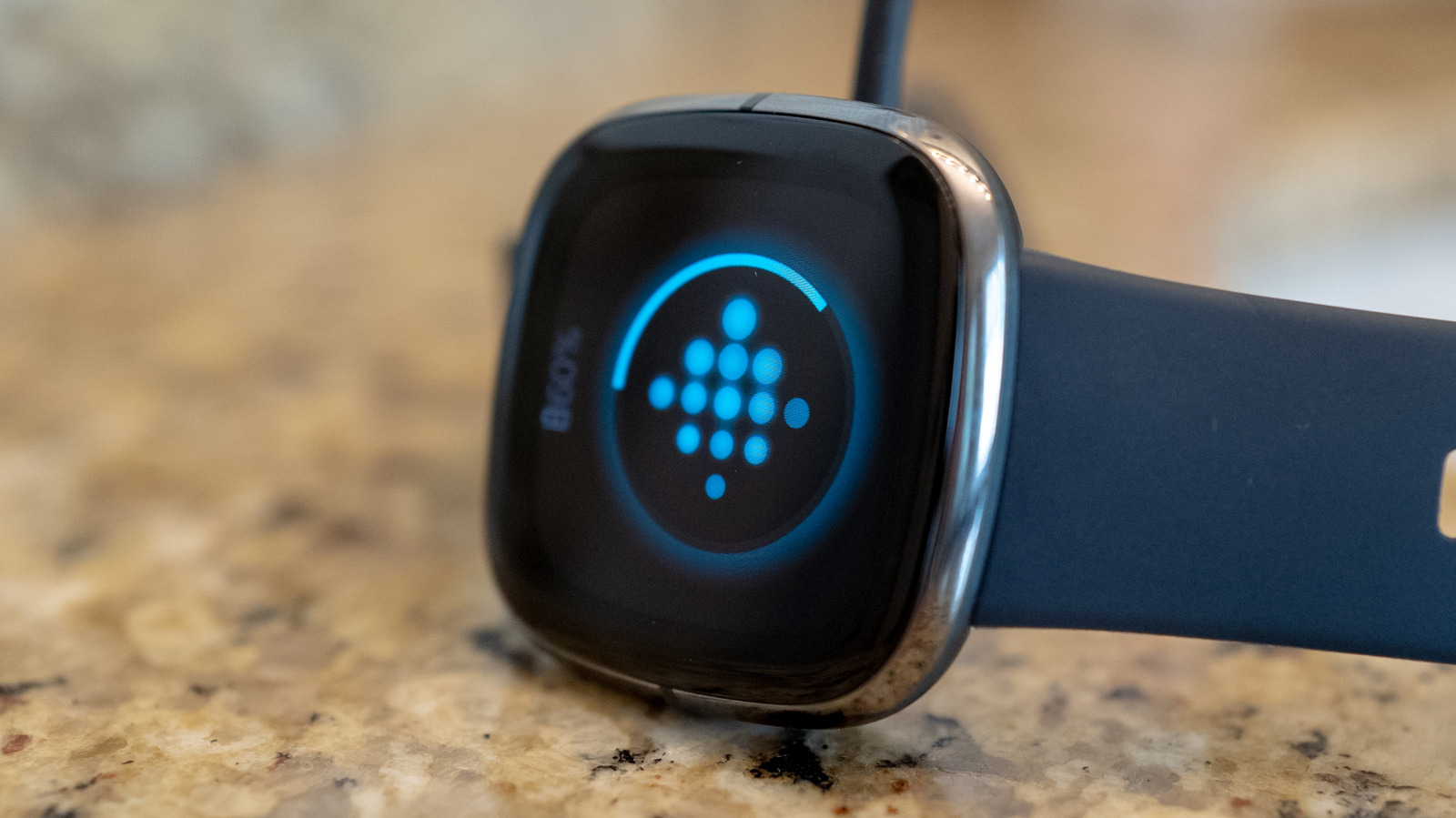
Restarting your Fitbit watch is similar to rebooting a laptop when it lags or a router when connectivity drops. While regularly restarting your device won't cause harm, it serves as an effective troubleshooting step for specific issues. If your Fitbit fails to sync with the app, the screen becomes unresponsive, taps or swipes don't register, or data tracking seems delayed, a restart often restores proper function.
There is no set schedule for restarting, but it is a safe process that preserves all user data. Unlike a factory reset, which erases everything, a restart simply refreshes the system. This is distinct from resetting a device for gifting or when persistent issues defy a simple reboot.
Google warns against inserting objects into sensor holes, and certain models lack recessed reset buttons. Common fixable issues include sync failures, unregistered steps or sleep data, and missing notifications. Even a completely frozen screen or a reboot loop—such as one triggered by saltwater exposure—can often be resolved with a restart.
If problems occur frequently, further investigation or device replacement may be warranted. Restart methods vary by model: the Versa 4 and Sense 2 use Settings > About > Shutdown; the Charge 5, 6, and Inspire 3 use Restart or Reboot Device menus; older models require specific button combinations or checking Google support. For unresponsive screens, specific button sequences on the Charge 5 and 6, or the Inspire 3, can trigger a reboot.
Newer models like the Fitbit Edge require a long press of the side button.
Source: Engadget · Summarized by HeadlinesBriefing