
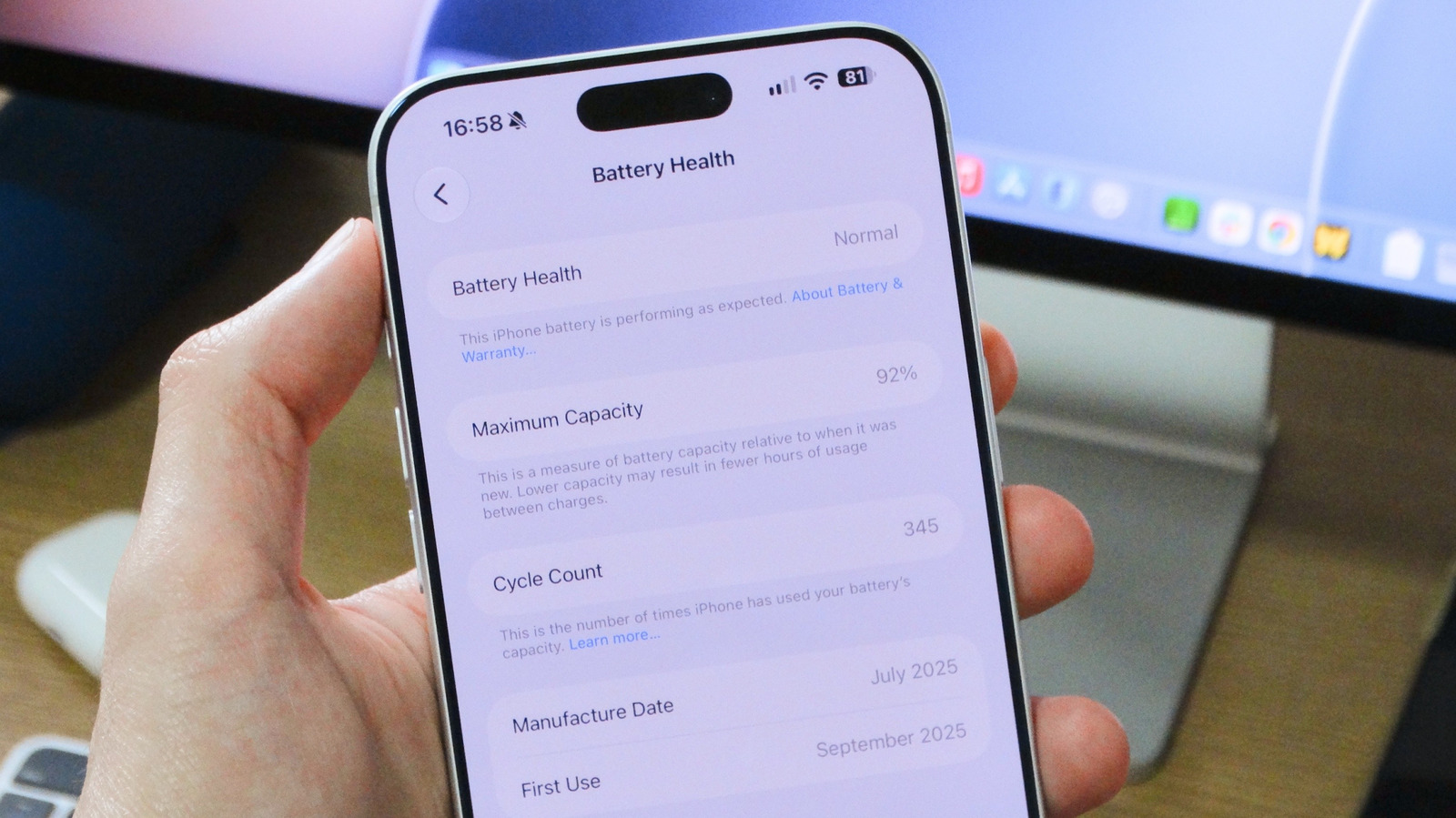
Checking your iPhone's battery health is simple. Open Settings, tap Battery, and find the Battery Health section (called Battery Health & Charging on older models like the iPhone 13). The Maximum Capacity percentage shows capacity relative to new; Apple designs batteries to retain up to 80 percent under normal conditions. For iPhone 15 and later, this is based on 1,000 full charge cycles; older models are rated for 500 cycles. Below 80%, you may see reduced battery life and performance management warnings.
To check cycle count on iPhone 15 or newer, go to Battery > Battery Health and scroll down. Older models require third-party tools like coconut Battery. One cycle equals using 100% of current capacity, not necessarily at once. 1,000 cycles roughly equals two to three years of real-world use.
Enable Optimized Battery Charging to pause charging at 80% and complete near your wake time. iPhone 15+ also offers a maximum charge limit. If health drops below 80% or cycles hit 1,000, consider a battery replacement via Apple Support.
Source: Engadget · Summarized by HeadlinesBriefing