
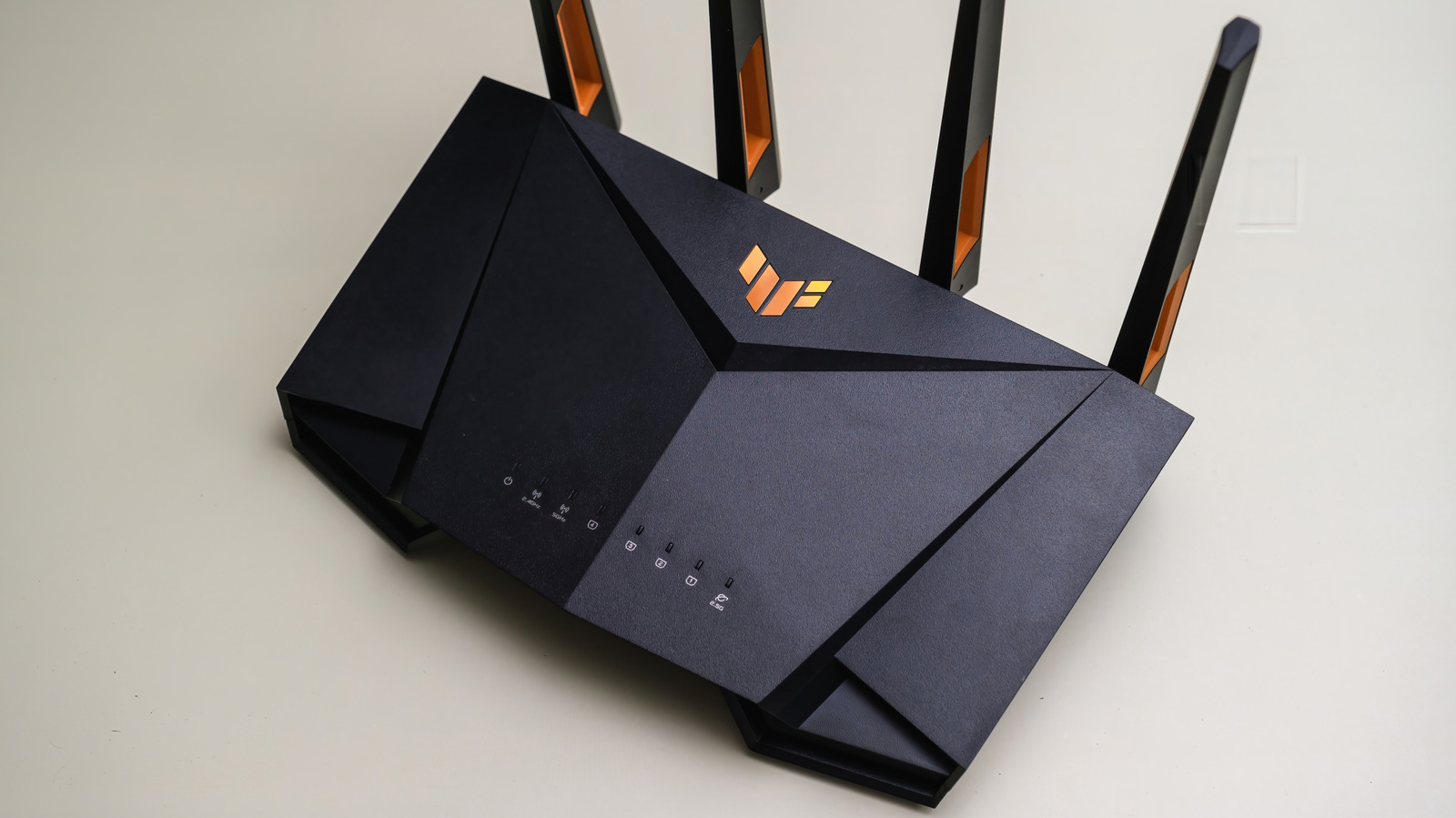
Gaming routers aren't snake oil, but you can get many important features without them. Gamer-specific versions exist for almost all the hardware you use at your desk. Some make a difference, like gaming monitors with high refresh rates or mice with programmable buttons. But what about a gaming router?
A gaming router with big antennas promises lower latency and features that make gaming the priority for your traffic. That sounds appealing if you're sick of lag, but ordinary routers have similar tools. Strip away the fancy packaging, and there's nothing particularly special about the internal components. The gaming label is partly marketing. But you do get gaming-specific features, alongside often-powerful hardware.
Specs-wise, gaming routers use the same Wi-Fi standards and Ethernet connections as all other ones. Expect Wi-Fi 7 support for the newest models, along with tri-band radios, fast Ethernet jacks and at least one USB port. For comparison, you'll find the same features on TP-Link's non-gaming Archer BE550, an entry-level Wi-Fi 7 router. The software can make more of a distinction. Some routers, like Netgear's Nighthawk Pro Gaming XR1000, provide a dashboard with settings to prioritize certain games.
Gaming routers often offer capable hardware, along with tools you're less likely to find on ordinary models. The mistake to avoid is expecting that branding equals better performance. Gaming routers can help sort out busy connections via traffic management. Quality of service, or Qo S, lets you give certain devices priority. Gaming routers take that a step further with advanced Qo S that can identify game traffic automatically. Testing has shown this can work to improve performance.
Source: Engadget · Summarized by HeadlinesBriefing