
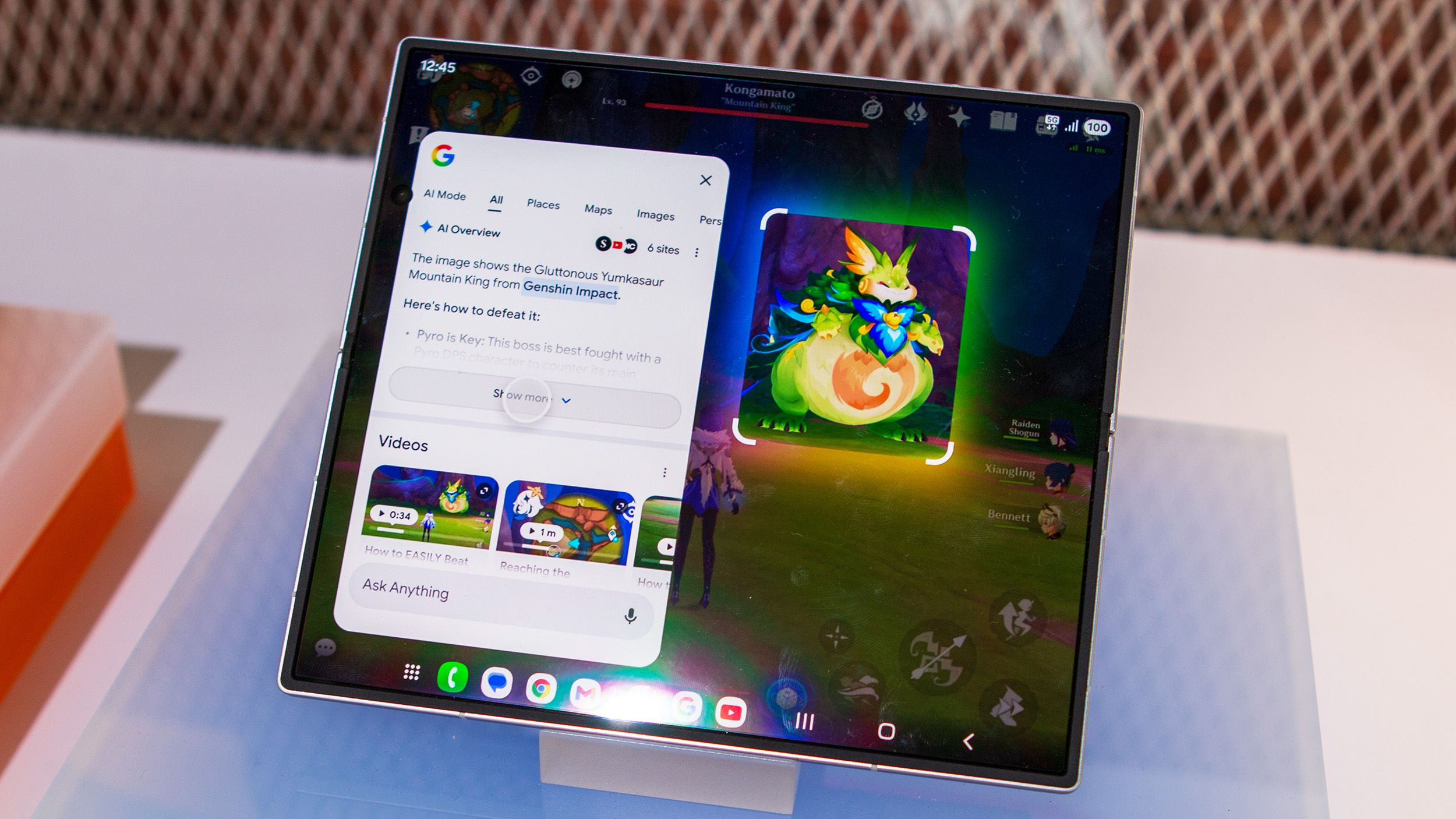
Google's Circle to Search turns two years old in 2026, and it's evolved far beyond its initial screen-tapping functionality. Originally launched alongside the Samsung Galaxy S24 series, the AI-powered feature now packs three hidden capabilities that most Android users overlook. These tools transform Circle to Search from a simple Google Lens alternative into a multi-purpose utility that can replace several standalone apps.
First, the feature integrates Nano Banana, Google's generative AI image model, directly into the interface. Users can circle any photo on their screen and instantly access creative editing tools without switching to apps like Gemini or Pixel Studio. Whether you need to blur sensitive information, enhance graphics, or create entirely new visual elements, Nano Banana works within Circle to Search's UI. The feature also includes full-screen translation that works across any app or website, supporting dozens of languages with auto-detection and scrolling capabilities added in late 2024.
Finally, Circle to Search doubles as a QR code and barcode scanner for on-screen content. Unlike the Camera app, which struggles with digital codes, this tool reads QR codes embedded in apps and websites, presenting action chips for copying or following links. From eSIM activations to Wi-Fi network joins, the feature handles various code types. These additions prove Google's commitment to making Circle to Search the ultimate AI tool, blending practical benefits with artificial intelligence in a way that feels natural rather than gimmicky.
Source: Android Central · Summarized by HeadlinesBriefing