
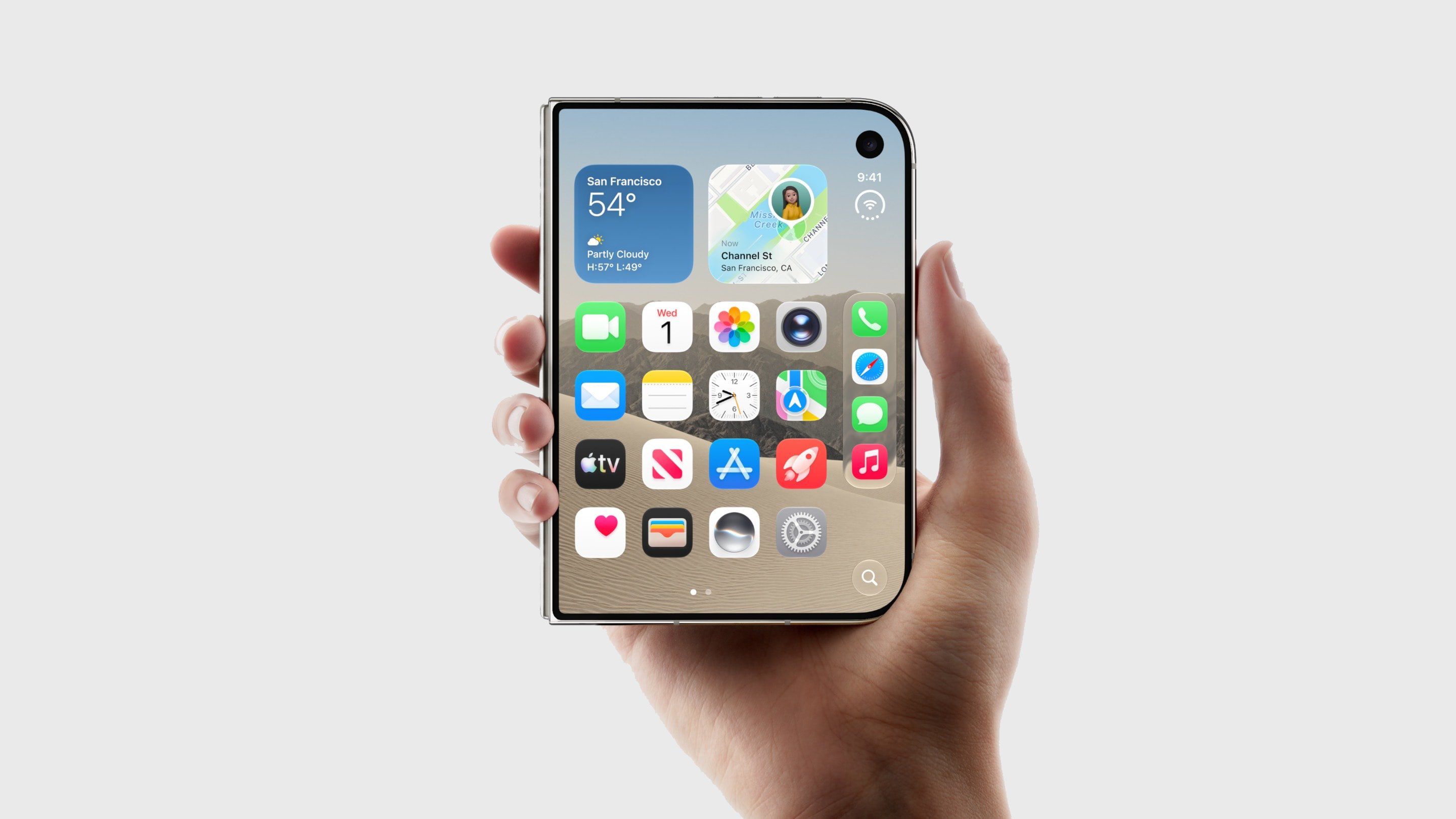
The iPhone Duo uses a Touch ID sensor built into the side button, which some view as a step backward after nearly a decade of Face ID. However, if you wear an Apple Watch, you can use it to unlock your iPhone Duo instead, eliminating the need to touch the side button. This feature, called Unlock with Apple Watch, is not new but works reliably. Your Apple Watch must be a Series 9 or later, Ultra 2 or later, or an SE 3. To enable it, open Settings on your iPhone Duo, tap Touch ID & Passcode, enter your passcode, scroll to Unlock with Nearby Devices, and toggle on your watch. To unlock, ensure your watch is on your wrist, unlocked, and close to your iPhone Duo. Wake the iPhone Duo, swipe up from the bottom edge, and your watch will handle authentication. You can disable the swipe-up step in Settings.
Related roundups include Apple Watch 12 and iPhone Duo, with buyer's guides available. This article first appeared on MacRumors.com and can be discussed in their forums.
Source: MacRumors · Summarized by HeadlinesBriefing