
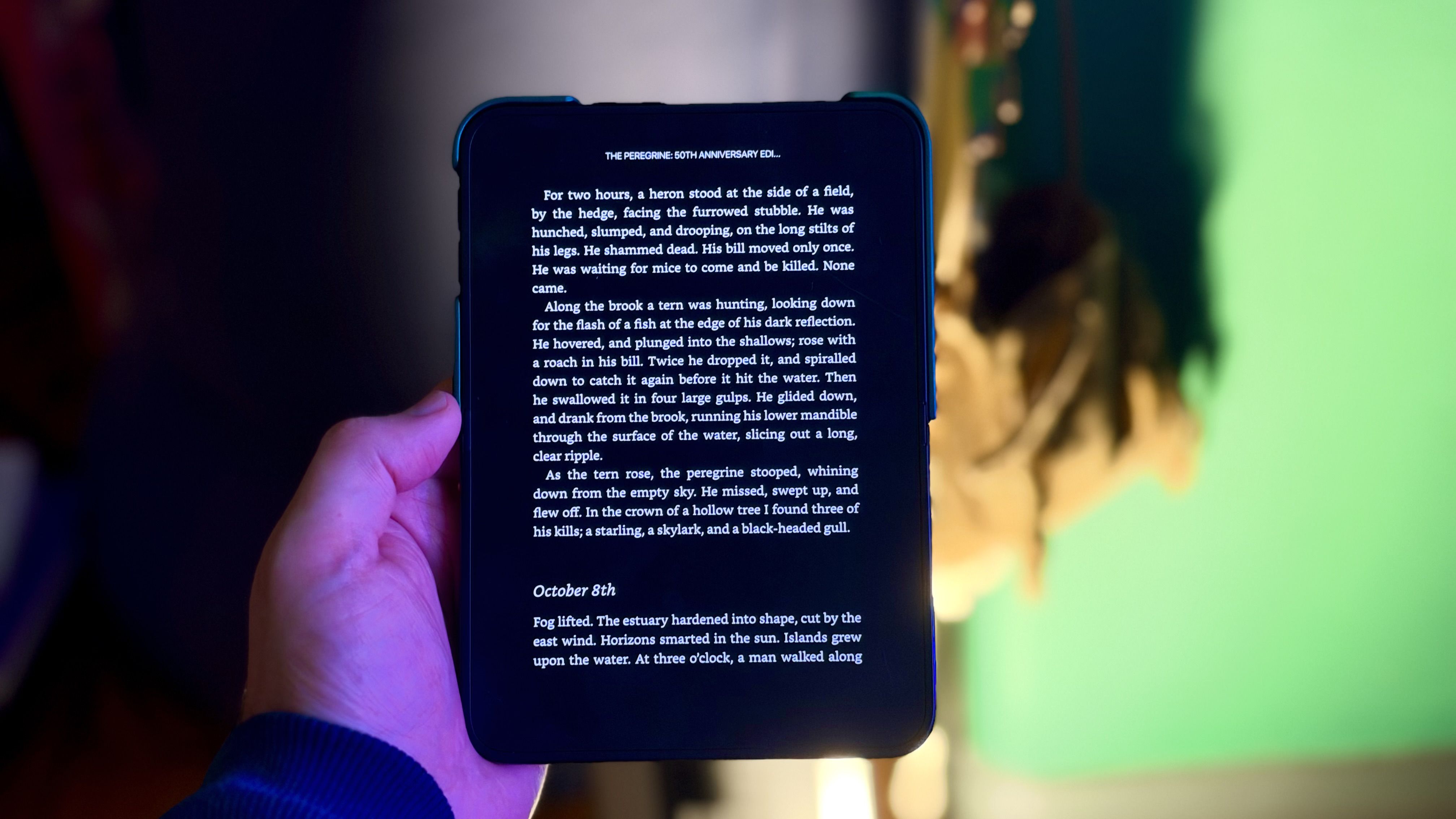
The iPhone Duo, the first iPhone with two screens, includes a new Shortcuts trigger called "Opened or Closed" that runs an automated action when the device is unfolded or folded. One useful application launches a specific app the moment you open your Duo, taking you straight into the app experience you expect. The example shows how to make the iPhone Duo launch the Kindle app whenever you unfold the device, making flipping the phone open feel like opening a book to where you left off. Any app can be substituted using the same method.
To set this up, open the Shortcuts app on your iPhone Duo and tap the plus button in the bottom-right corner. On the "What do you want your shortcut to do?" screen, tap Edit, then search for "Automation" and select Opened or Closed under the Display section. Choose Opened as the trigger, search for the Open App action, tap the App placeholder, and select the app you want to launch, such as Kindle. Leave the Shortcuts app to activate the automation, which saves automatically.
If you prefer running an action when you close your Duo, choose Closed as the trigger instead, or select Opened or Closed to run it both ways. The Shortcuts app also allows adding conditions like time or focus mode to ensure it only triggers when chosen conditions are met.
This new automation opens up many possibilities for customizing the iPhone Duo experience. Let us know what you come up with in the comments below.
Source: MacRumors · Summarized by HeadlinesBriefing